File Library
Explore Grasshopper definitions, example files, tutorials and reusable computational design files.
143 matching files
Parametric Vase
In this Grasshopper Python script, you can model a parametric vase with adjustable petals, twist, and thickness.
View file →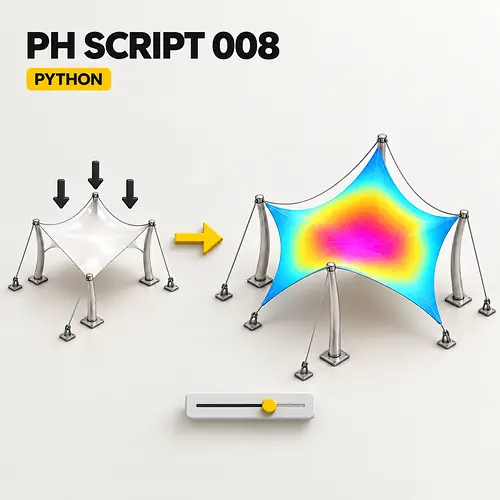
Structural Form Playground
In this Grasshopper Python script, you can compare mesh, cable, and mast movement and geometric weight proxies against a reference design.
View file →
Kangaroo Goal Reset
In this Grasshopper Python script, you can send a one-solution Boolean pulse whenever Kangaroo Inputs change.
View file →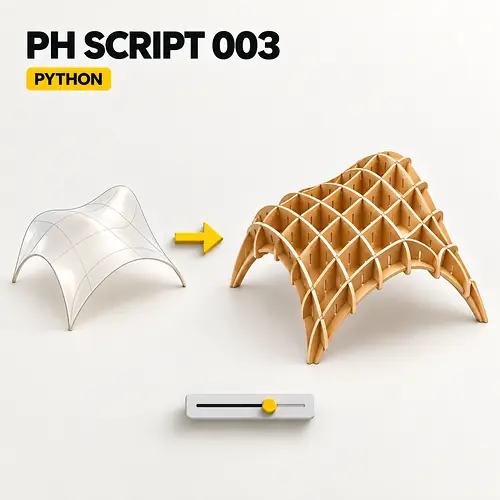
Waffle Generator
In this Grasshopper Python script, you can create adjustable waffle structures from custom geometry directly in Grasshopper.
View file →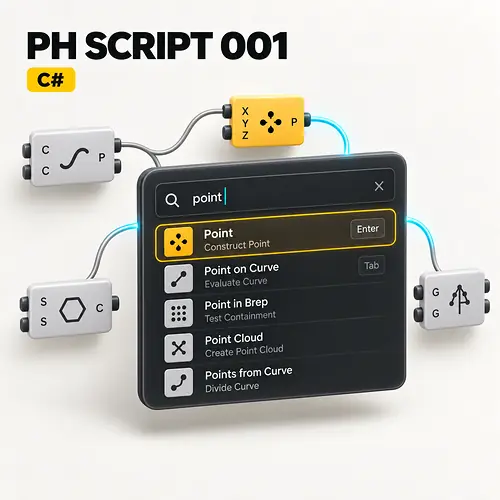
Command Palette
In this Grasshopper c# script, you can browse, search, preview, and insert your User Objects directly into the Grasshopper canvas.
View file →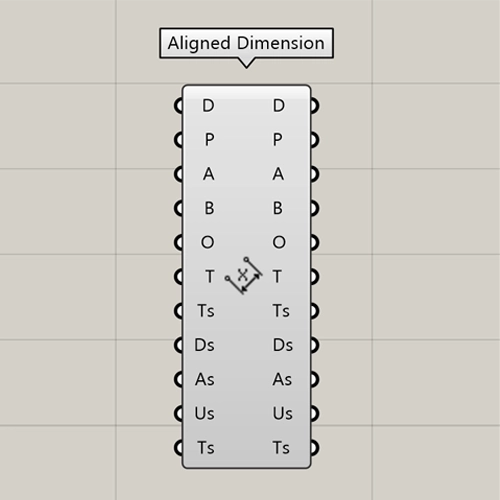
Aligned Dimension (Rhino 8)
Automate and adjust dimensions in Grasshopper with the new Aligned Dimension component in Rhino 8. Ensure real-time accuracy and precision in your parametric designs.
View file →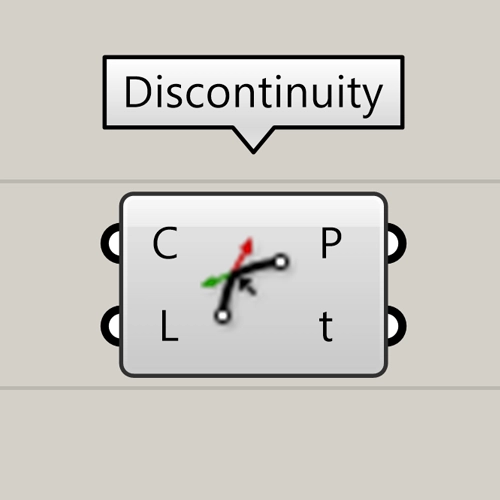
Discontinuity
Easily detect kinks and sharp transitions in curves with the Discontinuity component in Grasshopper! Identify and split curves precisely where needed for clean geometry processing.
View file →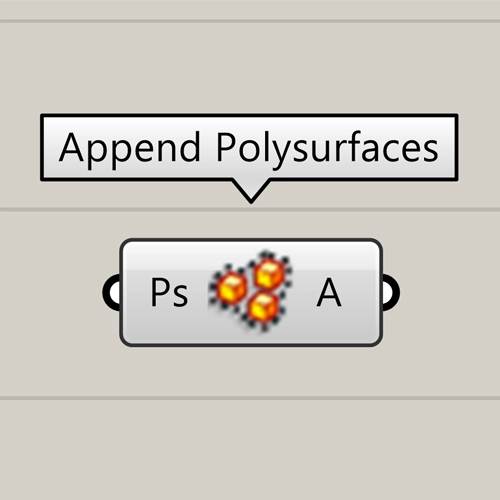
Append PolySurfaces
Easily merge multiple polysurfaces into a single brep with the Append Polysurfaces component in Pufferfish! Ideal for capping, offsets, and boolean operations.
View file →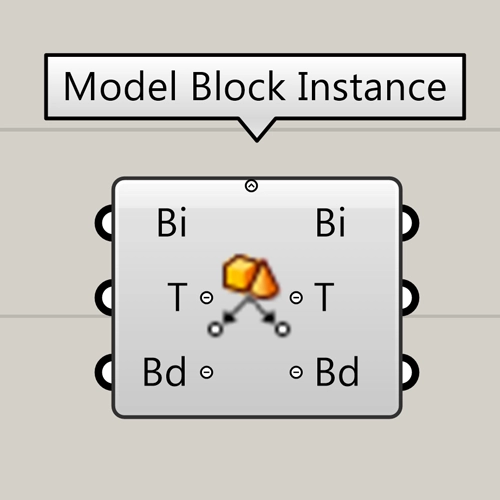
Model Block Instance (Rhino 8)
Easily manage repetitive models with the Model Block Instance component in Rhino 8. Duplicate block instances efficiently while maintaining precision and consistency in complex designs.
View file →
Flip Matrix Error
Struggling with Flip Matrix errors in complex data trees? Use the Path Mapper to reorganize data with custom rules and achieve accurate transposition. Learn how to swap path levels effectively!
View file →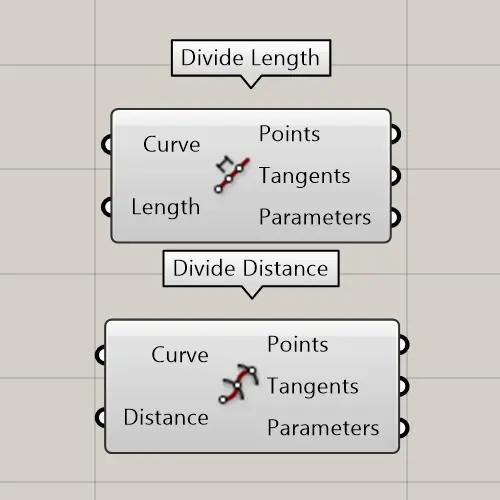
Divide Length/Distance
Discover the key differences between Divide Length and Divide Distance in Grasshopper. Learn how these components handle straight and non-linear curves for precise point placement and curve segmentation.
View file →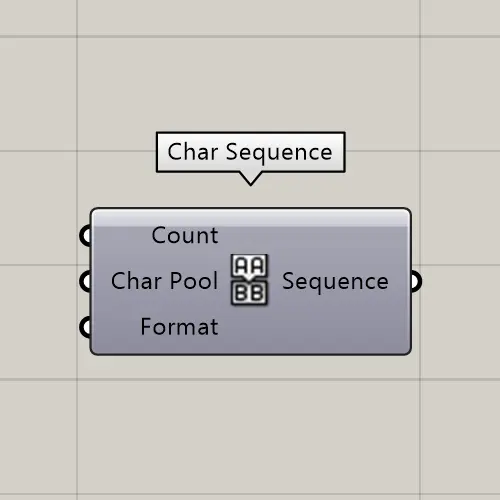
Char Sequence
Generate custom parametric text tags effortlessly with the Char Sequence component in Grasshopper. Define character pools and tag counts for dynamic, streamlined design workflows.
View file →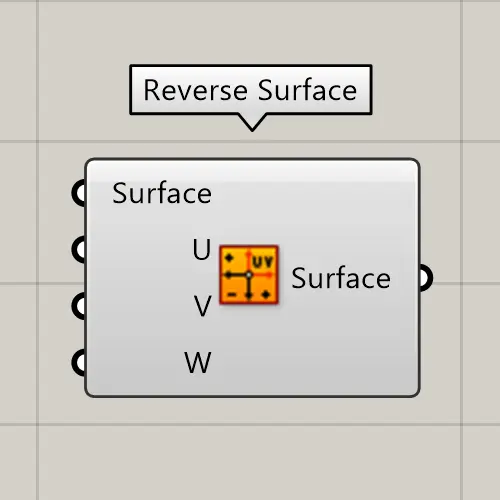
Reverse Surface (Rhino 8)
Take control of surface parameterization with the Reverse Surface component in Rhino 8. Reverse U, V, or normal directions to optimize evaluation, extraction, and panelization workflows.
View file →
PlanarityAnalysis
Analyze mesh face planarity in Grasshopper with the Planarity Analysis component. Visualize deviations with color gradients and set precise deviation limits for accurate results.
View file →
Cull Duplicates
Clean up your point data in Grasshopper with the Cull Duplicates component. Remove, retain, or average duplicate points effortlessly for clean and precise designs.
View file →
Unflatten Tree
Restore flattened data trees in Grasshopper effortlessly with the Unflatten Tree component. Reconstruct original branch structures with a guide tree in seconds.
View file →
Entwine
Learn how to organize data streams into structured trees with the Entwine component in Grasshopper. Preserve input structures effortlessly with grafting options.
View file →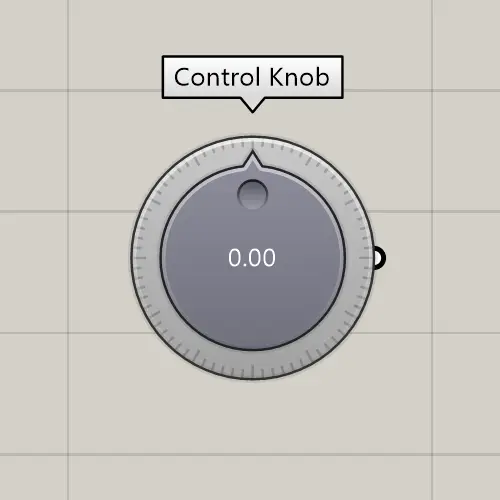
Control Knob
Explore the Control Knob in Grasshopper: an intuitive radial input tool perfect for angles, rotations, and directional parameters. Customize its range and precision with ease.
View file →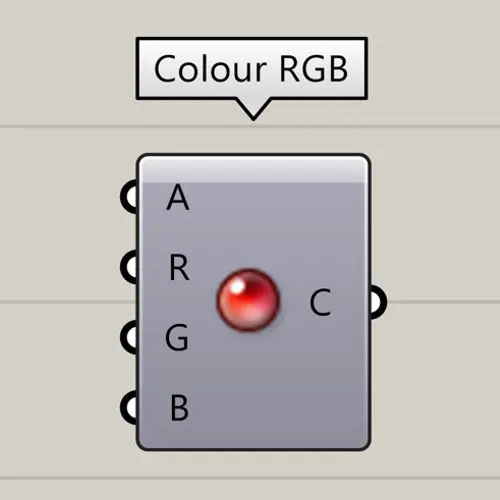
Color RGB
Learn how to generate random colors in Grasshopper with the RGB color model. Combine dynamic values for Red, Green, and Blue to create stunning palettes for your designs.
View file →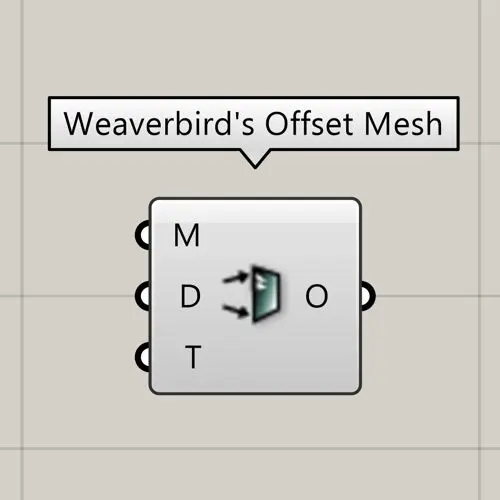
Mesh Offset
Learn how to create a thickened mesh in Grasshopper using Weaverbird tools. Achieve dual-sided offsets effortlessly with this clever technique.
View file →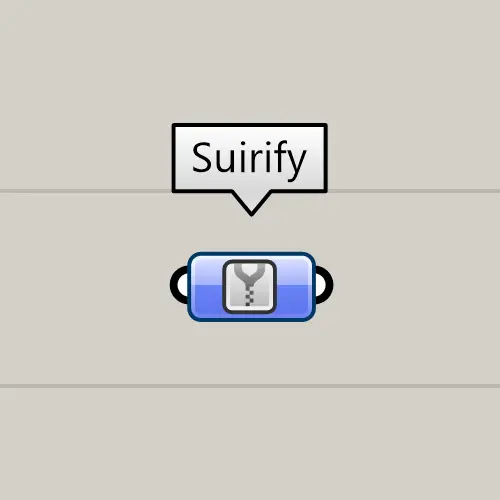
Suirify
Discover Suirify, the minimalist Grasshopper component that removes extra zeros from data tree paths—even for single-branch trees. Simplify your definitions effortlessly.
View file →
Button States
Discover the versatility of the Button component in Grasshopper. Customize its states, output different data types, and streamline your definitions effortlessly.
View file →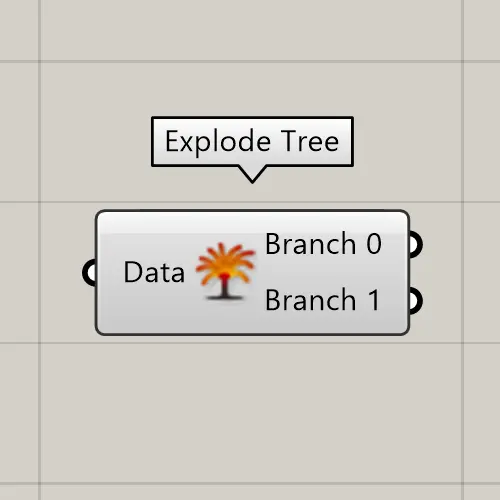
Explode Tree
Quickly extract branches from data trees with the Explode Tree component in Grasshopper. Learn how to unlock its full potential with the Match Outputs feature.
View file →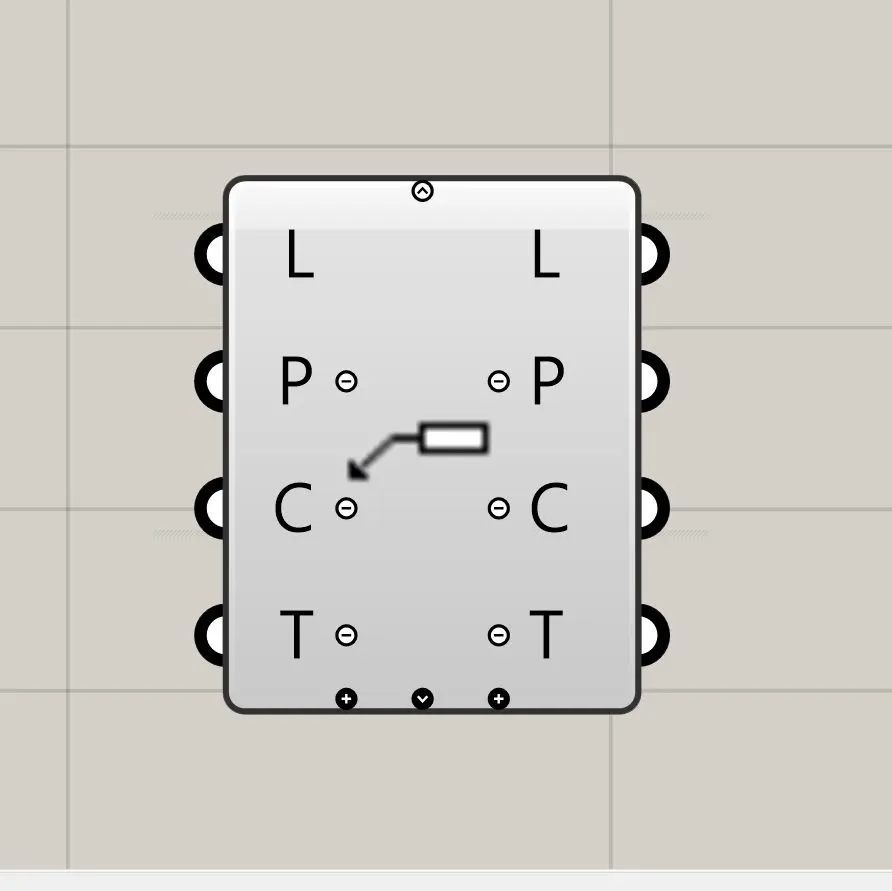
Leader (Rhino 8)
Add clarity to your Grasshopper models with the Leader component in Rhino 8. Create arrows with text to label and annotate your designs seamlessly.
View file →