Parametric House · Digital File
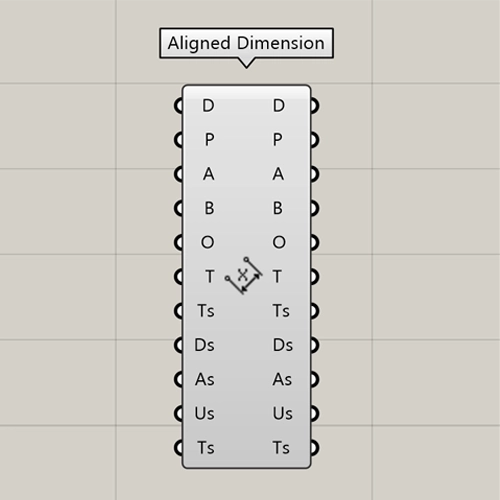
Aligned Dimension (Rhino 8)
Automate and adjust dimensions in Grasshopper with the new Aligned Dimension component in Rhino 8. Ensure real-time accuracy and precision in your parametric designs.
Gallery
Video Resources
Aligned Dimension (Rhino 8)
PublicAbout this file
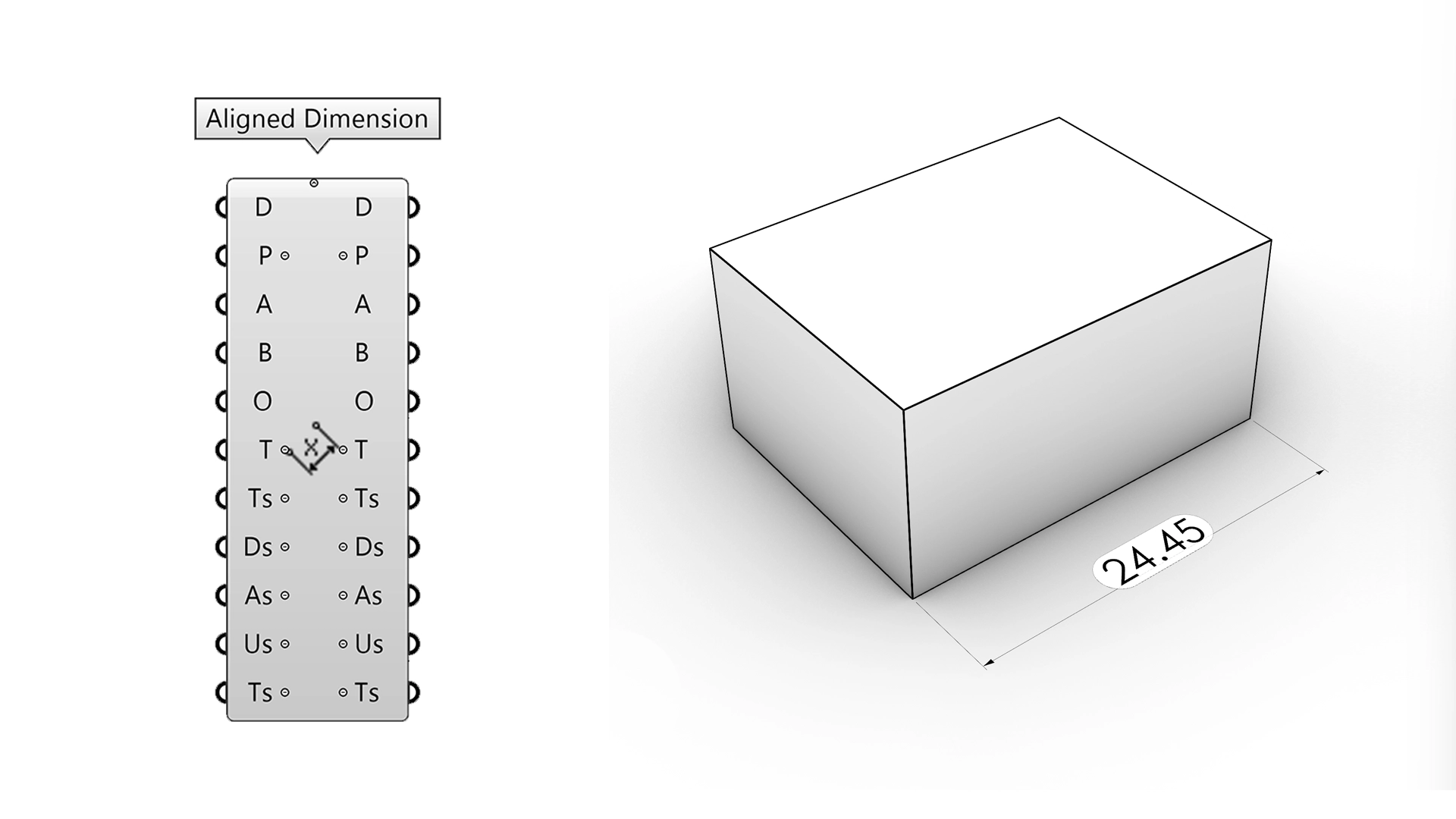
Rhino 8 introduces aligned dimensions to Grasshopper, allowing users to seamlessly integrate dynamic annotation into their parametric models.
This new feature enables precise, real-time dimensioning that updates as your geometry changes, ensuring accuracy and efficiency in workflows.
With the Aligned Dimension component, you can:
1- Automatically align dimensions to any geometry, including curves and surfaces.
2- Customize text height, offset, and font style using Grasshopper's parameter control.
3- Dynamically adjust annotations as you modify the design, maintaining clarity and consistency.
This is particularly useful for automating technical drawings, enhancing parametric modeling presentations, and ensuring accuracy in fabrication or documentation.
By leveraging Grasshopper’s annotation settings, you can fully control how dimensions appear, from font selection to text alignment.
Pro Tip: Use the Query Installed Fonts component to match specific font types and ensure uniformity across all annotations.
Algorithm by: Ali Ghadamyari
(free tips and ricks)