Parametric House · Digital File
Color RGB
Learn how to generate random colors in Grasshopper with the RGB color model. Combine dynamic values for Red, Green, and Blue to create stunning palettes for your designs.
Gallery
Video Resources
Color RGB
PublicAbout this file
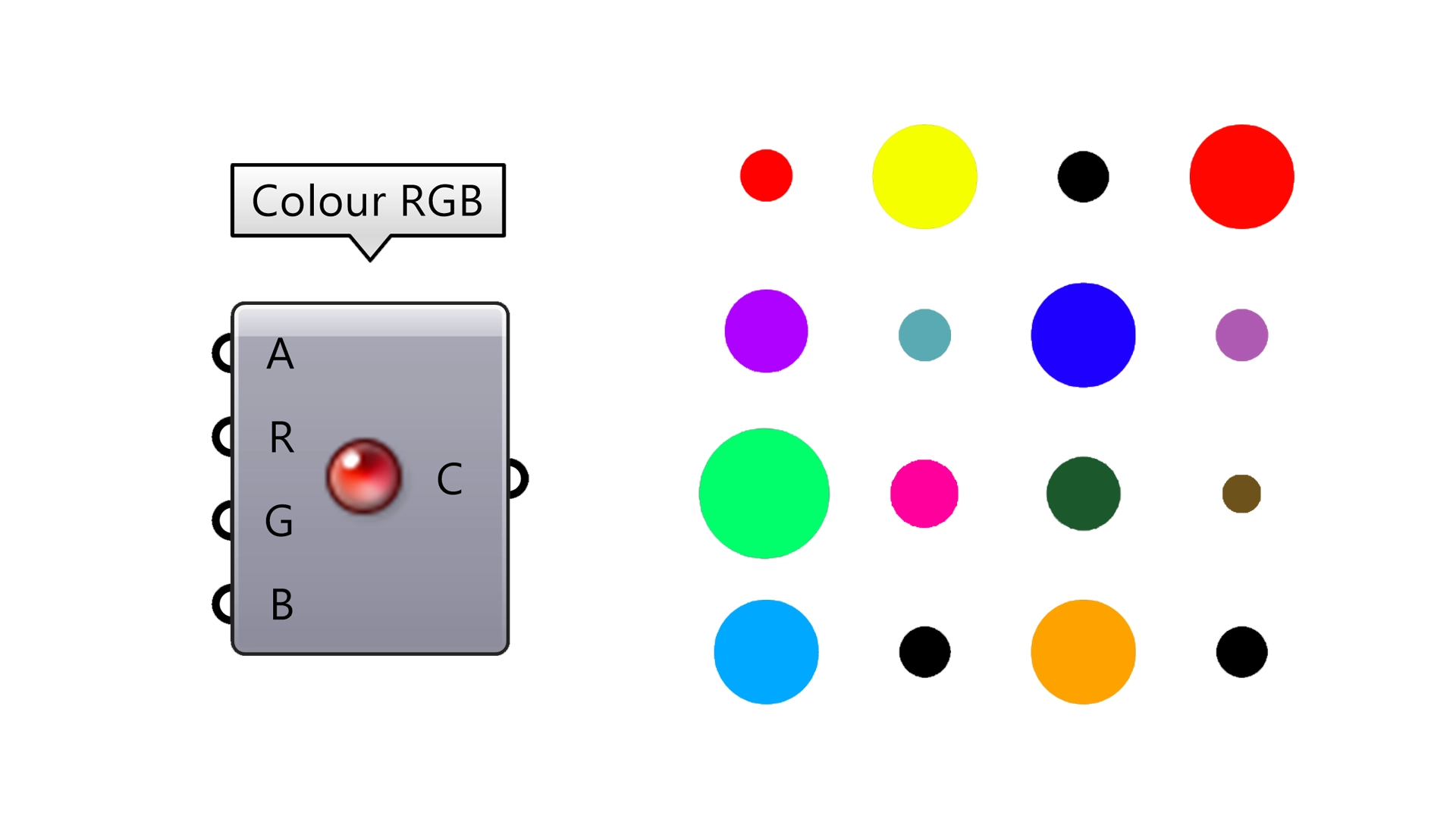
Creating random colors in Grasshopper is easy and fun with the RGB color model.
By combining three random values within the range of 0-255 for Red, Green, and Blue, you can generate unique and vibrant colors.
Here’s how:
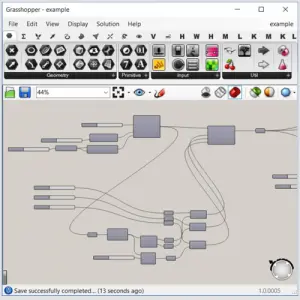
1- Use the Random component to generate values for each RGB channel.
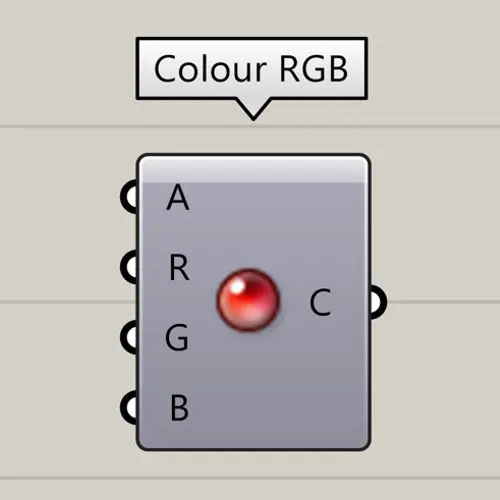
2- Feed these values into the Colour RGB component to create your palette.
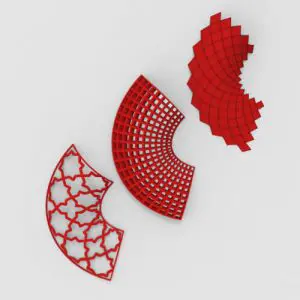
3- Apply these dynamic colors to surfaces, meshes, or other design elements for a playful and customizable visual output.
This method is perfect for creating diverse patterns, testing color schemes, or adding a touch of randomness to your designs.
Algorithm by: Ali Ghadamyari