Parametric House · Digital File
Button States
Discover the versatility of the Button component in Grasshopper. Customize its states, output different data types, and streamline your definitions effortlessly.
Gallery
Video Resources
Button States
PublicAbout this file
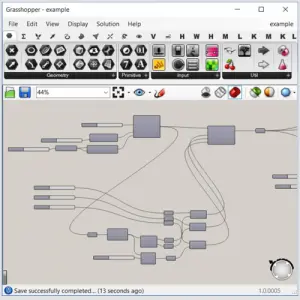
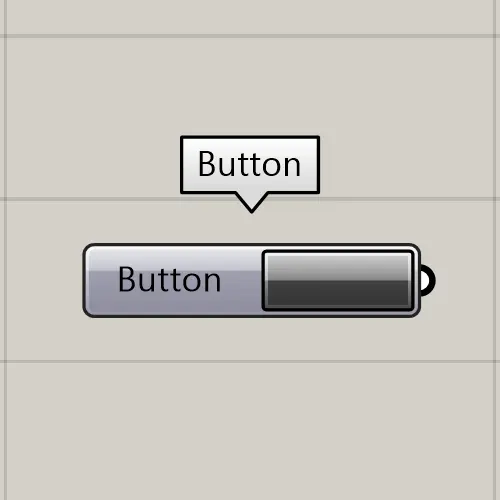
The Button component in Grasshopper is one of the simplest yet versatile tools.
It toggles between two states:
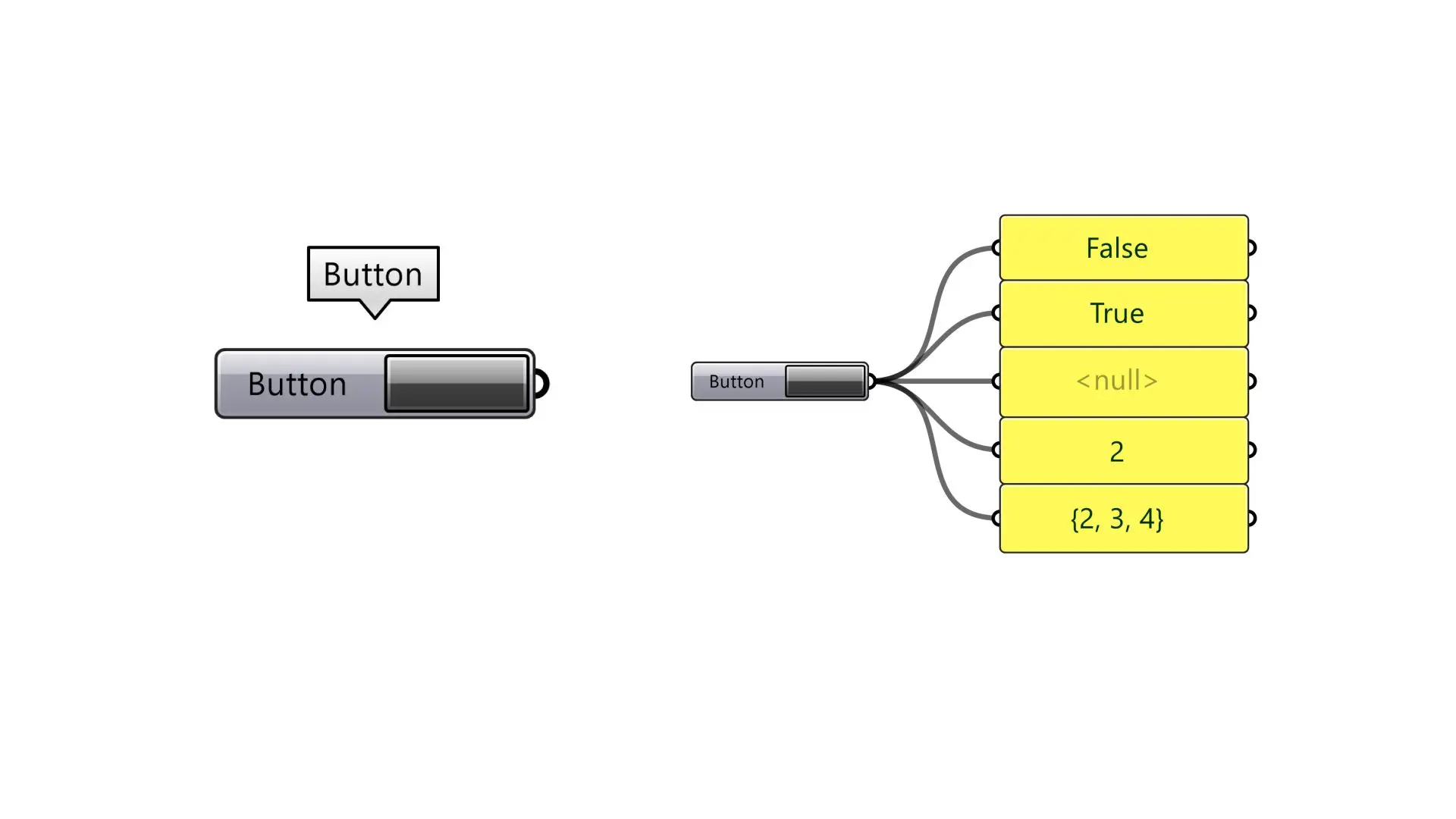
1- The default (not pressed) state, which outputs False.
2- The pressed state, which outputs True.
What makes the Button component even more flexible are the hidden customization options in its menu.
By right-clicking on the component, you can modify the output values for both states.
It supports multiple data types, including boolean, numbers, points, and even null values, enabling you to use it creatively in various definitions.
Whether you're triggering an event, sending custom values, or testing logic, the Button component’s simplicity and adaptability make it an essential tool for Grasshopper users.
Algorithm by: Neda Rafizadeh