Parametric House · Digital File
Mesh Offset
Learn how to create a thickened mesh in Grasshopper using Weaverbird tools. Achieve dual-sided offsets effortlessly with this clever technique.
Gallery
Video Resources
Mesh Offset
PublicAbout this file
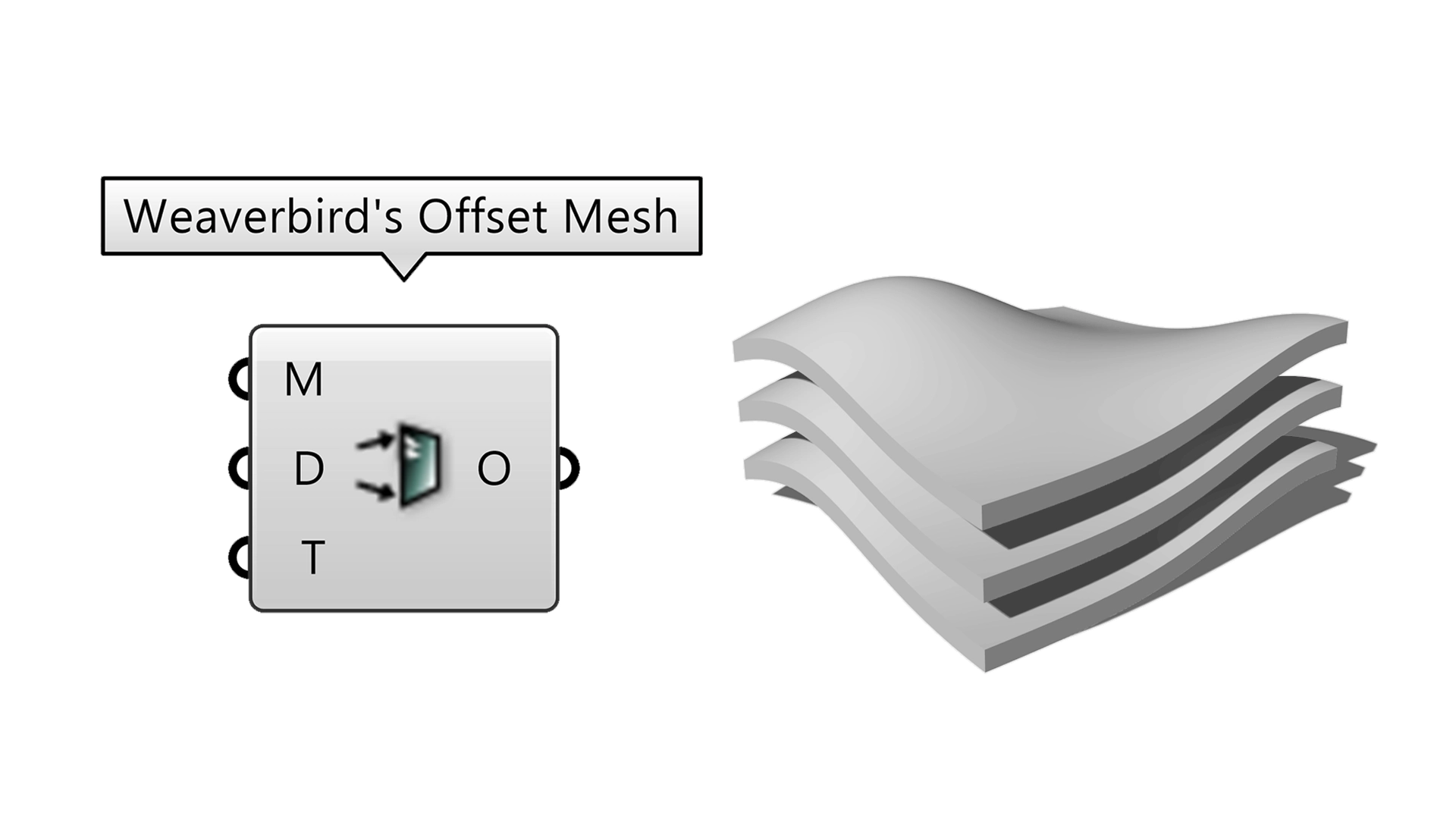
Creating a thickened mesh by offsetting it in both directions might seem tricky at first, as Grasshopper doesn’t have a built-in component for this.
However, with a clever combination of Weaverbird tools, you can easily achieve this effect.
Here’s how:
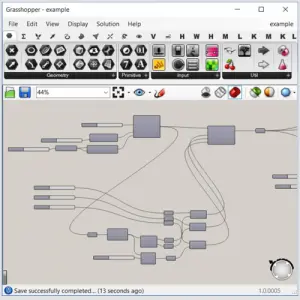
Use the Weaverbird Offset Mesh component to offset the mesh by half the desired thickness in one direction.
Apply the Thicken component in the opposite direction to add the full thickness.
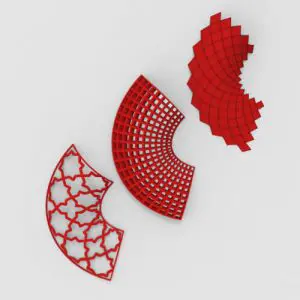
This process results in a perfectly thickened mesh with dual-sided offsets, ideal for creating complex and volumetric designs in Grasshopper.
Algorithm by: Ali Ghadamyari