File Library
Explore Grasshopper definitions, example files, tutorials and reusable computational design files.
37 matching files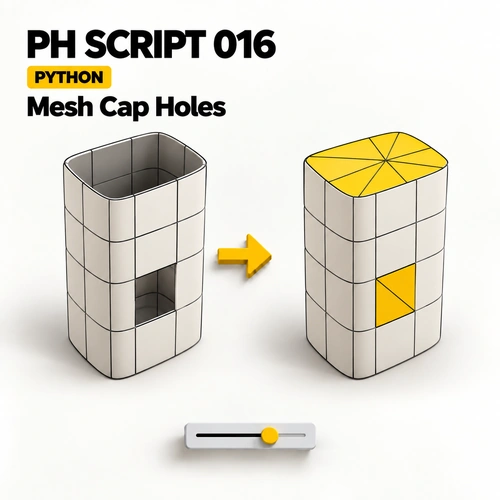
Mesh Cap Holes
In this Grasshopper Python script, you can close mesh holes and extract the cap faces separately.
View file →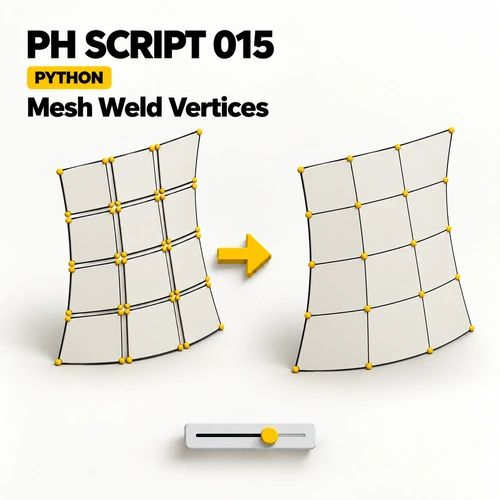
Mesh Weld Vertices
In this Grasshopper Python script, you can merge nearby mesh vertices with an adjustable distance tolerance.
View file →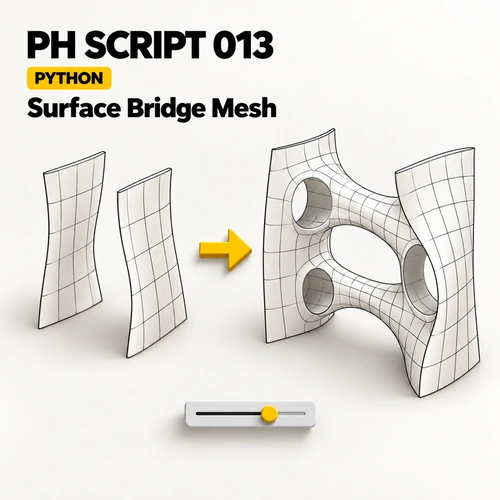
Surface Bridge Mesh
In this Grasshopper Python script, you can connect two surfaces with random or line-controlled mesh tunnels.
View file →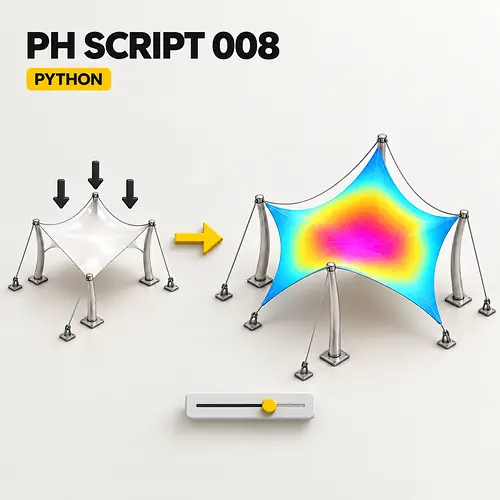
Structural Form Playground
In this Grasshopper Python script, you can compare mesh, cable, and mast movement and geometric weight proxies against a reference design.
View file →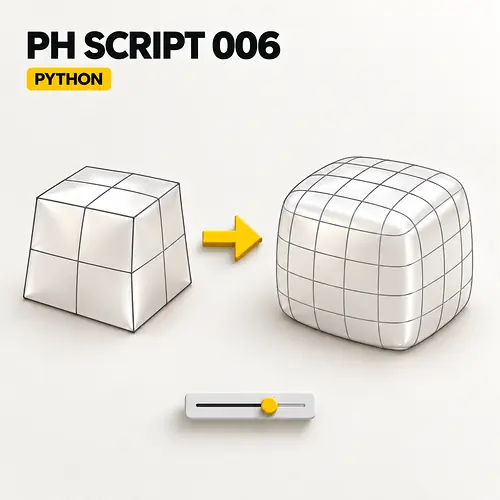
Catmull-Clark Subdivision
In this Grasshopper Python script, you can create progressively smoother quad meshes from Rhino meshes or closed polyline face loops.
View file →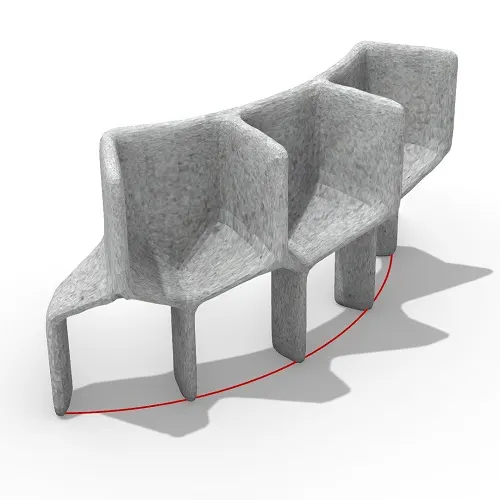
ShrinkWrap Structure (Rhino 8)
In this grasshopper tutorial for beginners you will learn how to convert a series of simple Nurbs & Mesh geometries into a Thickened Mesh using the Rhino 8 Shrink Wrap Component.
View file →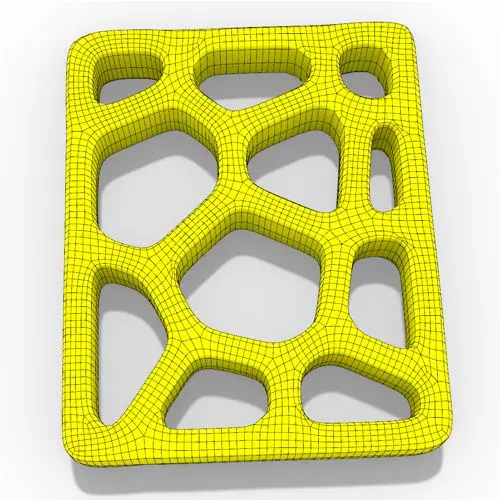
Voronoi Mesh
In this Grasshopper Voronoi tutorial, you’ll learn how to create a parametric mesh generated from random or controllable Voronoi cells within a closed boundary.
View file →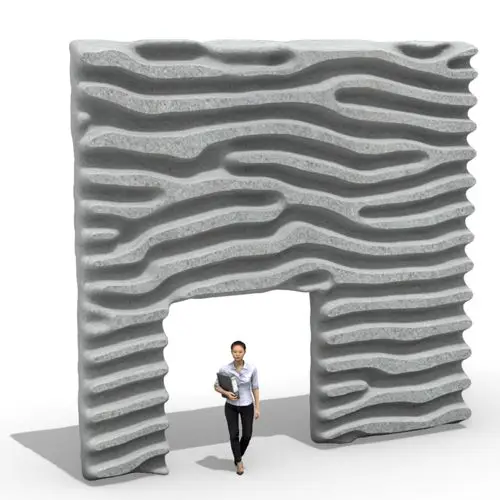
Reaction Diffusion
In this Grasshopper tutorial, you’ll learn how to use the Reaction Diffusion on Mesh component from the Nautilus plugin to design a parametric wall with fully controllable 3D patterns.
View file →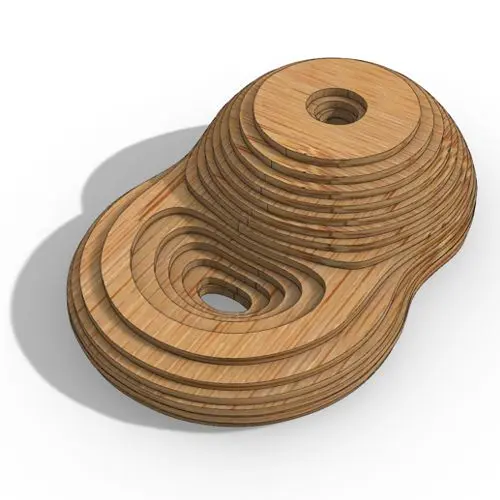
Isopod Contours
In this Rhino 8 Grasshopper tutorial, you’ll discover how to use the Isopod plugin to generate a singular mesh and contour it for unique parametric results.
View file →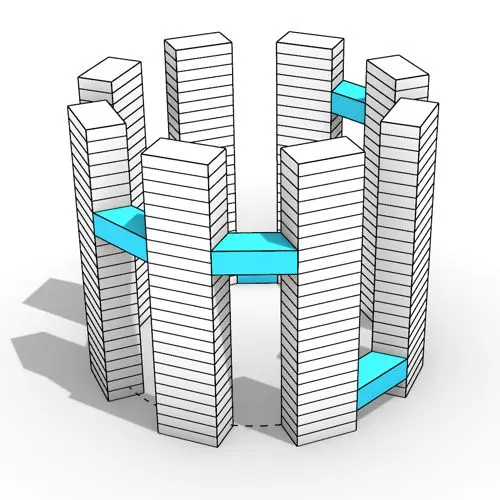
Connecting Towers
In this Grasshopper tutorial, you’ll learn how to design a series of parametric towers arranged around a curve and connect them with fully controllable bridges.
View file →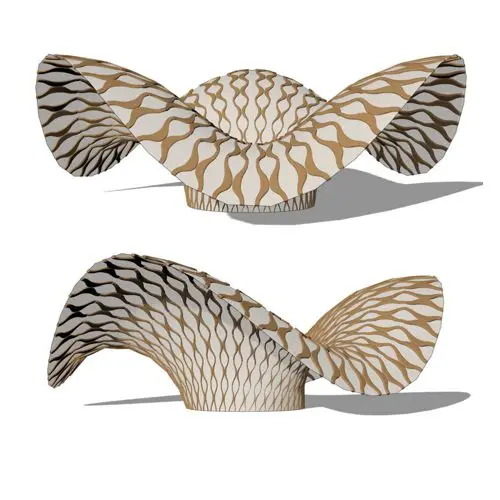
3D Wave Pattern
In this grasshopper example file, you can use the morph components to apply a 3d wave pattern on a mesh.
View file →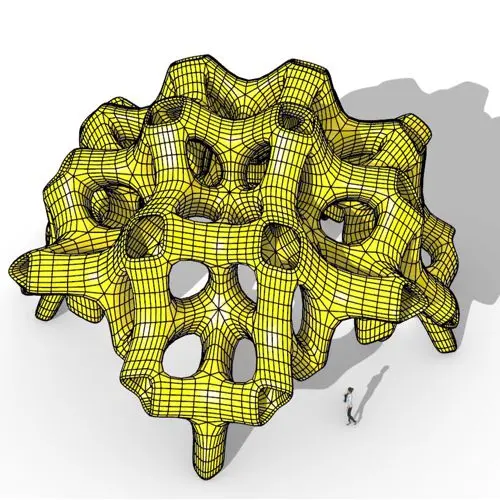
Mesh Skeleton
In this Grasshopper example file, you can generate a customizable 3D pattern on a NURBS surface by adjusting the U and V division counts.
View file →
PlanarityAnalysis
Analyze mesh face planarity in Grasshopper with the Planarity Analysis component. Visualize deviations with color gradients and set precise deviation limits for accurate results.
View file →
Mesh Offset
Learn how to create a thickened mesh in Grasshopper using Weaverbird tools. Achieve dual-sided offsets effortlessly with this clever technique.
View file →
Closest Object
The Curve Nearest Object component in Grasshopper offers a powerful and unique capability: it allows multiple data types (e.g., points, curves, surfaces, and meshes) to be connected simultaneously as inputs. The component then determines th
View file →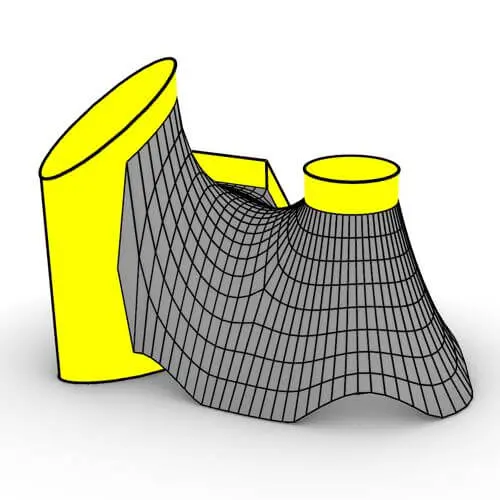
Parametric Building
You can convert a series of planar closed curve boundaries into a Quad Remesh using this free Grasshopper Script.
View file →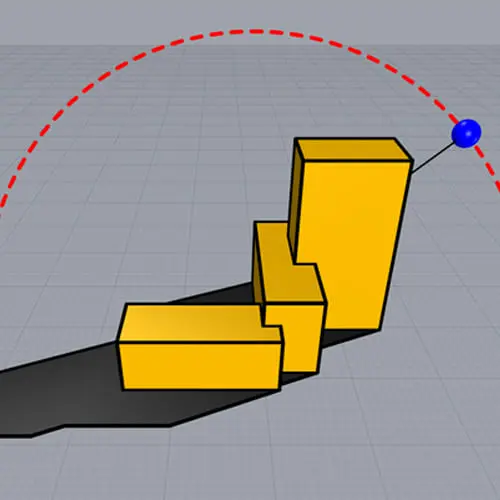
Shadow Mesh
In this Grasshopper script you can compute the shadow outline for a mesh object and also a simple visualization for the sun.
View file →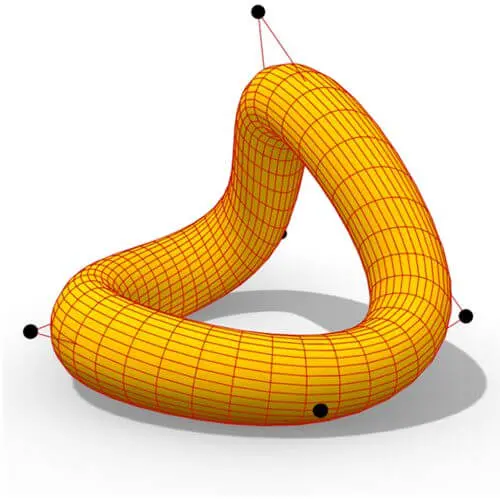
Mirror Mesh
In this grasshopper example file you can create a mirrored polyline from a series of points and then convert it into a mesh.
View file →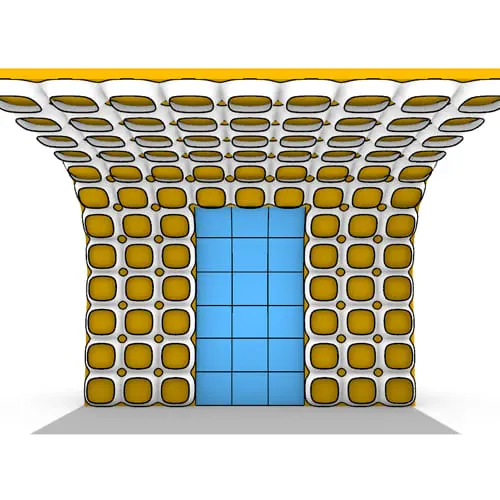
Parametric wall
In this example file, You can design a parametric wall using the Mesh+ and Weaverbird plugins.
View file →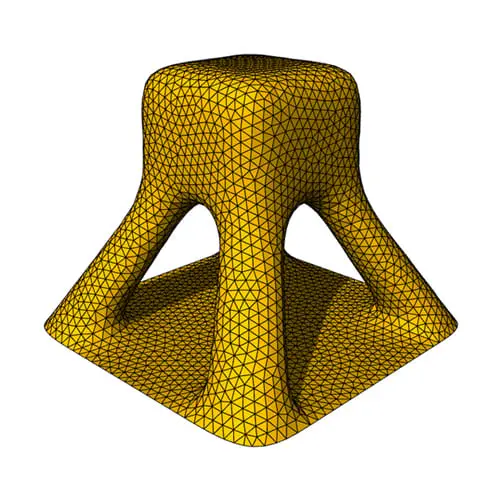
SubD TriRemesh
In this Grasshopper weaverbird example file, you can create a triangular mesh from a SubD surface and then give its borders some offset.
View file →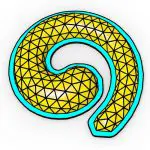
Pipe variable
In this Rhino Grasshopper Tutorial You can learn how to convert a pipe Variable surface to a triangular mesh.
View file →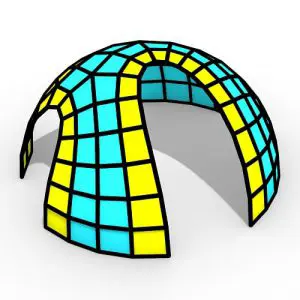
One Row Mesh
In this Grasshopper tutorial for beginners, we are going to extract a single row of mesh near the naked edges of a quad-mesh dome.
View file →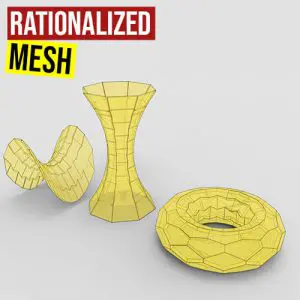
Rationalized Mesh
By using this grasshopper definition you can divide a surface into a rational mesh using the Ngon plugin.
View file →
Star Mesh
In this grasshopper definition, you can model an organic mesh by using the Mesh+ Plugin and Weaverbird.
View file →