Structural Form Playground
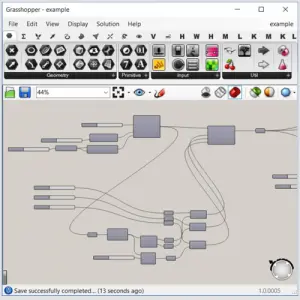
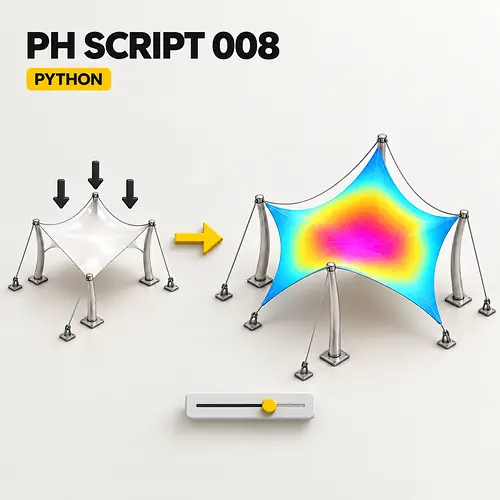
In this Grasshopper Python script, you can compare mesh, cable, and mast movement and geometric weight proxies against a reference design.
Gallery
Video Resources
Preview / Tutorial
PublicVimeo — 1224531879
PremiumThis video requires a membership to watch.
Sign up to watchAbout this file
Explore how changes to a conceptual structural form affect mesh, cable, and mast movement—and compare geometric weight proxies through six clear reference-based scores.
What it is
A fast architectural form-comparison tool for early design exploration. It helps you see whether an edited mesh, cable system, or mast family moves more or less than a stored reference.
What it is not
It is not FEA, structural verification, member sizing, or a safety check. Final loads, sections, materials, joints, foundations, and code compliance require an engineer and appropriate structural software.
A simple form-finding loop
Six scores instead of one black-box result
Mesh, cables, and masts are evaluated as separate families. Every available family receives one displacement score and one geometric weight-proxy score, so you can see the tradeoff instead of hiding it inside a single number.
Point loads that belong to the design
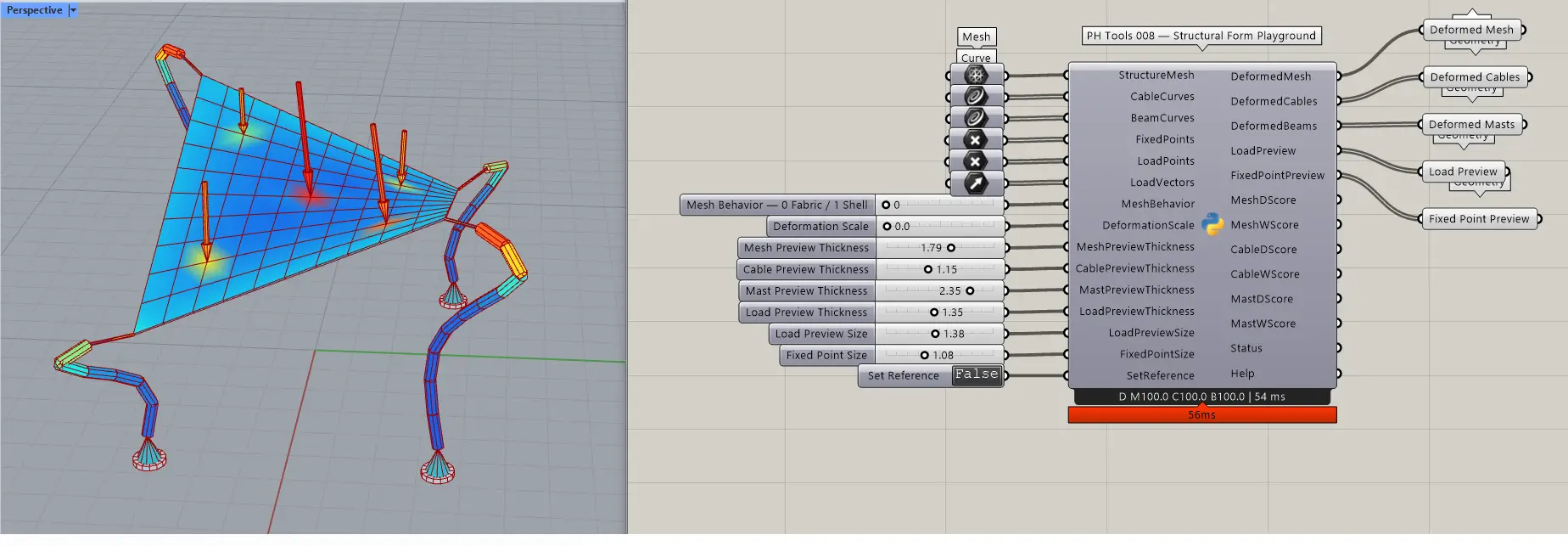
Load Points define where forces act, and each point snaps to the nearest structural node. Load Vectors control direction and magnitude. One vector can broadcast to several points, one point can receive several vectors, and longer lists follow Grasshopper-style longest-list matching.
For a fair form-to-form comparison, keep the load case unchanged after setting the reference—unless comparing different loading conditions is your deliberate design experiment.
Visual feedback built for live exploration
Deformation heatmaps
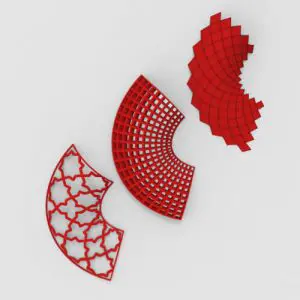
Mesh, cable, and mast previews use independent family heatmaps for clear reading. One shared Deformation Scale keeps connected elements visually aligned.
Preview thickness
Set a family thickness to 0 for clean mesh or centerline output. Use a positive value for thickened colored mesh and pipe-style previews.
Load arrows
Loads can appear as simple arrow curves or colored mesh arrows. Larger forces are longer and shift from green toward red.
Support markers
Fixed Point Size controls clear display-only support symbols without changing the underlying support condition.
Conceptual structural behavior
Inputs and outputs
Inputs
Structure Mesh · Cable Curves · Beam / Mast Curves · Fixed Points · Load Points · Load Vectors · Mesh Behavior · Deformation Scale · Mesh Preview Thickness · Cable Preview Thickness · Mast Preview Thickness · Load Preview Thickness · Load Preview Size · Fixed Point Size · Set Reference
Outputs
Deformed Mesh · Deformed Cables · Deformed Masts · Load Preview · Fixed Point Preview · Mesh D/W Scores · Cable D/W Scores · Mast D/W Scores · Status · Help
Best use
Use Structural Form Playground to test early canopy, membrane, cable, shell-proxy, and mast arrangements; compare alternative geometries under a consistent conceptual load case; visualize where movement concentrates; and build your own multi-objective Grasshopper or Galapagos workflow from the separate D and W scores.
Important limitations
This tool does not calculate design stresses, von Mises stress, buckling capacity, section utilization, connection forces, code checks, real material weight, foundations, wind or snow combinations, true shell rotations, nonlinear material behavior, or structural safety. D scores are relative movement comparisons; W scores are geometric area or centerline-length proxies. They only behave like relative weight when material, thickness, and section assumptions remain fixed.
PARAMETRIC HOUSE — PH TOOLS