Parametric House · Digital File
Entwine
Learn how to organize data streams into structured trees with the Entwine component in Grasshopper. Preserve input structures effortlessly with grafting options.
Gallery
Video Resources
Entwine
PublicAbout this file
The Entwine component is one of the simplest yet most effective tools in the Tree tab of Grasshopper.
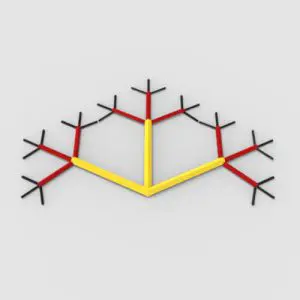
It allows you to create a data tree by combining and organizing multiple input streams into separate branches.
Key features include:
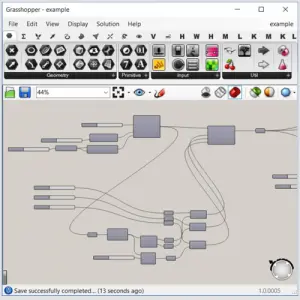
1- Branch Customization: Zoom in on the component to use the + and - buttons, which let you add or remove input parameters.
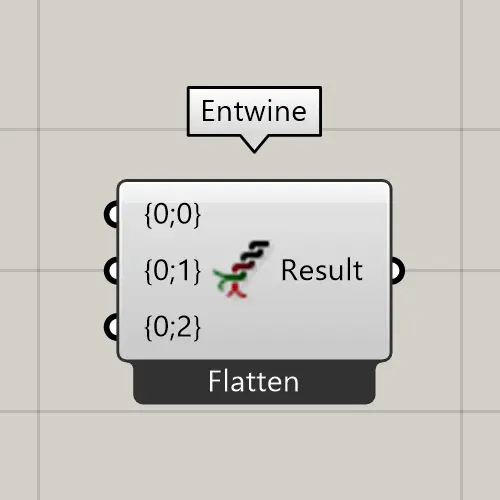
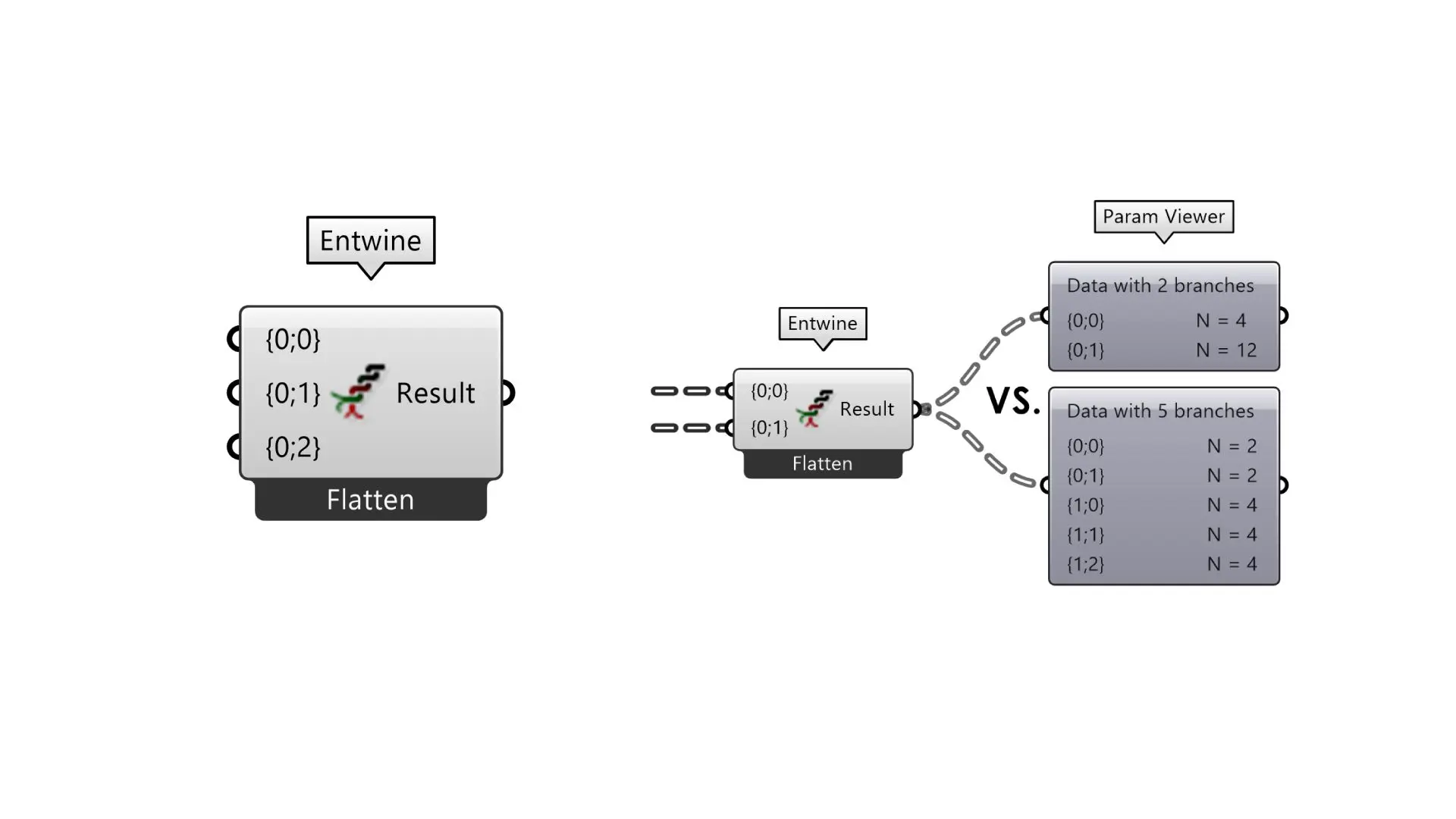
2 -Input Flattening: By default, the component flattens all input data streams.
3- Preserving Structure: To maintain the input structure, enable the Graft state by right-clicking on the component and unchecking the Flatten inputs option.
The Entwine component is a must-have for creating and organizing data trees with complete control over the input structure.
Algorithm by: Neda Rafizadeh