Parametric House · Digital File
Command Palette
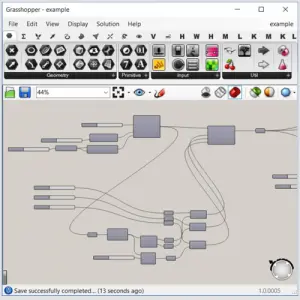
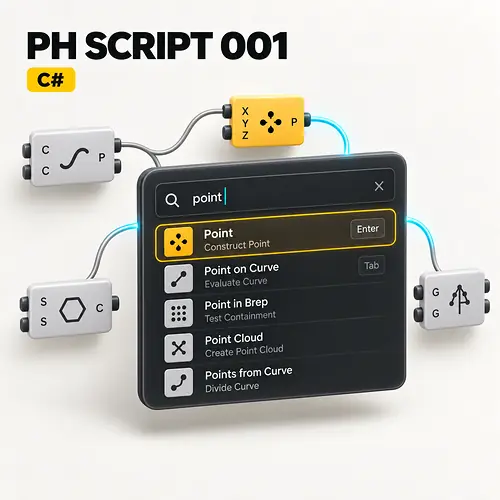
In this Grasshopper c# script, you can browse, search, preview, and insert your User Objects directly into the Grasshopper canvas.
Video Resources
Preview / Tutorial
PublicAbout this file
PH LABS 001
Command Palette
Search, browse, and insert your Grasshopper User Objects faster.
Stop digging through Grasshopper menus.
PH Tools 001 — Command Palette gives you a simple searchable interface for your User Object library. Search by name, read the component information, and insert the tool directly into your Grasshopper canvas. Built for designers who are starting to build their own reusable Grasshopper tool library.What It Does
✓ Browse your Grasshopper User Objects
✓ Search tools instantly
✓ Read User Object metadata
✓ Insert tools directly onto the canvas
✓ Works with Rhino 7
✓ Works with Rhino 8
STARTER
Point Attractor Scale
The Starter version includes the complete Extra Example used in this tutorial. Open the definition, study how it works, modify it, and create your own reusable User Objects.
MEMBERS
Complete Command Palette
PH Members get the complete Command Palette tool. Instead of manually searching through Grasshopper menus, access your reusable tools from one searchable interface and insert them directly onto the canvas.
Simple Tools. Real Problems.
PH Labs