Parametric House · Digital File
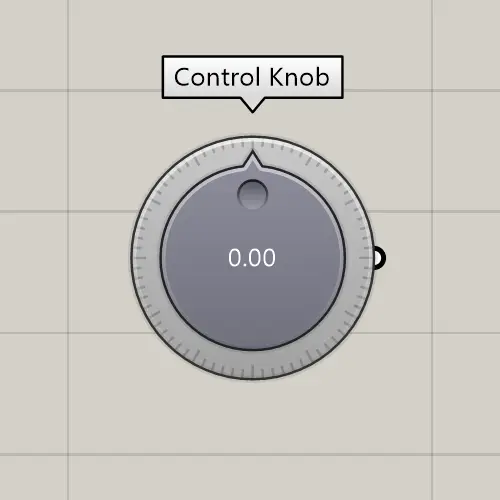
Control Knob
Explore the Control Knob in Grasshopper: an intuitive radial input tool perfect for angles, rotations, and directional parameters. Customize its range and precision with ease.
Gallery
Video Resources
Control Knob
PublicAbout this file
The Control Knob is a unique and often overlooked input component in Grasshopper.
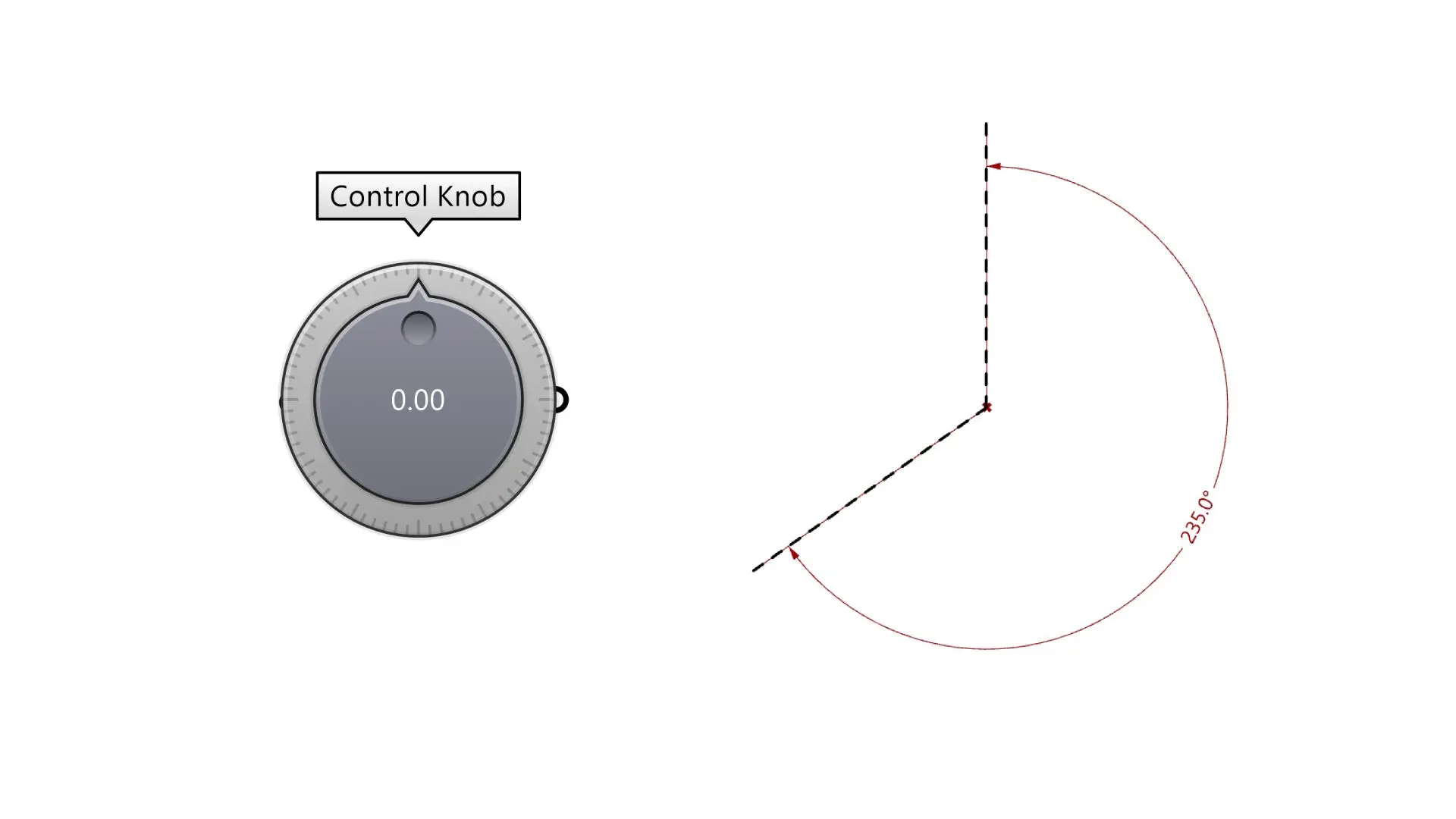
Unlike the standard number slider, it features a radial dial interface, making it particularly intuitive for inputs related to angles, rotations, or directional parameters.
What sets the Control Knob apart is its versatility:
1- Adjust the range, upper and lower limits, and the number of decimal points.
2- Perfect for precise and interactive control in parametric models.
To customize the Control Knob, simply double-click the component to access its configuration window.
Whether you're working with rotations, angular values, or any directional input, the Control Knob brings an intuitive and visually engaging touch to your Grasshopper workflows.
Algorithm by: Neda Rafizadeh