Parametric House · Digital File
Reverse Surface (Rhino 8)
Take control of surface parameterization with the Reverse Surface component in Rhino 8. Reverse U, V, or normal directions to optimize evaluation, extraction, and panelization workflows.
Gallery
Video Resources
Reverse Surface (Rhino 8)
PublicAbout this file
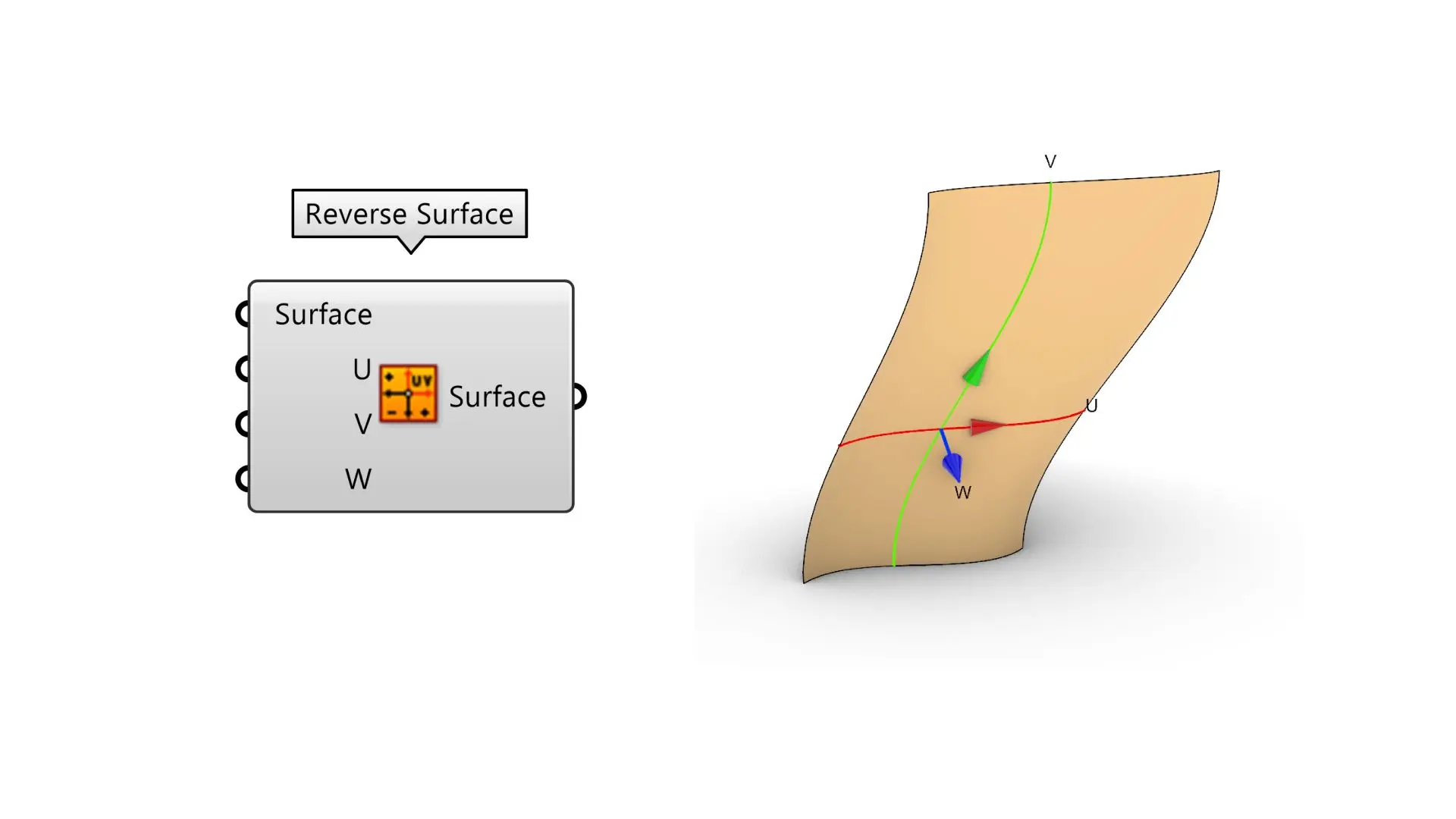
The Reverse Surface component, introduced in Rhino 8, allows you to reverse the U, V, and Normal directions of an input surface.
While this operation doesn’t produce any visible changes to the surface geometry, it alters the surface’s parameterization, which impacts dependent operations.
Key effects include:
1- Surface Evaluation: Adjusts how the surface is interpreted for point evaluation.
2- Iso Curve Extraction: Changes the direction and alignment of extracted curves.
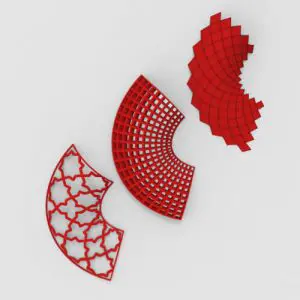
3- Surface Division and Panelization: Influences how the surface is divided or paneled, ensuring better control in design workflows.
This component is essential for aligning surface directions and ensuring consistent parameterization in complex workflows.
Algorithm by: Neda Rafizadeh