File Library
Explore Grasshopper definitions, example files, tutorials and reusable computational design files.
1,492 matching files
Unflatten Tree
Restore flattened data trees in Grasshopper effortlessly with the Unflatten Tree component. Reconstruct original branch structures with a guide tree in seconds.
View file →
Entwine
Learn how to organize data streams into structured trees with the Entwine component in Grasshopper. Preserve input structures effortlessly with grafting options.
View file →
Control Knob
Explore the Control Knob in Grasshopper: an intuitive radial input tool perfect for angles, rotations, and directional parameters. Customize its range and precision with ease.
View file →
Color RGB
Learn how to generate random colors in Grasshopper with the RGB color model. Combine dynamic values for Red, Green, and Blue to create stunning palettes for your designs.
View file →
Mesh Offset
Learn how to create a thickened mesh in Grasshopper using Weaverbird tools. Achieve dual-sided offsets effortlessly with this clever technique.
View file →
Suirify
Discover Suirify, the minimalist Grasshopper component that removes extra zeros from data tree paths—even for single-branch trees. Simplify your definitions effortlessly.
View file →
Button States
Discover the versatility of the Button component in Grasshopper. Customize its states, output different data types, and streamline your definitions effortlessly.
View file →
Explode Tree
Quickly extract branches from data trees with the Explode Tree component in Grasshopper. Learn how to unlock its full potential with the Match Outputs feature.
View file →
Leader (Rhino 8)
Add clarity to your Grasshopper models with the Leader component in Rhino 8. Create arrows with text to label and annotate your designs seamlessly.
View file →
Group Content (Rhino 8)
Organize your Grasshopper data effortlessly with the Group Content component in Rhino 8. Learn how to group and filter data by attributes like type or color to simplify complex designs.
View file →
Dot product
Master the Dot Product in Grasshopper to analyze vector alignment, optimize your designs, and explore how this simple tool can transform your parametric projects.
View file →
Curve Seam
In Rhino, a closed curve forms a complete loop, but mathematically, it still has a specific point where it begins and ends. This point is called the seam.The Seam component in Grasshopper lets you move this ...
View file →
Clamp Number (Rhino 8)
The Clamp component, introduced in Rhino 8 (Grasshopper), helps you constrain numbers within specific lower and upper limits. This functionality is particularly useful when creating definitions for other users, ensuring their ...
View file →
Regions
Are you finding it difficult to extract closed shapes from overlapping lines in Grasshopper?It’s a common challenge when working with intricate linework.
View file →
Extend to point
Have you ever needed to extend a curve in Grasshopper but struggled to control the direction?Instead of relying on trial and error, there's an easier and more efficient method.
View file →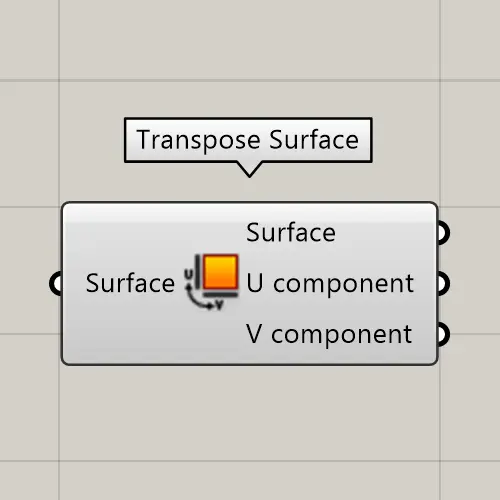
Transpose Surface (Rhino 8)
The Transpose Surface component, introduced in Grasshopper for Rhino 8, swaps the U and V parameters of the input surface.While this operation does not visually alter the surface, it changes its parameterization.
View file →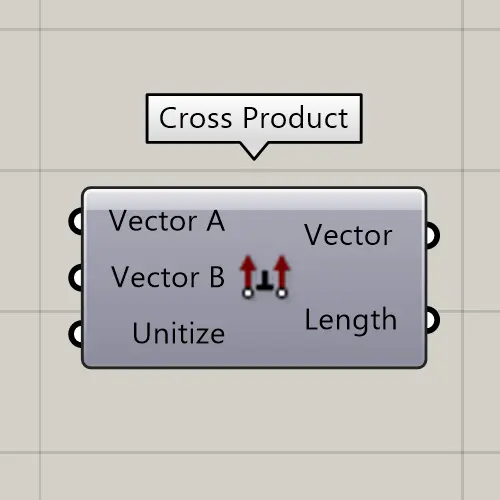
Cross Product
This component computes the cross product of two input vectors.But have you ever considered its practical use for parametric design?The resulting vector is always perpendicular to both input vectors.
View file →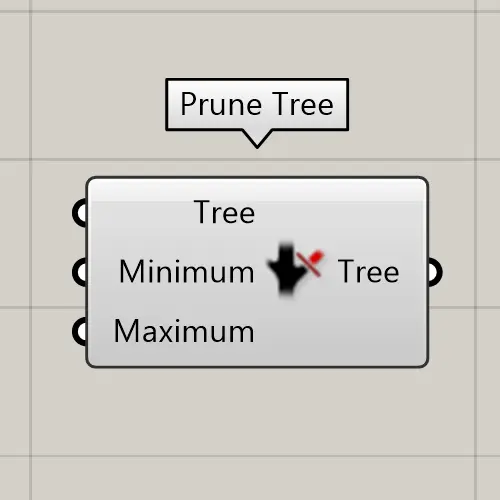
Prune Tree
Prune Tree is a versatile yet often overlooked component for working with data trees.It allows you to remove branches from a tree based on the number of data items they contain.
View file →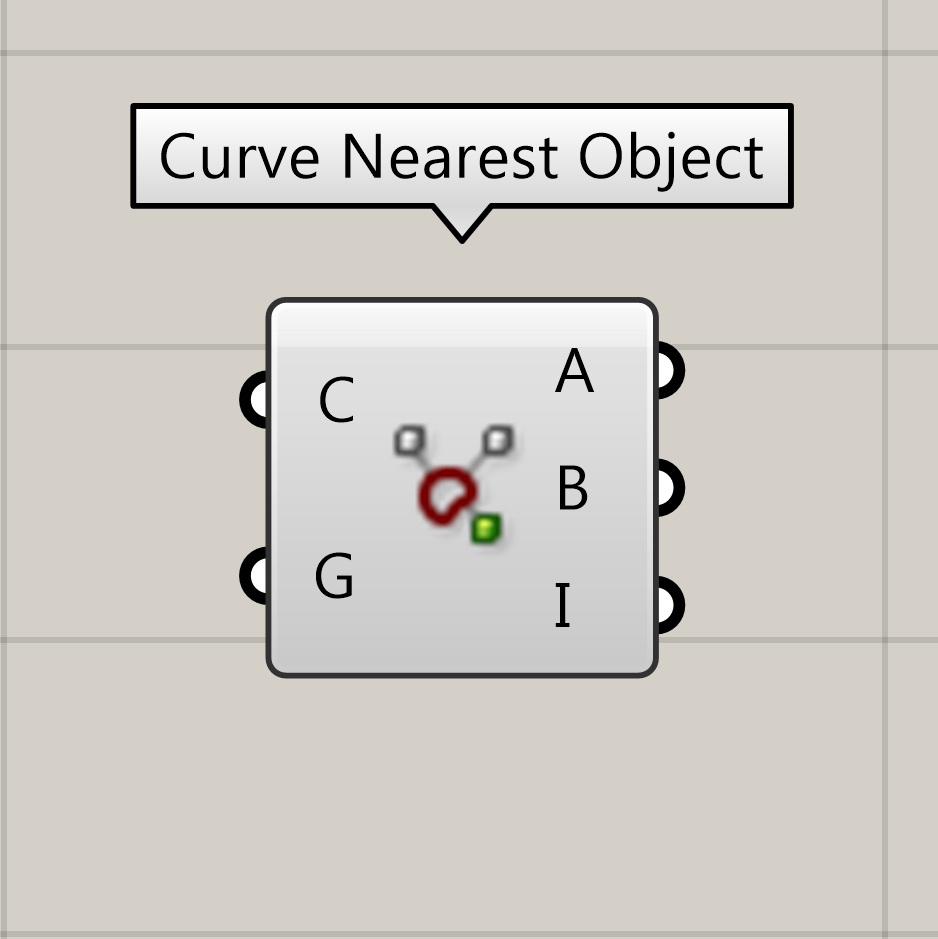
Closest Object
The Curve Nearest Object component in Grasshopper offers a powerful and unique capability: it allows multiple data types (e.g., points, curves, surfaces, and meshes) to be connected simultaneously as inputs. The component then determines th
View file →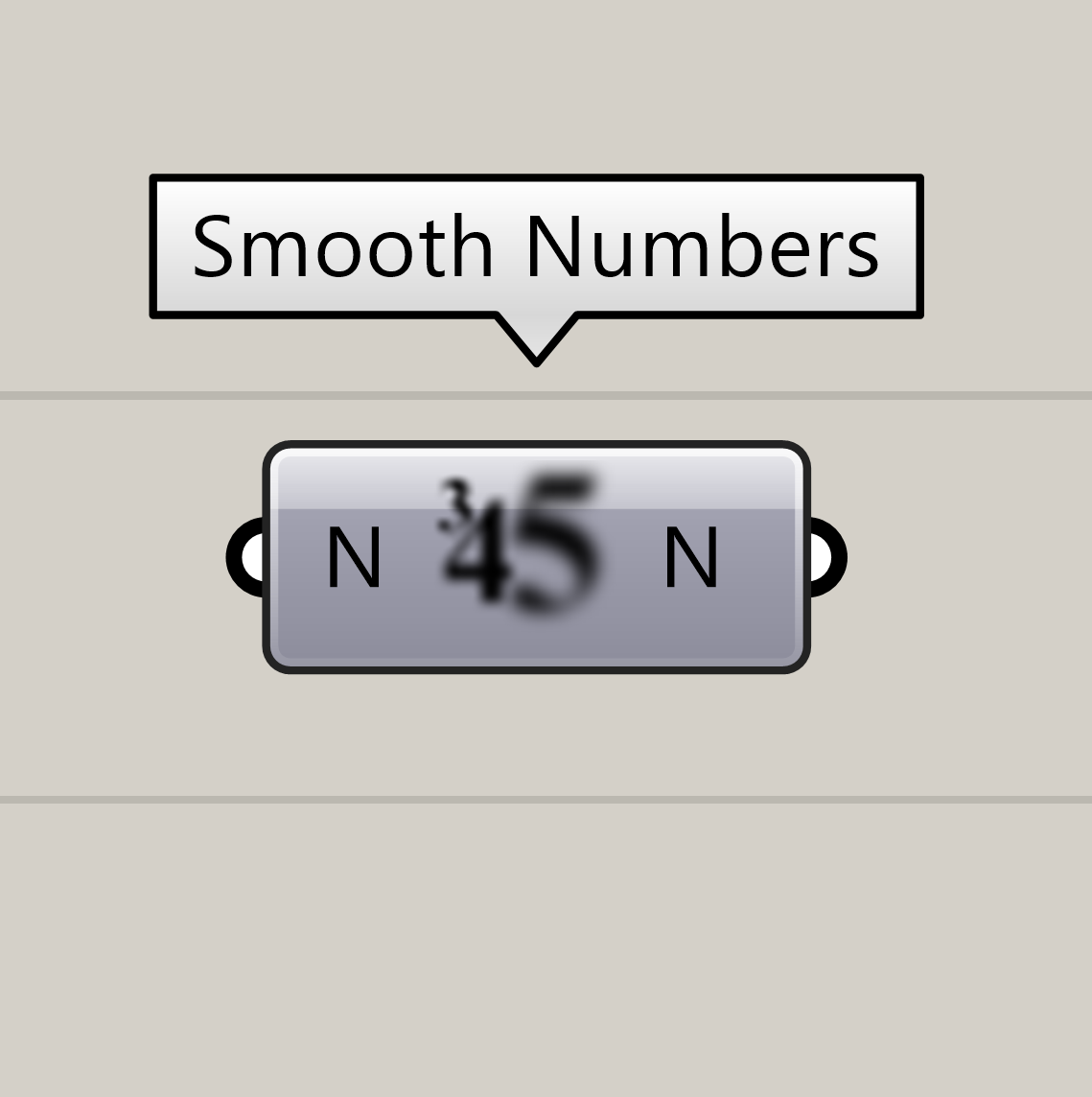
Smooth Number
Discover how to create seamless transitions between numerical values with the Smooth Number component.
View file →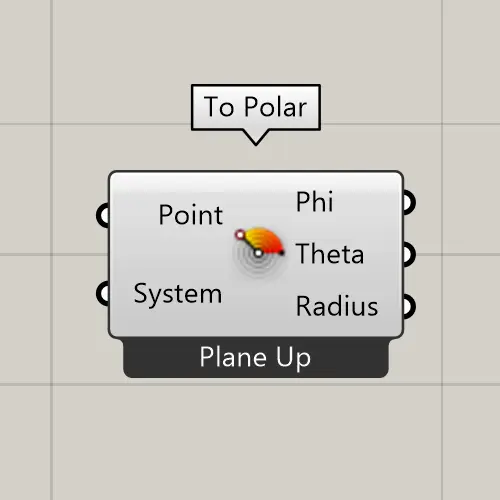
Polar Sorting
The 'To Polar' component analyzes the polar position of points relative to a base plane. When working with a set of disordered points that you want to organize in polar order, you can use the Phi output from this component to sort them. Not
View file →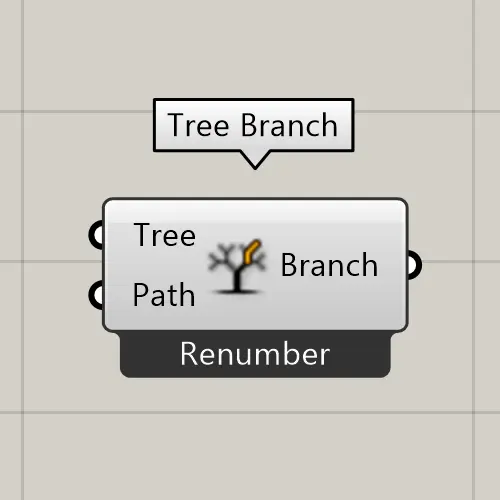
Renumber Tree Branches
The Tree Branch component is a powerful tool for extracting specific branches from a data tree. It also includes a hidden feature in its component menu that allows you to renumber the output branches.
View file →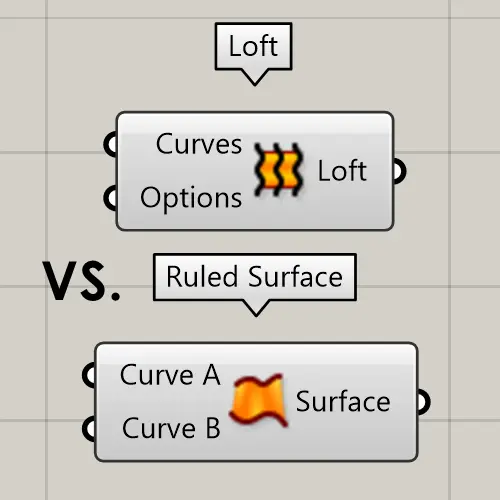
Loft vs Ruled Surface
Mathematically, the Loft and Ruled Surface components operate differently. Loft can process a list of curves, whereas Ruled Surface is limited to just two curves. However, when creating a surface between two curves, both components may yiel
View file →