File Library
Explore Grasshopper definitions, example files, tutorials and reusable computational design files.
160 matching files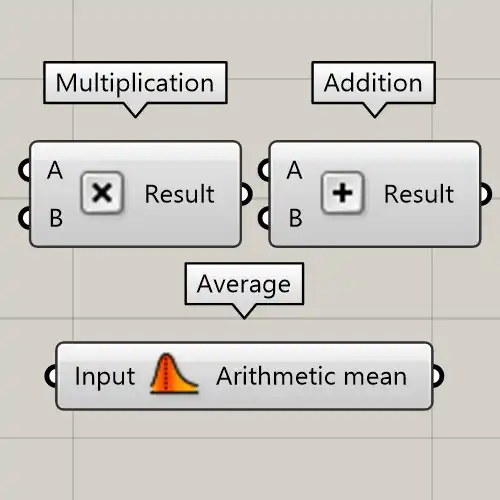
Math Components
Many Grasshopper components in the Math tab accept a generic data parameter as input.
View file →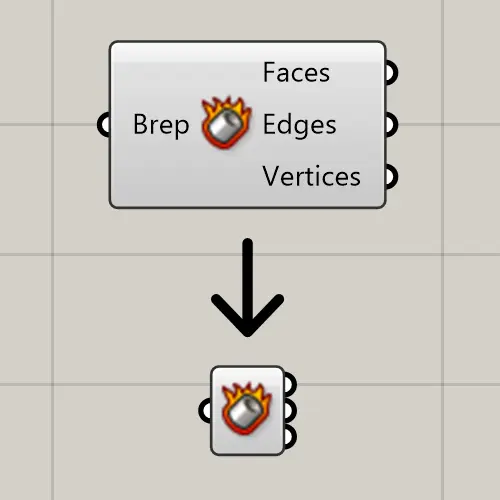
Simplify (Rhino 8)
A new feature called "Simplify Component" has been introduced in Grasshopper for Rhino 8. This feature allows components to shrink, simplifying their appearance on the Grasshopper canvas and resulting in cleaner, more organized definitions.
View file →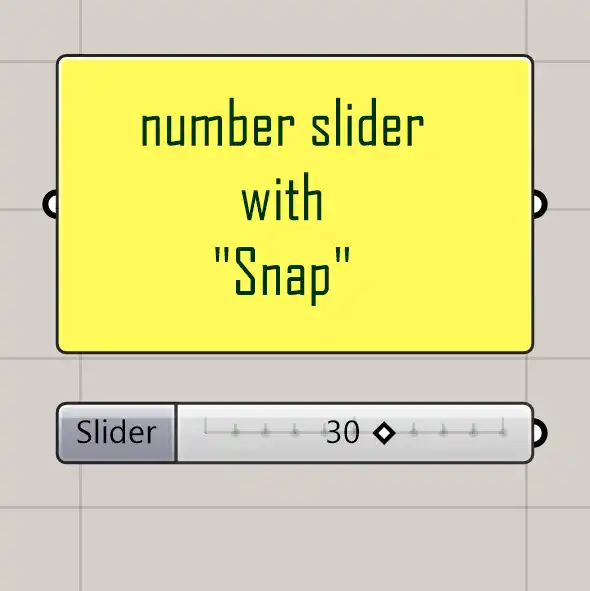
Number Slider Snap
Did you know you can define snap values for the Number Slider in Grasshopper? This handy feature allows you to restrict slider movement to specific intervals, ensuring precision in your parametric designs. A simple yet powerful way to enhan
View file →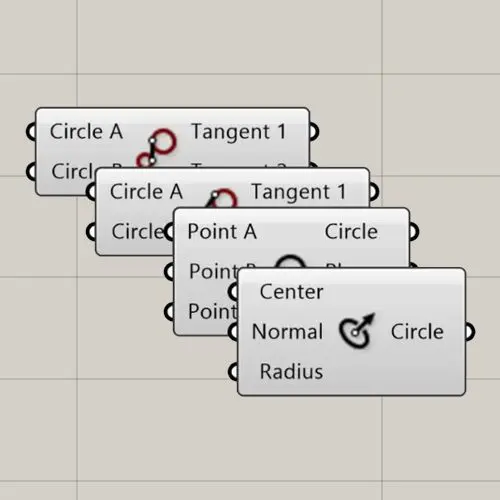
Picking Components
You have surely tried picking GH components from the component's bar above the canvas. Did you know that Grasshopper has a feature for picking multiple components? By holding the "Shift" key on your keyboard and clicking on component icons,
View file →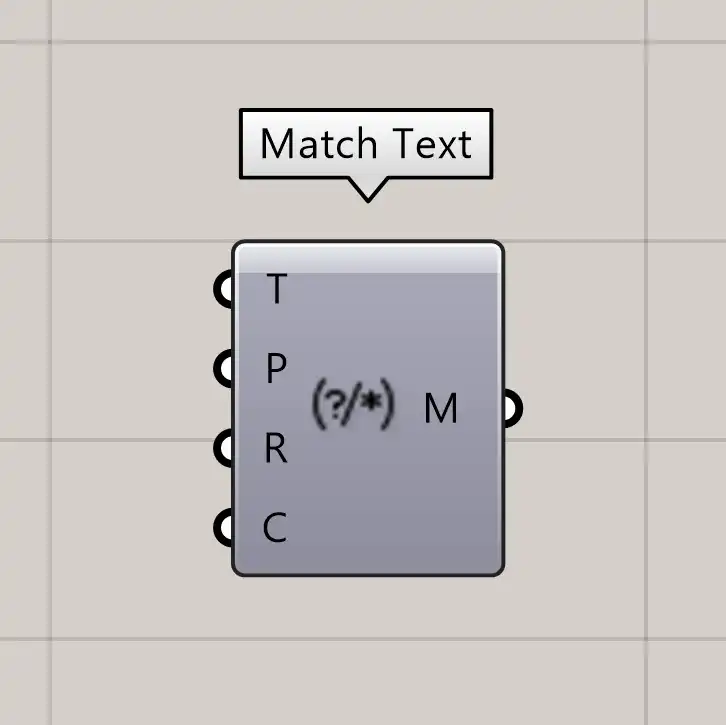
Kangaroo Mesh Extraction
When using Kangaroo 2, identifying the mesh output among other results can be challenging. Here are two effective solutions
View file →
Auto Swatch
The Metahopper plugin includes a special component called Auto Swatch, which generates a generic color swatch.
View file →
Quick Scribble
Scribble is a unique Grasshopper component used for adding quick notes to the canvas. Once a scribble is created, you can double-click it to enter your desired text.
View file →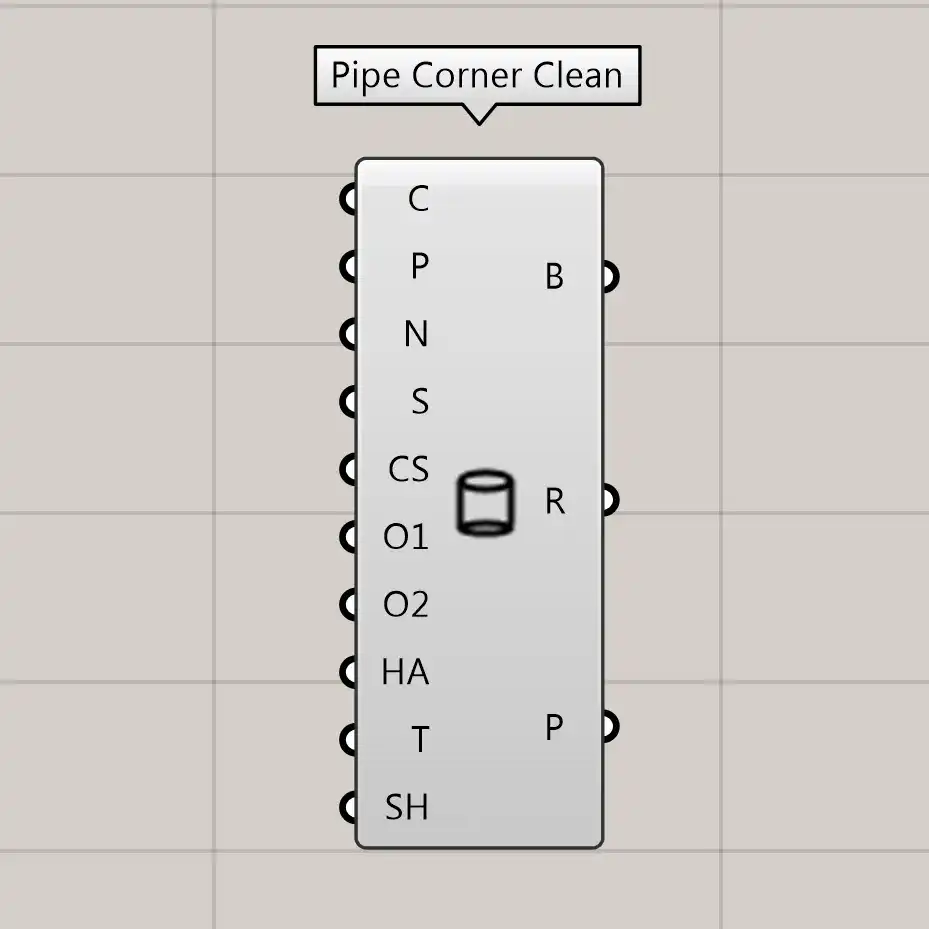
Pipe Corner Clean
In Grasshopper, the Pipe component often struggles to create clean geometry at sharp angles, resulting in overlaps or messy intersections.
View file →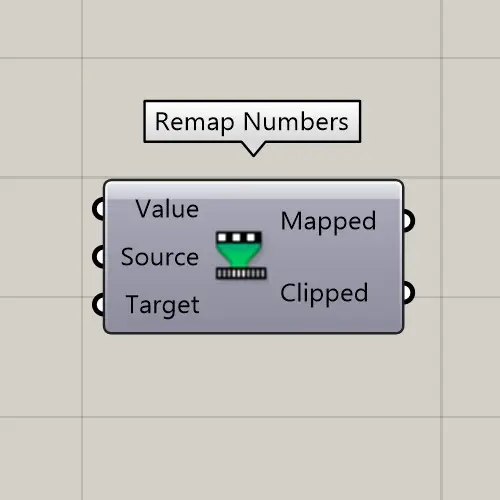
Clipped Remap
Ever wondered about the use case of the clipped output in the "Remap Numbers" component? It ensures that values outside the "Source" domain are clipped to the minimum and maximum limits of the "Target" domain.
View file →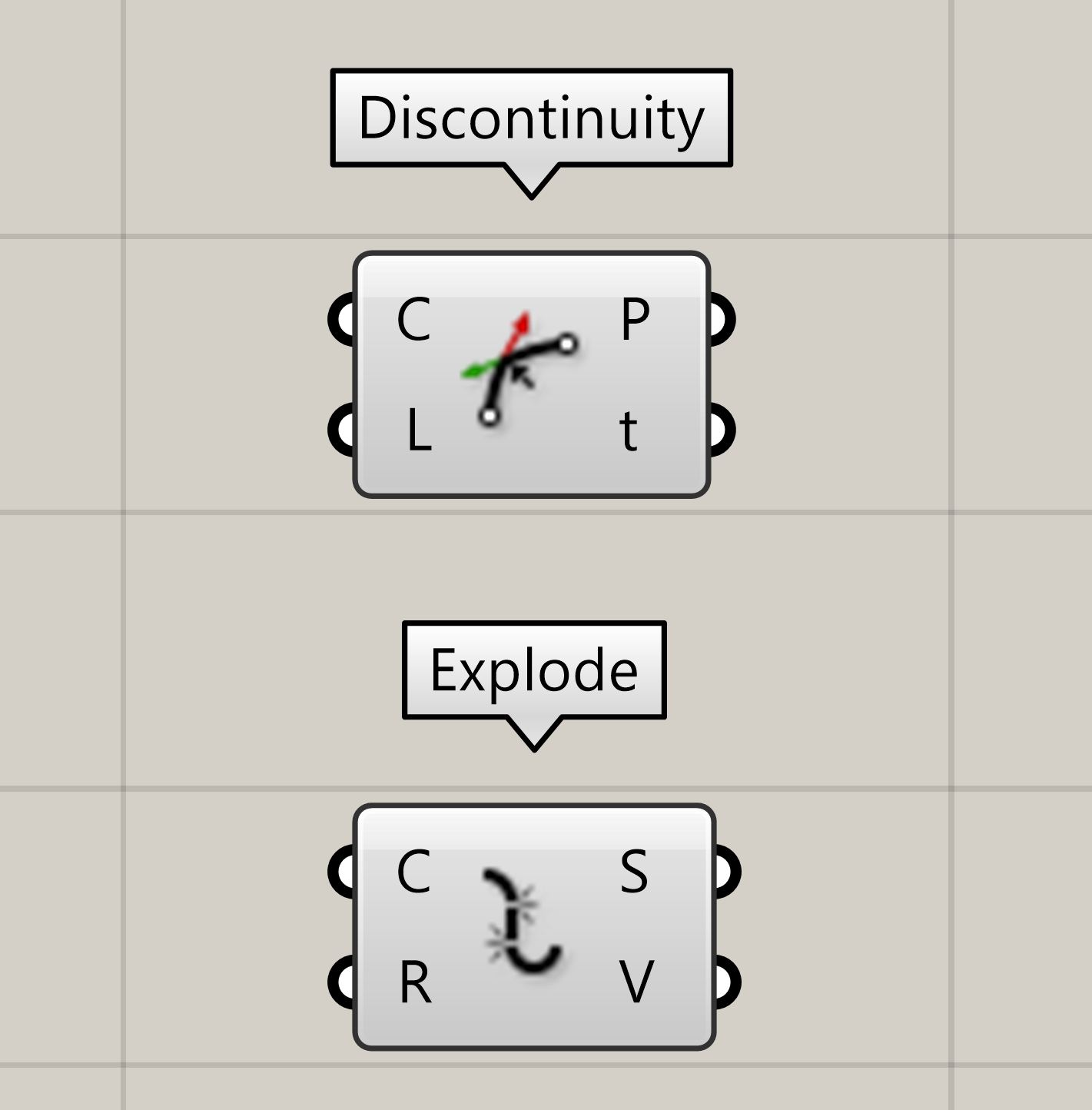
Polyline Vertex
In this Grasshopper example, the Discontinuity and Explode Curve components are compared to demonstrate their differing outputs for a closed polyline.
View file →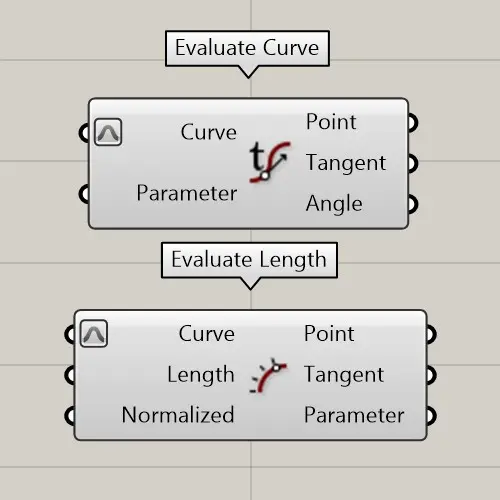
Curve Evaluation
There are several ways to find the midpoint of a curve, but they may not work in exactly the same way. Below are four simple methods to evaluate a curve at a 0.5 ratio.
View file →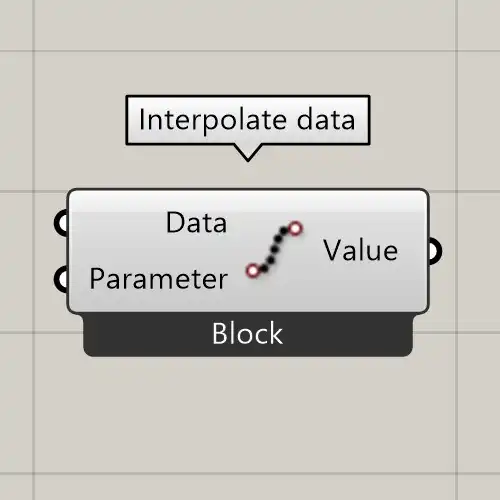
Interpolate Data
The Interpolate Data component is a powerful yet often overlooked tool among computational designers. It allows you to interpolate through a list of input data and supports various data types, including numbers, points, vectors, and colors.
View file →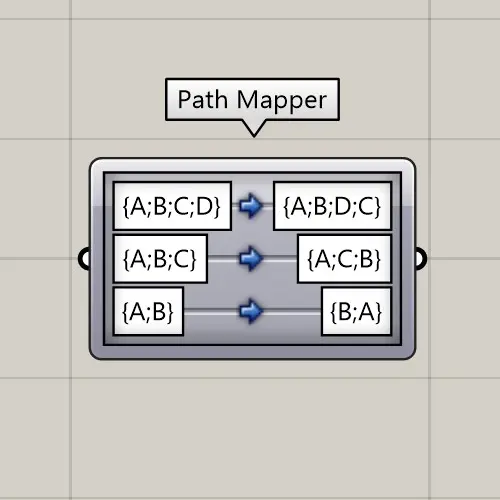
Path Mapper
The Path Mapper is one of the most powerful components for modifying data trees in Grasshopper. However, it has a notable limitation when dealing with changes in branch paths.
View file →
Jump Component
Ever found yourself switching back and forth between two parts of your algorithm, struggling to locate sliders or inputs? The 'Jump' component in Grasshopper is here to help
View file →
Wrap List
The "Wrap List" component in the Metahopper plug-in converts a list of data into a single bundled object, simplifying wire management and ensuring all data types are handled seamlessly.
View file →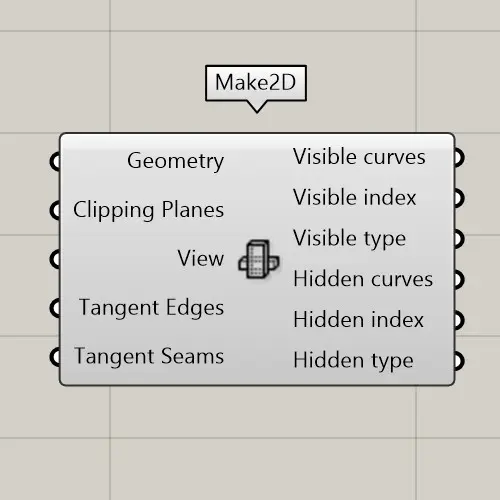
Automatic Make2D
The Make2D component generates a projection drawing from input geometry. However, unlike most Grasshopper components, it does not automatically calculate outputs.
View file →
Group Toggle
This is a special component from the Metahopper plugin—a simple button with no inputs or outputs. To use it, add the button to a group of components. Pressing the button enables or disables all other components in the group.
View file →
Orient On Curve
In this Grasshopper tutorial for beginners, you will learn how to orient an object on a curve by parametrically selecting a point on the bottom of the object.
View file →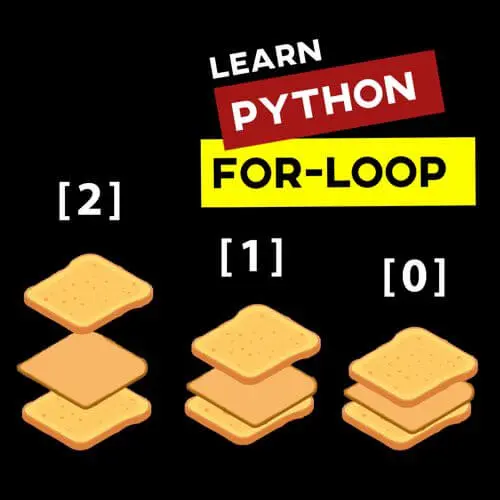
3- Print + Loop
In this Grasshopper Python Lesson, we are going to talk more about the basics and how to use Print and Loop. Then we will import the math library into python and start modeling a mathematical surface called Chladni.
View file →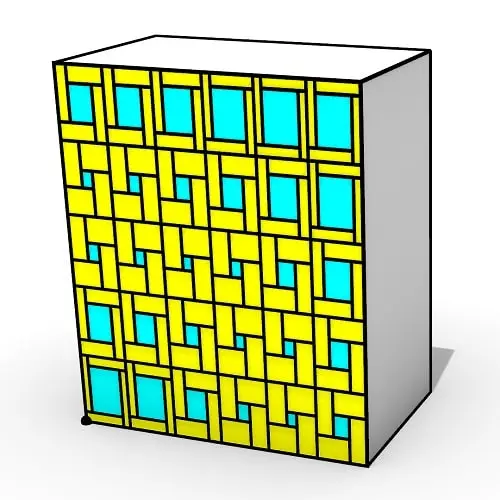
Parametric Pattern
In this Grasshopper tutorial, you can design a parametric facade with a 2D pattern that changes relative to a point attractor.
View file →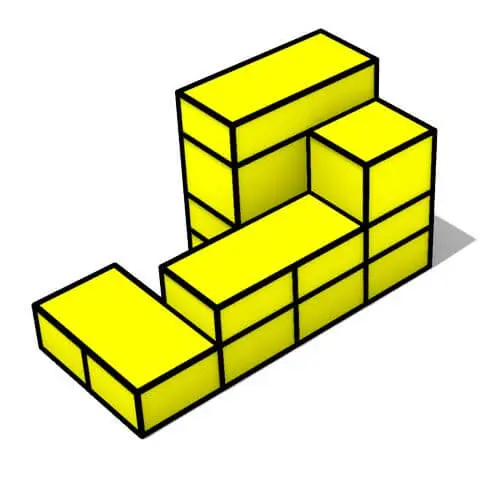
2D Aggregation
In this Rhino Grasshopper Parakeet tutorial, we are going to use the 2D Aggregation component to design a parametric building.
View file →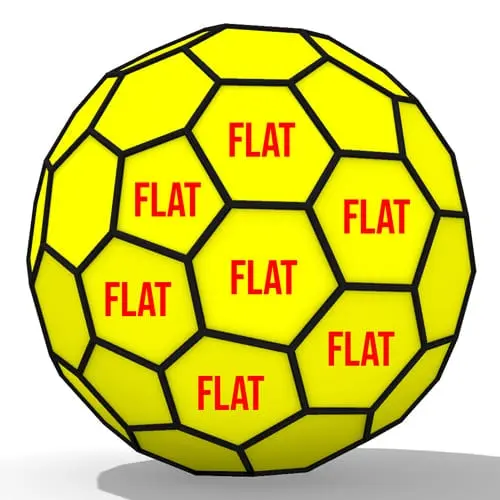
Planar Ngon
In this Rhino Grasshopper Kangaroo tutorial, we are going to planarize a series of ngon meshes using the CoPlanar component in the Kangaroo plugin.
View file →
Hemisphere Trim
In this Rhino Grasshopper tutorial, we’re going to explore how to trim a hemisphere with a parametric boundary and divide them into two sets of polysurfaces.
View file →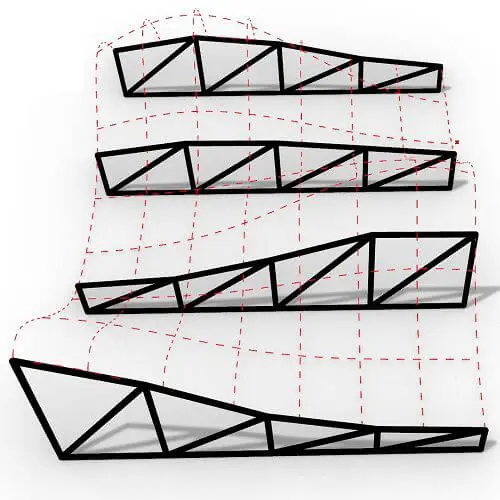
Truss From Surface
In this Rhino Grasshopper tutorial for beginners, we are going to learn how to model a parametric truss from a nurbs surface.
View file →