Parametric House · Digital File
Picking Components
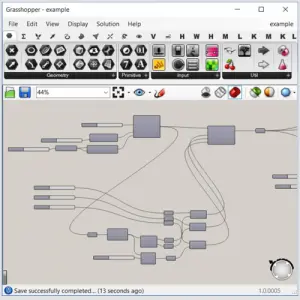
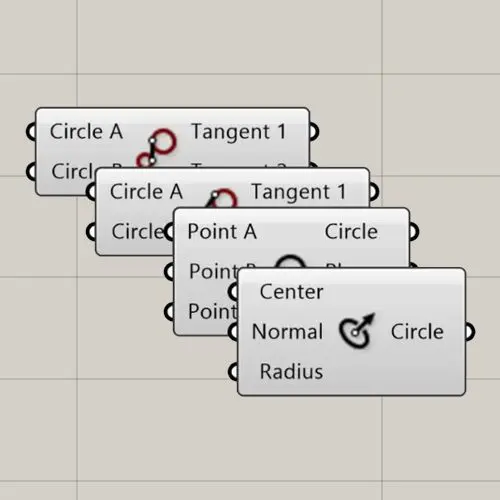
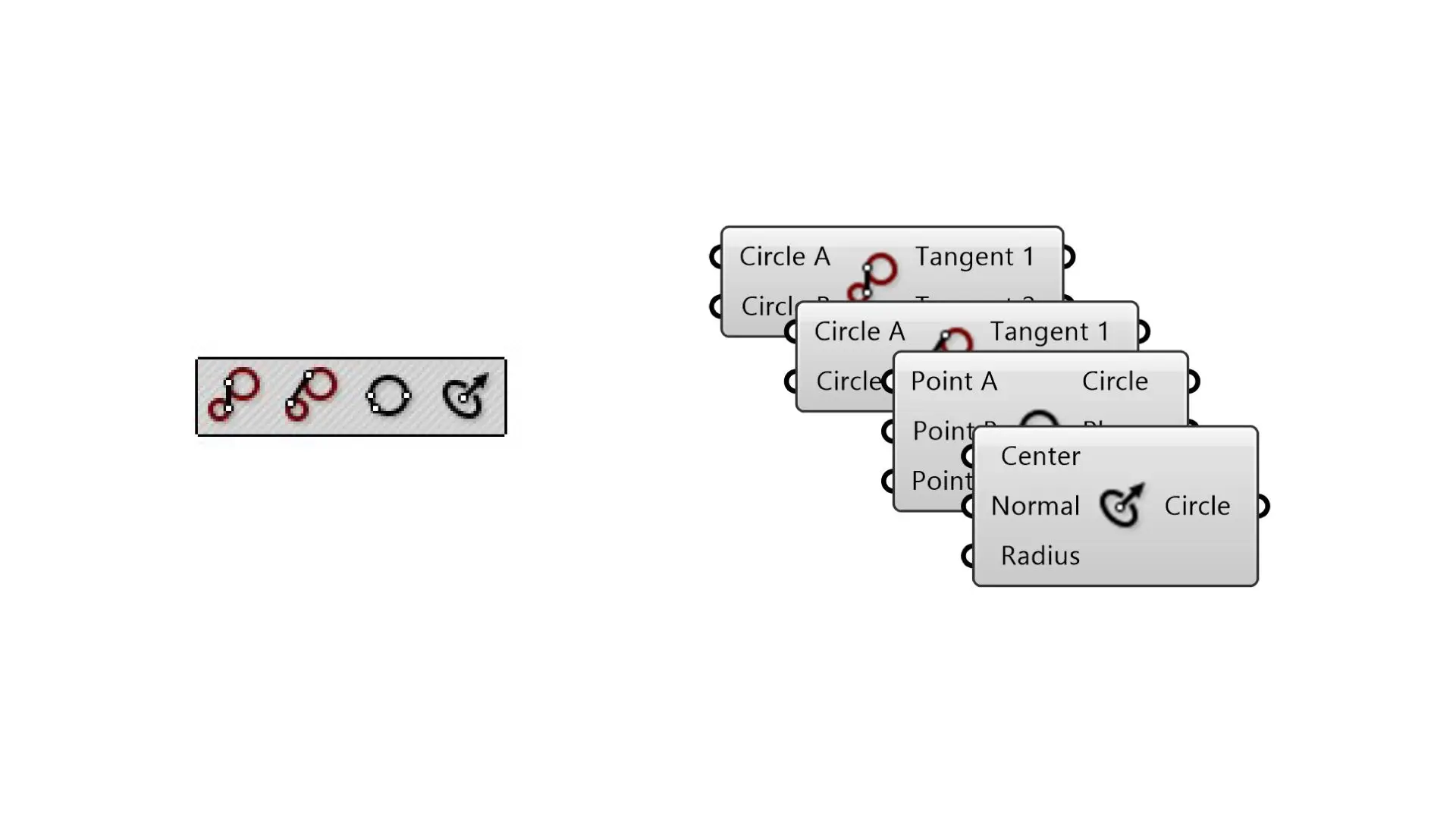
You have surely tried picking GH components from the component's bar above the canvas. Did you know that Grasshopper has a feature for picking multiple components? By holding the "Shift" key on your keyboard and clicking on component icons, you can see a list of picked items. After that, click on the canvas multiple times to place the selected components in order. Alternatively, you can hold the Shift key while clicking on the canvas to place all selected components at once.
Gallery
Video Resources
Picking Multiple Components
PublicAbout this file
You have surely tried picking GH components from the component's bar above the canvas.
Did you know that Grasshopper has a feature for picking multiple components? By holding the "Shift" key on your keyboard and clicking on component icons, you can see a list of picked items.
After that, click on the canvas multiple times to place the selected components in order.
Alternatively, you can hold the Shift key while clicking on the canvas to place all selected components at once.