Parametric House · Digital File
Quick Scribble
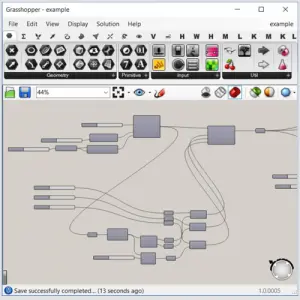
Scribble is a unique Grasshopper component used for adding quick notes to the canvas. Once a scribble is created, you can double-click it to enter your desired text.
Gallery
Video Resources
YouTube video player
PublicAbout this file
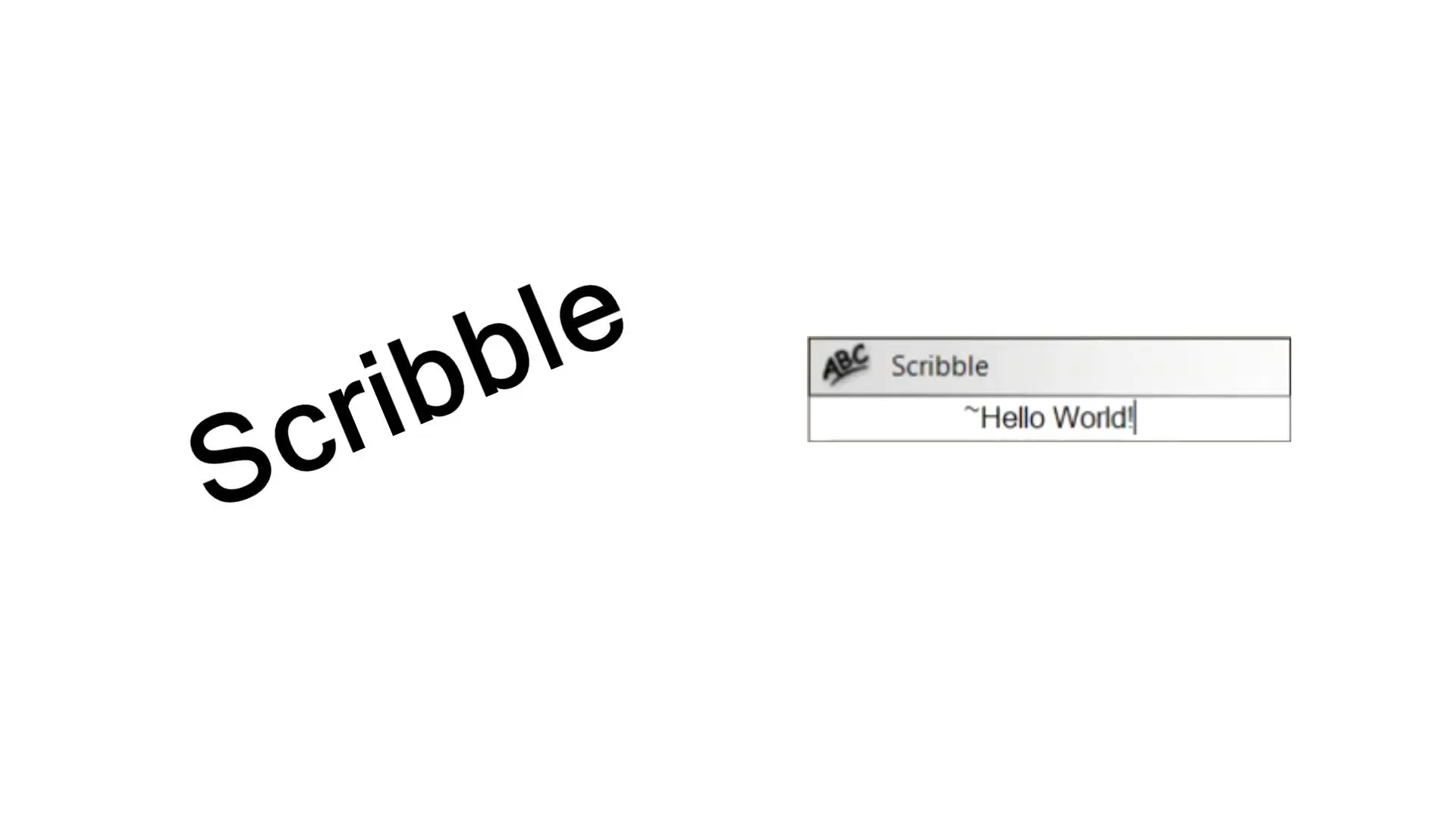
Scribble is a unique Grasshopper component used for adding quick notes to the canvas. Once a scribble is created, you can double-click it to enter your desired text. However, there’s a shortcut to create a scribble with pre-written text instantly. Simply open the canvas search bar and type a tilde character (~) followed by your desired text. The text will automatically appear in the newly created scribble.