Beginners
27 published lessons curated by the instructor.
Beginner course sections
Lessons and example files
Browse all files →
1- What is Grasshopper 3D?
In this video we will talk about Grasshopper and the history of scripting vs visual programming language and why should we choose Grasshopper! First, we will take a look at the “Re
View lesson →
New to Grasshopper?
In this Grasshopper tutorial, I will teach you the grasshopper basics for beginners to advanced. First I will talk about the Grasshopper canvas and basically how Grasshopper works
View lesson →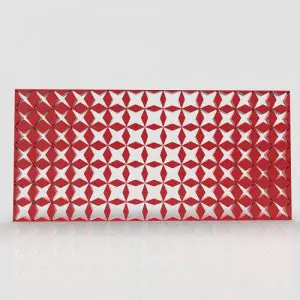
10 - Attarctor triangles
In this Paracourse lessons you can use a series of point attractors to change the scale of a square grid and then connect the corners to the middle of the scaled border.
View lesson →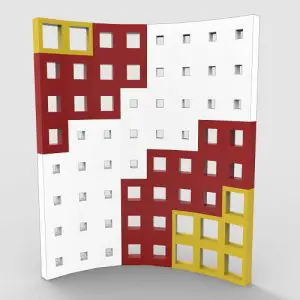
14- Paneling Tools (List)
In this Paracourse lesson, we will use the Paneling Tools plugin to cover a Nurbs surface with a series of modules. We will use point attractors to distribute the modules and in th
View lesson →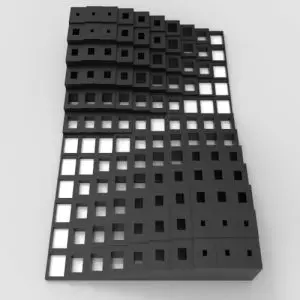
3- Parametric Point
In this Grasshopper tutorial, I will teach you how to define a parametric point in grasshopper and use it to design a framed facade. First we will find the distance between the att
View lesson →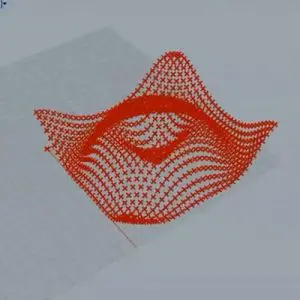
1- Single Point Attractor
In this Video tutorial, you will learn how to use a single point attractor in your design. By understanding the concepts you can get ready for more complicated attractors and how t
View lesson →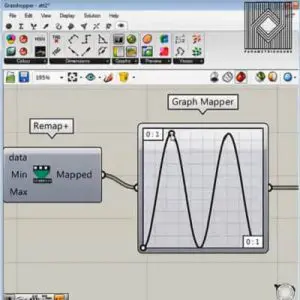
2-Multiple Attractor Points
In this Grasshopper tutorial, we will understand what happens when we use two or more points as an attractor and how it affects our grid of points.
View lesson →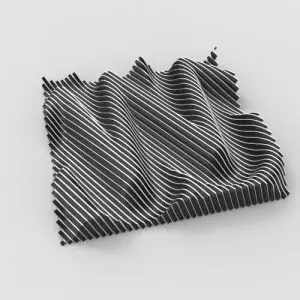
4-Single Curve Attractor
In this grasshopper tutorial i will use a curve as an attractor and use it to deform a surface. You will learn how to define the distance between a set of point and a single curve.
View lesson →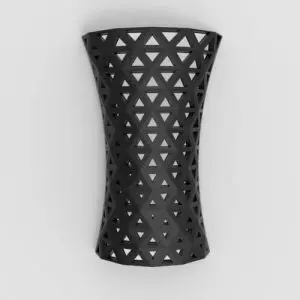
5- Parametric Curve Attractor
In this video tutorial, I will explain how you can use u,v coordinate system to produce a parametric curve on a surface and use it as an attractor to affect the frames of triangula
View lesson →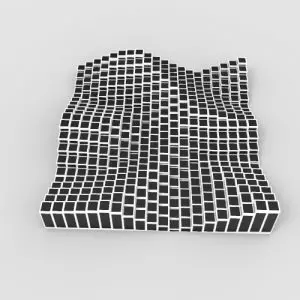
6-Multiple Curves
In this grasshopper lesson, we will learn how to use a set of curves for attraction. You will learn how to use advanced grasshopper techniques to analyze the distance between the p
View lesson →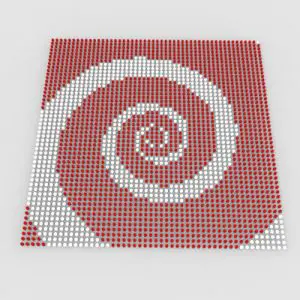
7- Image Attractor
In this video tutorial, I will explain how to use image sampler to produce a complex form based on an image in grasshopper. The image sampler tool will use u,v point mapping to ext
View lesson →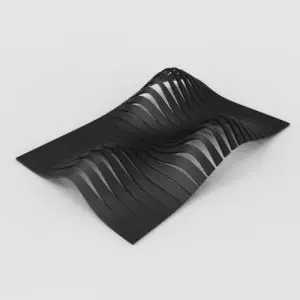
8- Based on height
In this grasshopper tutorial, I will model a facade louver system based on scaling. First I will divide the facade into louvers and then I will extract the lines and scale them bas
View lesson →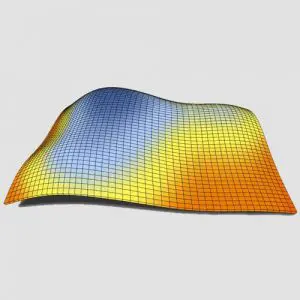
9- Based on colour
In this tutorial, I will explain how you can use Gradient to color a set of panels based on their height.
View lesson →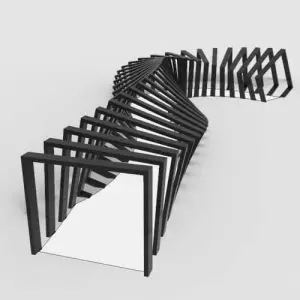
1- One section,One path
In this lesson, you will learn how to use a single section and a curved path to produce a parametric model. First I will explain how we can orient the section into the curve and th
View lesson →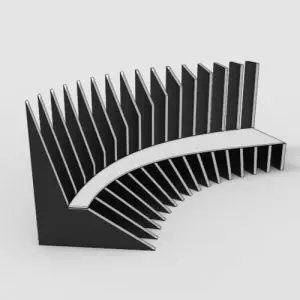
2- Multiple Sections
In this lesson, you will learn how to use multiple sections and a curved path to produce a parametric model. First I will explain how we can orient the section into the perpendicul
View lesson →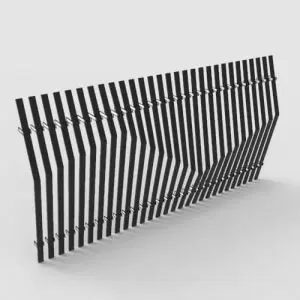
3-Intersection Sectioning
In this Grasshopper Lesson, I will show you how you can use intersections to design the sections of a parametric model. You can use this technique to control your sections. First,
View lesson →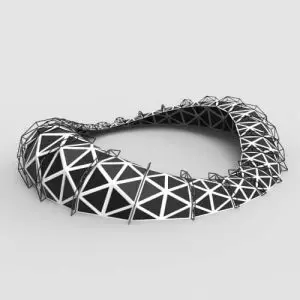
4-Rail Modification
In this Grasshopper Lesson, I will show you some techniques which you can use to modify the rail curve. By modifying the rail curve you can also design new parametric models. First
View lesson →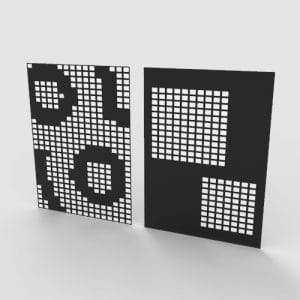
1-Logics & Dispatch
In this grasshopper tutorial, I will talk about dispatching in Grasshopper. First, we will use simple true/false boolean patterns to understand the dispatch tool and then we will g
View lesson →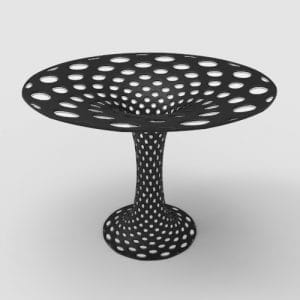
3-Sorting Data
In this Grasshopper tutorial, I will teach you how to use sorting data to produce a spiral based surface and then convert it to smooth Mesh. First I will produce a surface by revol
View lesson →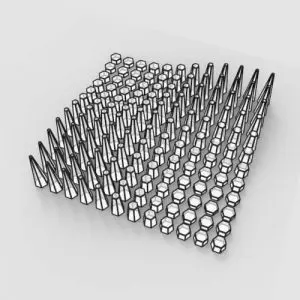
4-Grafting
In this lesson, I will show how grafting can help you to model parametric hexagons and use point attractors to change the height and scale of them. First, we will talk about grids
View lesson →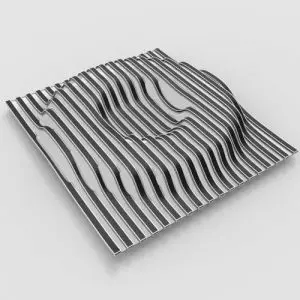
5-Partition
In this lesson, I will talk about flipping a matrix for data management and how partition can handle data into groups. First, we will take a look at grids and how they are in group
View lesson →
5- Graft
After learning about the flatten, now we have to know where to graft the inputs to get our desired results.
View lesson →
6- Flatten
After learning about the Partition list, it’s time to learn how to destroy the data trees with flatten and also change them with flip matrix.
View lesson →
4- Partition List
Now we will learn how to manage data with more tools like list length , partition list and simplify.
View lesson →