Introduction
7 published lessons curated by the instructor.
Lessons and example files
Browse all files →
1- What is Grasshopper 3D?
In this video we will talk about Grasshopper and the history of scripting vs visual programming language and why should we choose Grasshopper! First, we will take a look at the “Re
View lesson →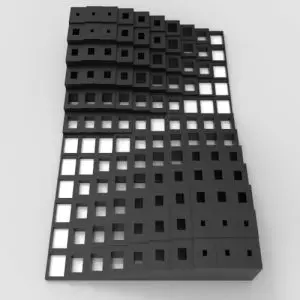
3- Parametric Point
In this Grasshopper tutorial, I will teach you how to define a parametric point in grasshopper and use it to design a framed facade. First we will find the distance between the att
View lesson →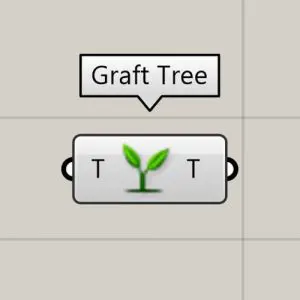
5- Graft
After learning about the flatten, now we have to know where to graft the inputs to get our desired results.
View lesson →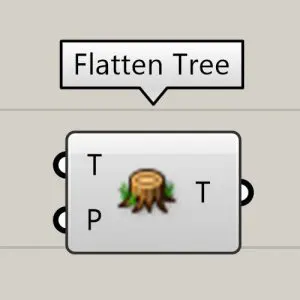
6- Flatten
After learning about the Partition list, it’s time to learn how to destroy the data trees with flatten and also change them with flip matrix.
View lesson →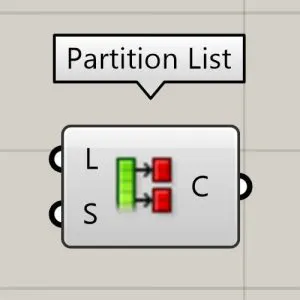
4- Partition List
Now we will learn how to manage data with more tools like list length , partition list and simplify.
View lesson →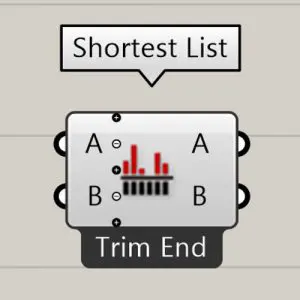
3- Shortest List
Now we have learned the basics of the canvas we will take a look at the most important aspect of data management in grasshopper called the “longest list”.
View lesson →
2-Canvas
In the introductory lesson, we’ll explore the Grasshopper 1.0 canvas and familiarize ourselves with its fundamental features.
View lesson →