File Library
Explore Grasshopper definitions, example files, tutorials and reusable computational design files.
143 matching files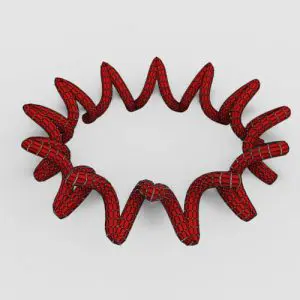
Per Frames
In this video tutorial I will use the Per frames tool to produce a parametric pattern on a curve in Grasshopper . You will learn how to use the frames by deconstructing them and using their main vectors to move the origing of the planes.
View file →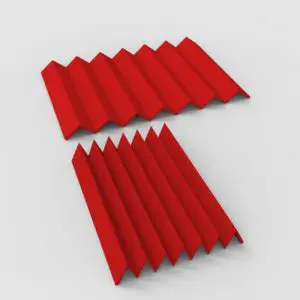
Rotate Axis
In this video tutorial, I will explain how to use Rotate Axis tool to produce a linear kinetic origami surface.
View file →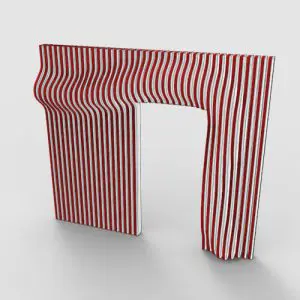
Contour
In this video tutorial, I will explain how to use Contour component in Grasshopper 3D.
View file →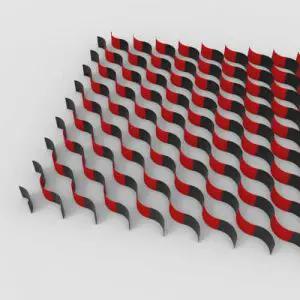
Box Morph
In this Grasshopper tutorial we will use the Box Morph tool to morph a 3d module from the xy plane into a surface. By using the box morph technique you can design any complicated module and then morph with into your desired NURBS surface.
View file →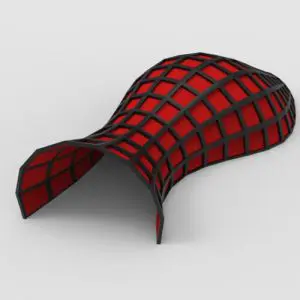
Mirror Curve
In this Grasshopper Tutorial I will show you how you can produce a parametric surface by using the Mirror curve tool and arc sections. We will use the sweep2 tool to make the surface and the Lunchbox pluging to produce the panels.
View file →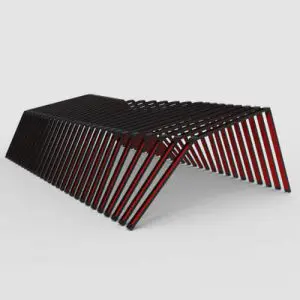
Intersect Crv/Crv
In this Grasshopper Tutorial I will use the Intersect Crv/Crv tool to produce a parametric structure. First I will linear Array a line and then intersect it with two set of parametric polylines. Then I will move the intersection to produce
View file →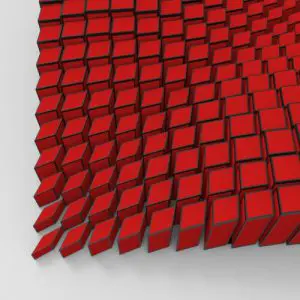
Scale Nu
In this grasshopper tutorial , I will talk about the Scale NU tool and how you can use it to scale a set of rectangles non uniformly. First, we will array a square and then define a rotated plane to scale the squares diagonally. We will use
View file →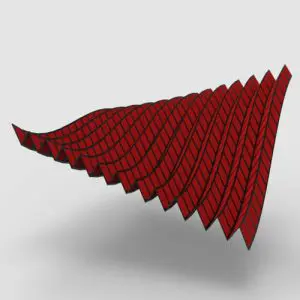
Tween Curve
In this grasshopper tutorial , we will make a parametric surface by using the tween curve tool and a repeating pattern. First, we learn how to make a series of curves between two curves and then we move them by a repeating pattern to make a
View file →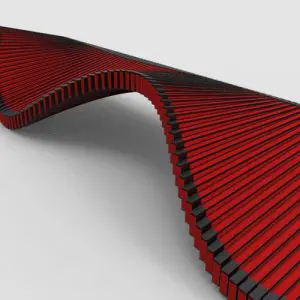
Graph Mapper
In this grasshopper tutorial , I will explain about the Graph Mapper tool and how you can implement it in your design. First, we will learn how the Range tool can make data for Graph mapper and then we will use the graph mapper to change th
View file →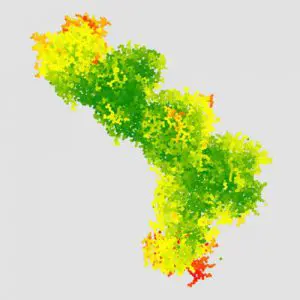
Import PDB
In this grasshopper tutorial , I will talk about the Import PDB tool and how you can use it to visualize a protein file. First, we download the PDB file from the www.rcsb.org website. After that, you can import the PDB file in grasshopper a
View file →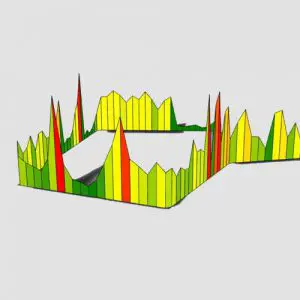
Firefly tutorial
In this firefly grasshopper tutorial , I will answer one of our user’s questions. The tutorial is in two sections. First I will explain how you can make animations in grasshopper and second we will talk about how to visualize sound in grass
View file →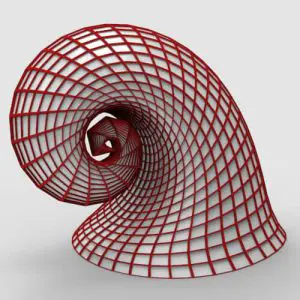
Evaluate Curve
In this tutorial, I will be using evaluate curve to produce a seashell geometry. Understanding the curve’s tangent and producing different controllable data with “range” is taught in is this tutorial.
View file →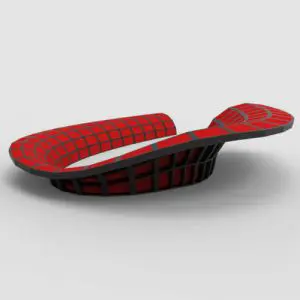
Pipe Variable
In this video tutorial, I will explain how you can use Pipe variable and isotrim to produce a parametric surface .
View file →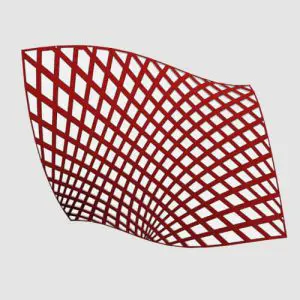
Brep / Plane
Parametrichouse : In this Video tutorial, I will be talking about how you can use “Brep/Plane” intersection tool to produce geometry. “Brep/Plane” will intersect a set of planes with your surface or polysurface and extract the resulting cur
View file →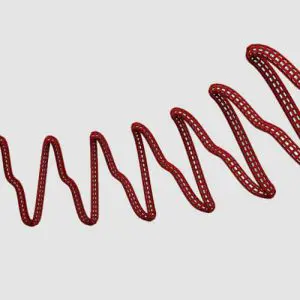
Sine/Cosine
In this tutorial, I will show how you can use the “Sine” or “Cosine” component to model a parametric curve. You will also learn how to combine different functions together.
View file →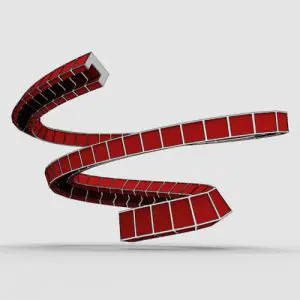
Sweep1
In this video tutorial, I will be talking about how you can use sweep1 to produce a parametric surface.
View file →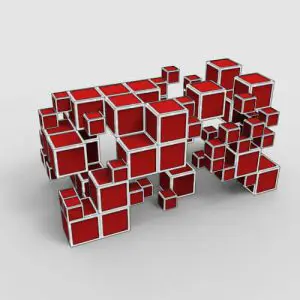
Octree
In this Video tutorial, I will explain how you can use the Octree component in grasshopper . You can easily make a parametric octree with random points.
View file →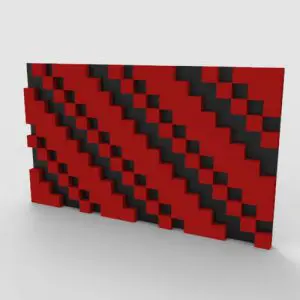
Dispatch Basics
In this Video Tutorial, I will explain how to use dispatch with a simple example. You can use dispatch in grasshopper3d when you want a pattern of two groups (True and False)
View file →
Bend Deform
In this Video tutorial, I will explain how you can use the Bend Deform component in grasshopper . You can easily bend geometry with this tool.
View file →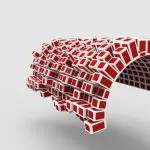
Random
In this video tutorial, I will show how you can use “random” to produce random numbers and use them in your modeling.
View file →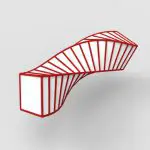
Twist
In this Grasshopper Tutorial , I will teach you how to use the twist command in Rhino 6. I will explain how twist works with a simple twisting Box around a parametric Axis.
View file →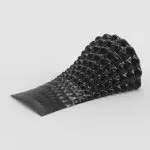
Grasshopper Attractor
This Grasshopper Attractor tutorial is about you how you can use a point attractor to produce a smooth mesh with weaverbird , First I will divide the surface into segments and then by converting the NURBS surface to mesh and by using Weaver
View file →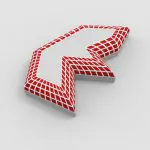
Fillet Edge
In this Grasshopper Tutorial, I will talk about the Fillet edge command (Rhino 6) which you can find in the Surface, Utility menu. First I will explain how you can make a polysurface and then fillet a face by choosing it with list item and
View file →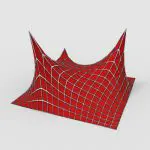
Kangaroo Basics
In this grasshopper tutorial, I will answer one of our YouTube channel users about the kangaroo plugin. First, we will talk about the basics of kangaroo Physics and then we will remodel a parametric tensile surface in kangaroo2.
View file →