File Library
Explore Grasshopper definitions, example files, tutorials and reusable computational design files.
30 matching files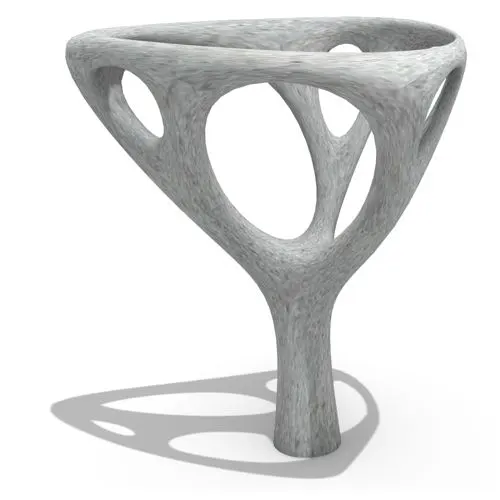
Parametric Structure
In this Rhino Grasshopper tutorial, you’ll learn how to model a parametric tree-like structure using only native Grasshopper components, with full control over its form and branching behavior.
View file →
Flip Matrix Error
Struggling with Flip Matrix errors in complex data trees? Use the Path Mapper to reorganize data with custom rules and achieve accurate transposition. Learn how to swap path levels effectively!
View file →
Unflatten Tree
Restore flattened data trees in Grasshopper effortlessly with the Unflatten Tree component. Reconstruct original branch structures with a guide tree in seconds.
View file →
Entwine
Learn how to organize data streams into structured trees with the Entwine component in Grasshopper. Preserve input structures effortlessly with grafting options.
View file →
Suirify
Discover Suirify, the minimalist Grasshopper component that removes extra zeros from data tree paths—even for single-branch trees. Simplify your definitions effortlessly.
View file →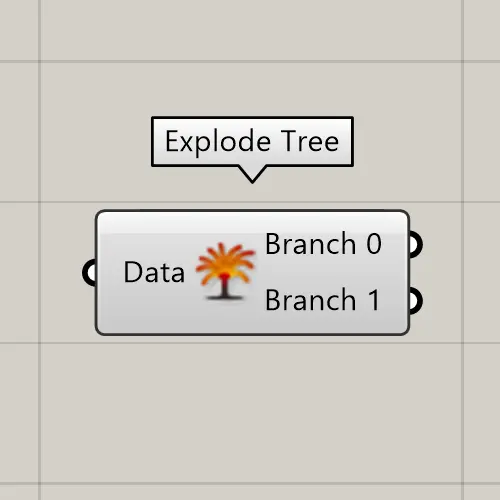
Explode Tree
Quickly extract branches from data trees with the Explode Tree component in Grasshopper. Learn how to unlock its full potential with the Match Outputs feature.
View file →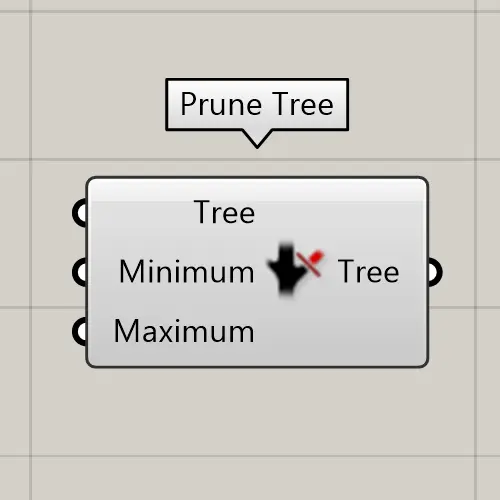
Prune Tree
Prune Tree is a versatile yet often overlooked component for working with data trees.It allows you to remove branches from a tree based on the number of data items they contain.
View file →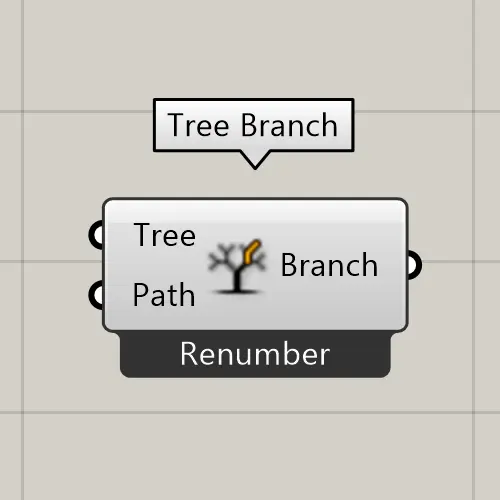
Renumber Tree Branches
The Tree Branch component is a powerful tool for extracting specific branches from a data tree. It also includes a hidden feature in its component menu that allows you to renumber the output branches.
View file →
Trim Tree
View file →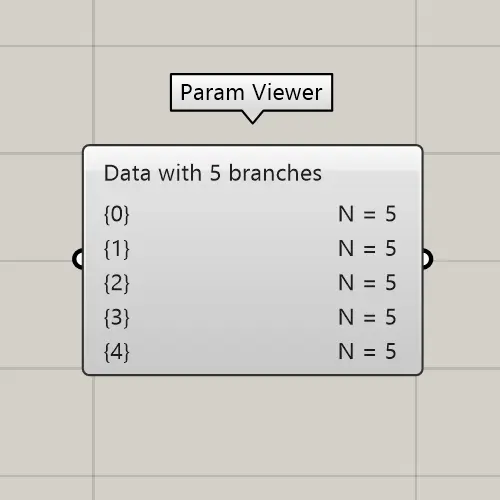
Param Viewer (Rhino 8)
The Param Viewer component is a powerful tool for quickly reviewing the data tree structure in Grasshopper. In Rhino 8, this component has been enhanced with a preview feature, further extending its functionality.
View file →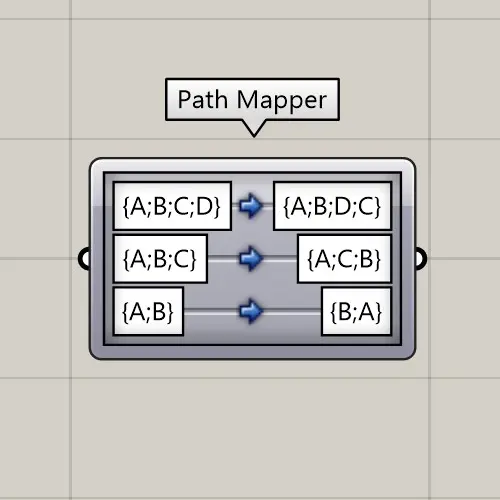
Path Mapper
The Path Mapper is one of the most powerful components for modifying data trees in Grasshopper. However, it has a notable limitation when dealing with changes in branch paths.
View file →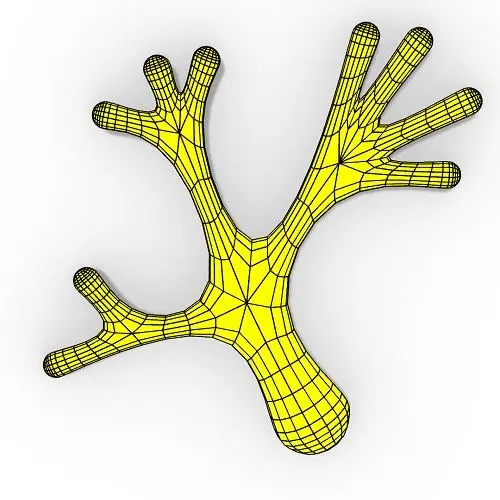
Tree-Like Structure
In this Grasshopper tutorial, you will learn how to model a parametric tree-like structure using a series of lines.
View file →
Sort List + Substrate
In this Paracourse Lesson, we will learn how to use the “Substrate” combined with the “Sort List” component to sort the random areas of the substrate pattern and give them a gradient color.
View file →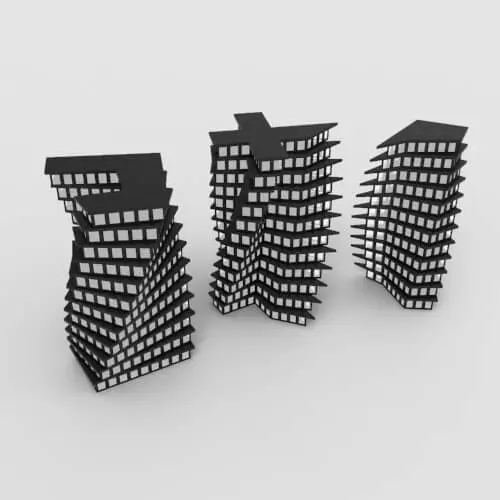
2-Manage output
In this Grasshopper lesson, I will talk about managing output data with a turning tower example. First I,m going to model the tower and then I will talk about data management and the different components you can use to extract or delete dat
View file →
Parametric Facade
In this grasshopper example file, you can design a parametric facade using the shortest list component.
View file →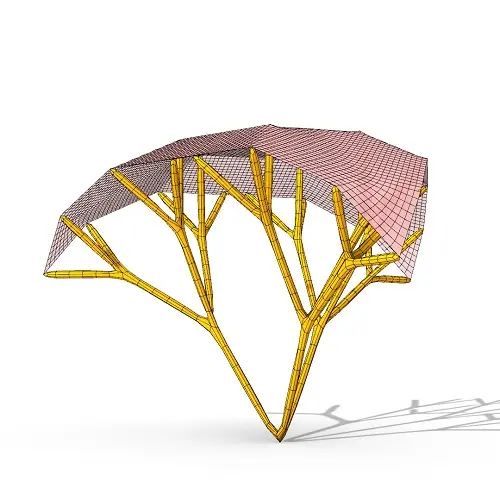
Rabbit Lsystem
In this Grasshoper example file, you can use the Rabbit plugin to create a series of L-system tree-like structures.
View file →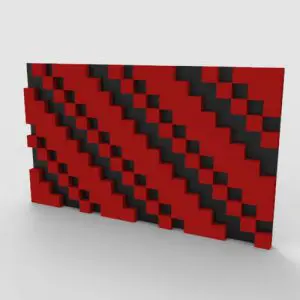
Dispatch Basics
In this Video Tutorial, I will explain how to use dispatch with a simple example. You can use dispatch in grasshopper3d when you want a pattern of two groups (True and False)
View file →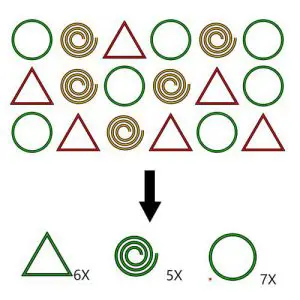
Counting Curves
In this Grasshopper Tutorial, we learn how to find and count the different types of curves used in a series of curves and visualize them.
View file →
Series
In this grasshopper tutorial for beginners we are going to take a look at the Series component and how to use it to increase something with a step size.
View file →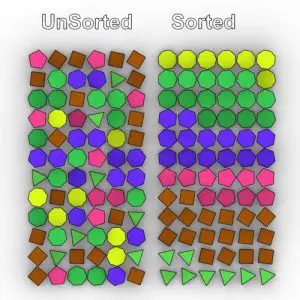
Sort By Geometry1
In this grasshopper example file, you can sort a list of 2D and 3D polygons by segments and heights using the sort component in grasshopper.
View file →
2- List Data
In the second Grasshopper Python tutorial, we are going to cover how you can use List data in Python and extract and use each item. We will also Rebuild the move component in Python.
View file →
3- Shortest List
Now we have learned the basics of the canvas we will take a look at the most important aspect of data management in grasshopper called the “longest list”.
View file →
4- Partition List
Now we will learn how to manage data with more tools like list length , partition list and simplify.
View file →
6- Flatten
After learning about the Partition list, it’s time to learn how to destroy the data trees with flatten and also change them with flip matrix.
View file →