File Library
Explore Grasshopper definitions, example files, tutorials and reusable computational design files.
476 matching files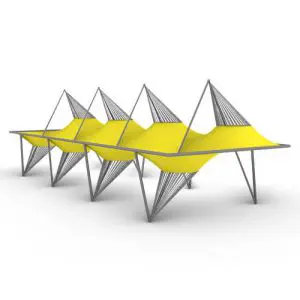
Mirrored Tensile Structure
In this grasshopper example file you can model a mirrored tensile structure by defining circular edges and using the Kangaroo2 plugin.
View file →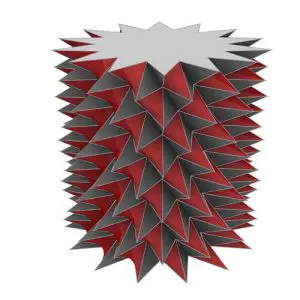
Minimal Surface Facade
In this grasshopper example file by using the Millipede plugin you can model a parametric facade made out of minimal surfaces and Delaunay meshes.
View file →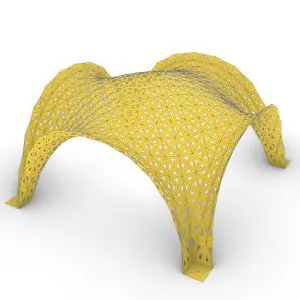
Parametric Vault
In this grasshopper example file you can create a parametric vault by using the kangaroo2 plugin.
View file →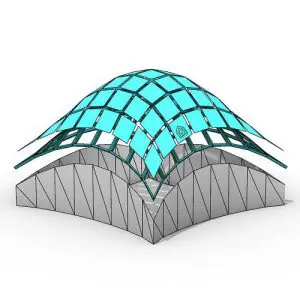
Kangaroo Roof Structure
In this grasshopper example file You can use the Kangaroo2 plugin to model a relaxed mesh as a roof and convert it into a structure.
View file →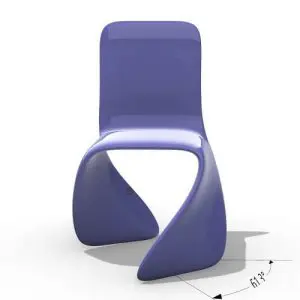
Parametric Twisting Chair
In this grasshopper example file you can use the Weaverbird plugin to convert a parametric chair to a smooth mesh and then twist it.
View file →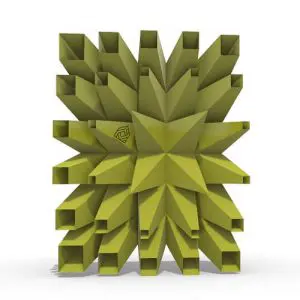
Weaverbird Field Attractor
In this grasshopper example file you can generate a parametric mesh field by using the weaverbird plugin and defining an attractor point.
View file →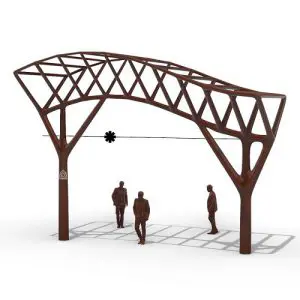
Space Frame Attractor
In this grasshopper example file You can model a parametric space frame structure and convert it into a smooth singular mesh using the Kangaroo2 plugin.
View file →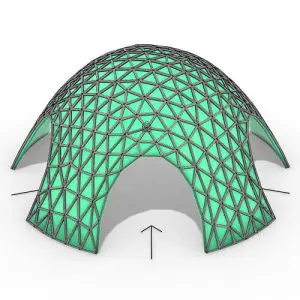
Kangaroo inflated Structure
In this grasshopper example file You can model an inflated structure using the Kangaroo2 plugin.
View file →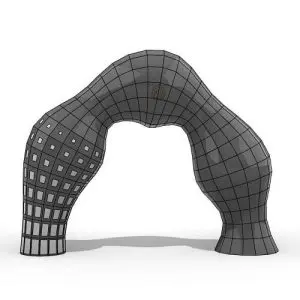
Mesh Arc Paneling
In this grasshopper example file You can generate different paneling patterns on a parametric Arc.
View file →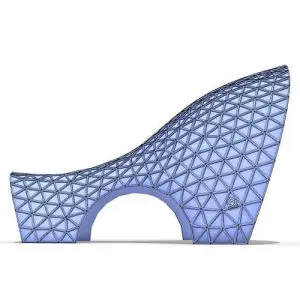
Weaverbird Freeform Structure
In this grasshopper example file You can design a parametric freeform structure using the Weaverbird plugin.
View file →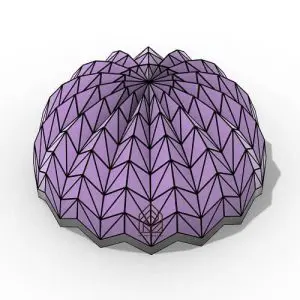
Parametric Weaverbird Dome
In this grasshopper example file You can model a parametric dome by using the Weaverbird plugin.
View file →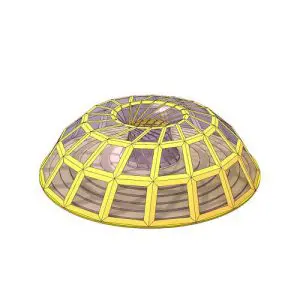
Twisted Kangaroo Pavilion
In this grasshopper file you can create a parametric pavilion with radial stairs by using the Kangaroo2 plugin.
View file →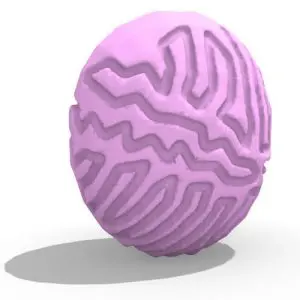
Differntial Growth
In this grasshopper tutorial for beginners we are going to take a look at Differntial Growth and how you can generate it on a mesh.
View file →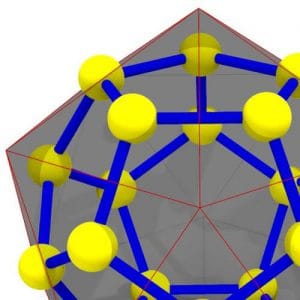
Mesh Connection
In this Grasshopper tutorial for beginners, we’re going to explore how to connect the neighbours for the center point of meshes and then model a parametric connection with it.
View file →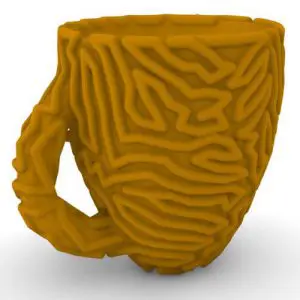
Differential Growth Cup
In this Grasshopper tutorial for beginners we will learn step-by-step how to generate a differential growth pattern on a mesh.
View file →
Voronoi Mesh
In this Grasshopper tutorial for beginners you will learn how to give a radius to a series of voronoi cells and convert them into a mesh.
View file →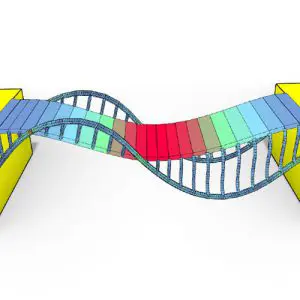
Millipede Bridge
In this Grasshopper tutorial for beginners, I’m going to model a parametric bridge by defining a base curve and then use the Millipede plugin to analyze its structure.
View file →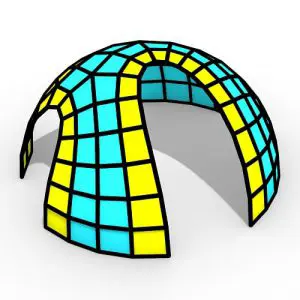
One Row Mesh
In this Grasshopper tutorial for beginners, we are going to extract a single row of mesh near the naked edges of a quad-mesh dome.
View file →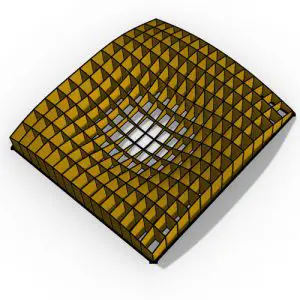
Point Attractor Mesh
In this Grasshopper tutorial for beginners, we will model a parametric mesh using a series of point attractors and by utilizing graph mappers.
View file →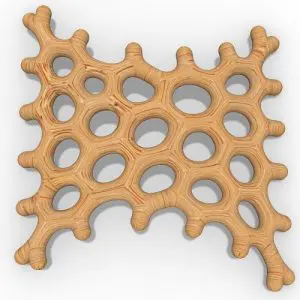
Multipipe Kangaroo
In this Grasshopper Kangaroo tutorial, we will learn how to create a mesh with controllable anchor points and n-gon polygons.
View file →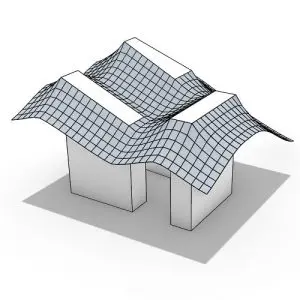
Parameric Roof
In this Grasshopper tutorial for beginners, you’ll discover how to relax a mesh over a series of lofted solids to construct a parametric roof.
View file →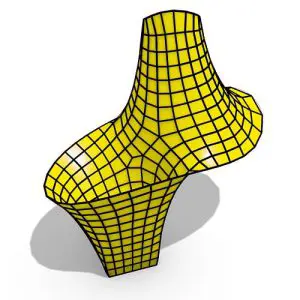
Minimal Surface
In this Grasshopper tutorial for beginners, you can design a parametric minimal surface by simply defining a series of curves using the Kangaroo plugin.
View file →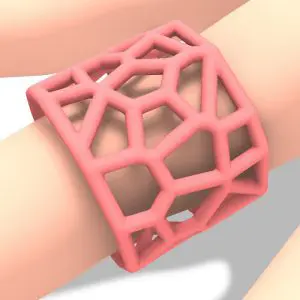
Voronoi Ring
In this Grasshopper tutorial for beginners, you will learn how to design a voronoi ring and convert the cells into a singular mesh using the Dendro plugin.
View file →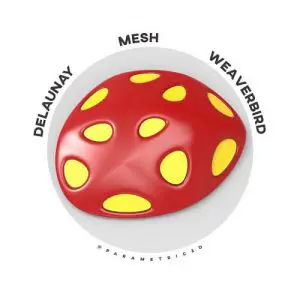
Delaunay Mesh
By combining a Delaunay mesh with weaverbird’s components you can simply make a smooth mesh! First, you can define the points, connect them by the Delaunay mesh and change the base mesh by changing the point’s location. Then use the frame c
View file →