Parametric House · Digital File
Multipipe Kangaroo
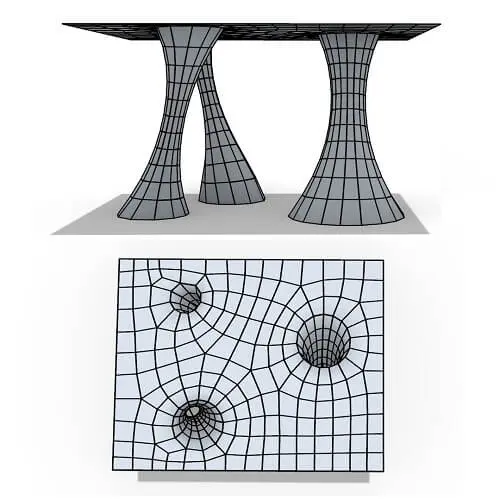
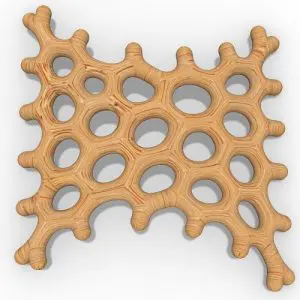
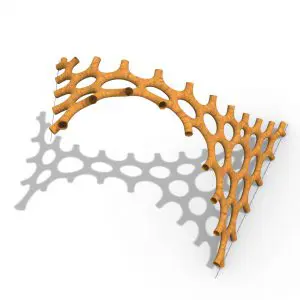
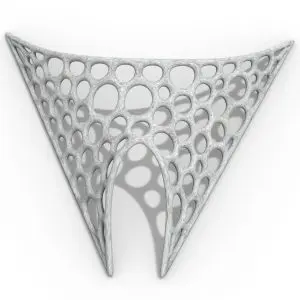
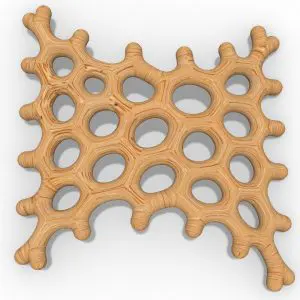
In this Grasshopper Kangaroo tutorial, we will learn how to create a mesh with controllable anchor points and n-gon polygons.
Gallery
Video Resources
Preview / Tutorial
PublicTutorial Ngon Relax
Premium
Membership required
This video requires a membership to watch.
Sign up to watchAbout this file
Have you ever attempted to transform two lines into a multipipe mesh?
Follow these steps to achieve it:
1- Loft the two lines together to create a surface.
2- Convert this surface to a mesh using the “Mesh Surface” component.
3- Assign physical properties to the mesh with the “EdgeLengths” component from the Kangaroo plugin.
4- Apply forces in the z-direction using the “VertexLoads” component for dynamic simulation effects.
5- Transform the relaxed mesh into an n-gon mesh with the “TriRemesh” component for a more refined topology.
6- Finally, utilize the mesh edges with the “MultiPipe” component to achieve the final multipipe mesh structure.
These steps outline a comprehensive approach to creating a multipipe mesh from initial lines, incorporating physical simulation and geometric refinement for an advanced Grasshopper modeling technique.
Duration : 32 Minutes