File Library
Explore Grasshopper definitions, example files, tutorials and reusable computational design files.
11 matching files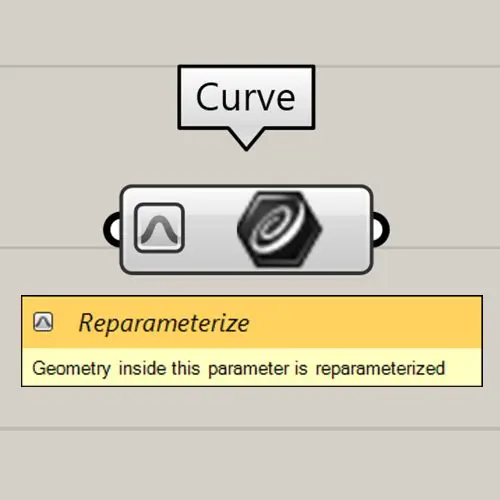
Normalized Parameters
For instance, a parameter value of 0.5 might not be halfway along the curve’s length – or even close to it. This happens because reparameterization redistributes the parameter values without considering the curve's physical dimensions.
View file →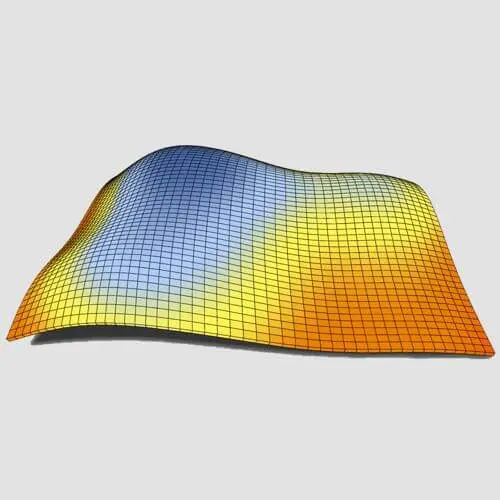
Gradient
In this tutorial, I will explain how you can use Gradient to color a set of panels based on their height.
View file →
What are these icons?
In this grasshopper tutorial, I will talk about one of our subscriber’s question. Emilio asked about the little icons you see when you right click on the component’s input or output. I will explain about them in this video.
View file →
Tutorials Intro
Welcome to the Grasshopper tutorials introduction tutorial. I will be talking about tips which will help you learn grasshopper faster and easier. Okay for the first tip we go to the right up here for the menu and the tip is about the interf
View file →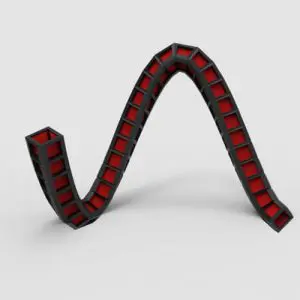
Series
You can find Series in Sets> Sequence section of the tools. It’s located under Range and Similar tools are Random, Fibonacci and Sequence. This tutorial is about how series can help you produce parametric geometry.first of all, you can e
View file →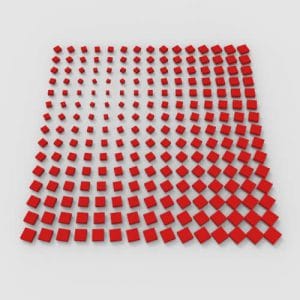
Orient Direction
Orient Direction is a tool which can perform 3 different transformations on geometry. You can Move, Rotate and Scale. In this example, I will be showing how you can do this by a point and a set of rectangles.
View file →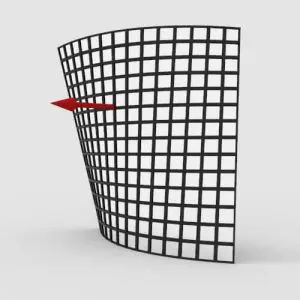
Evaluate Surface
In this video tutorial, I will explain how you can extract a parametric point from a surface by using “Evaluate Surface”. Evaluate Surface can be used to extract a point from a NURBS surface.
View file →
Eve Explode
In this Rhino tutorial , I will explain the Eve Explode Plugin and how you can use it to move objects based on a point in Rhino. This plugin works on Rhino 5 so be sure to download the Plugin and Rhino 5 from the link below
View file →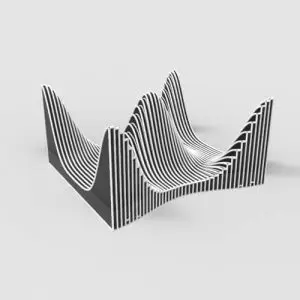
Contour Table
Parametrichouse: In this Contour Table tutorial, I will show you how easy you can model a table from a base surface and then contour it to produce the solids. You can deform the table with cage edit to make some deformation on the main mode
View file →
2-Canvas
In the introductory lesson, we’ll explore the Grasshopper 1.0 canvas and familiarize ourselves with its fundamental features.
View file →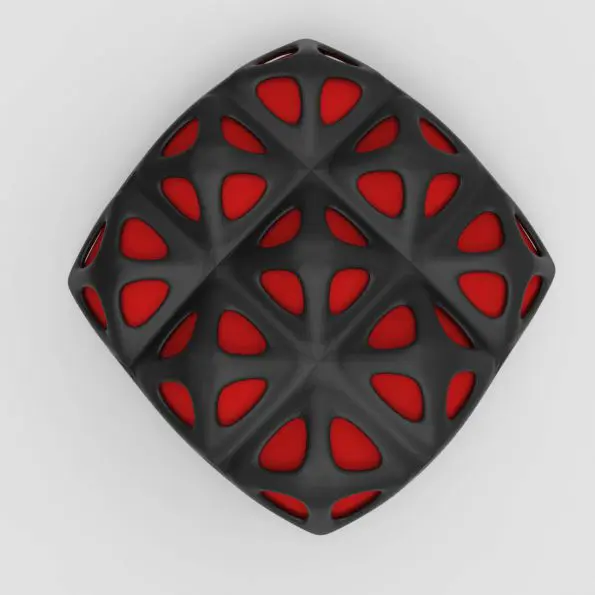
Smooth Mesh
In this Grasshopper lesson, I will talk about a technique you can use to produce smooth meshes. This tutorial will be the first for the smooth mesh series and can help you produce organic patterns.
View file →