Inflate Mesh
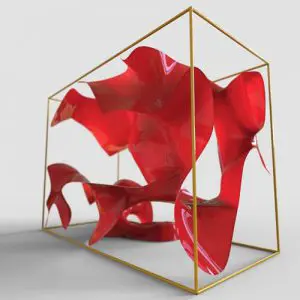
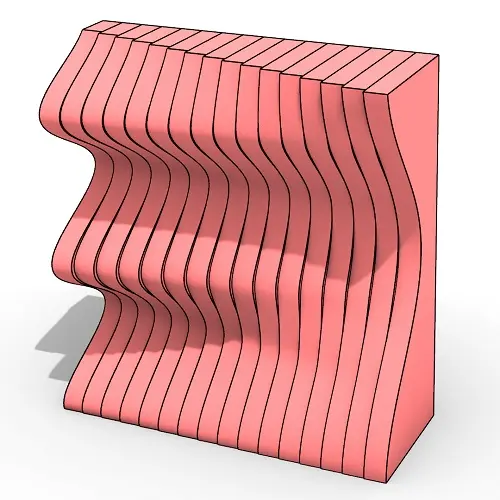
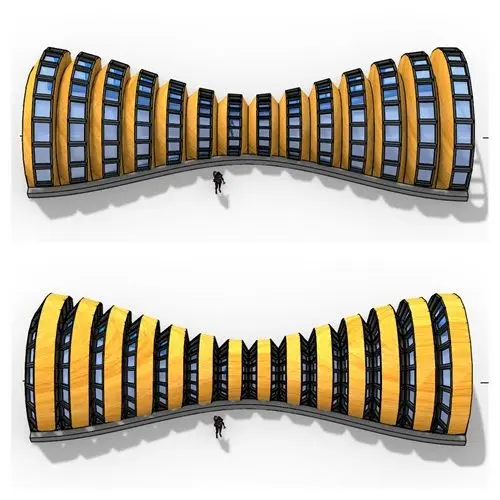
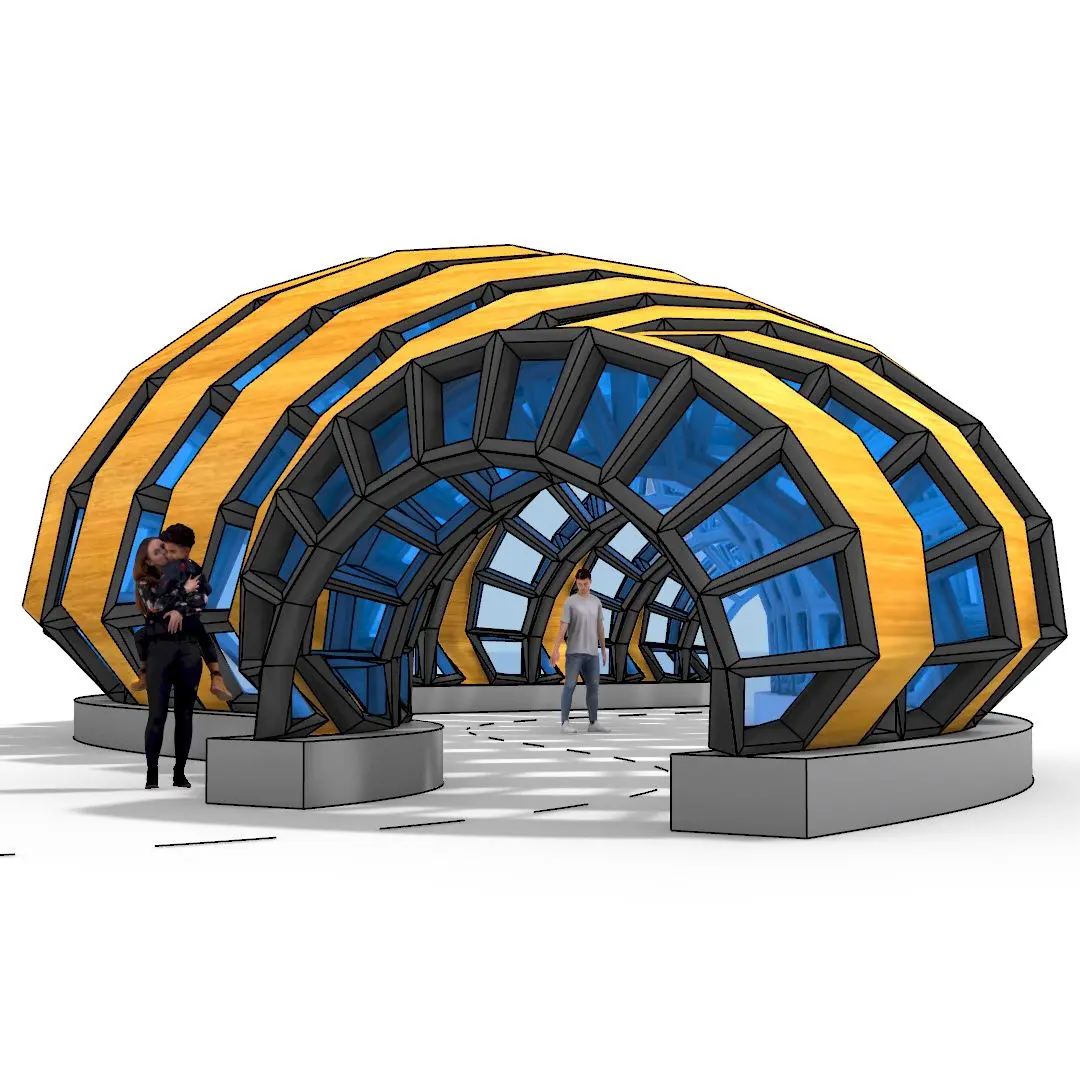
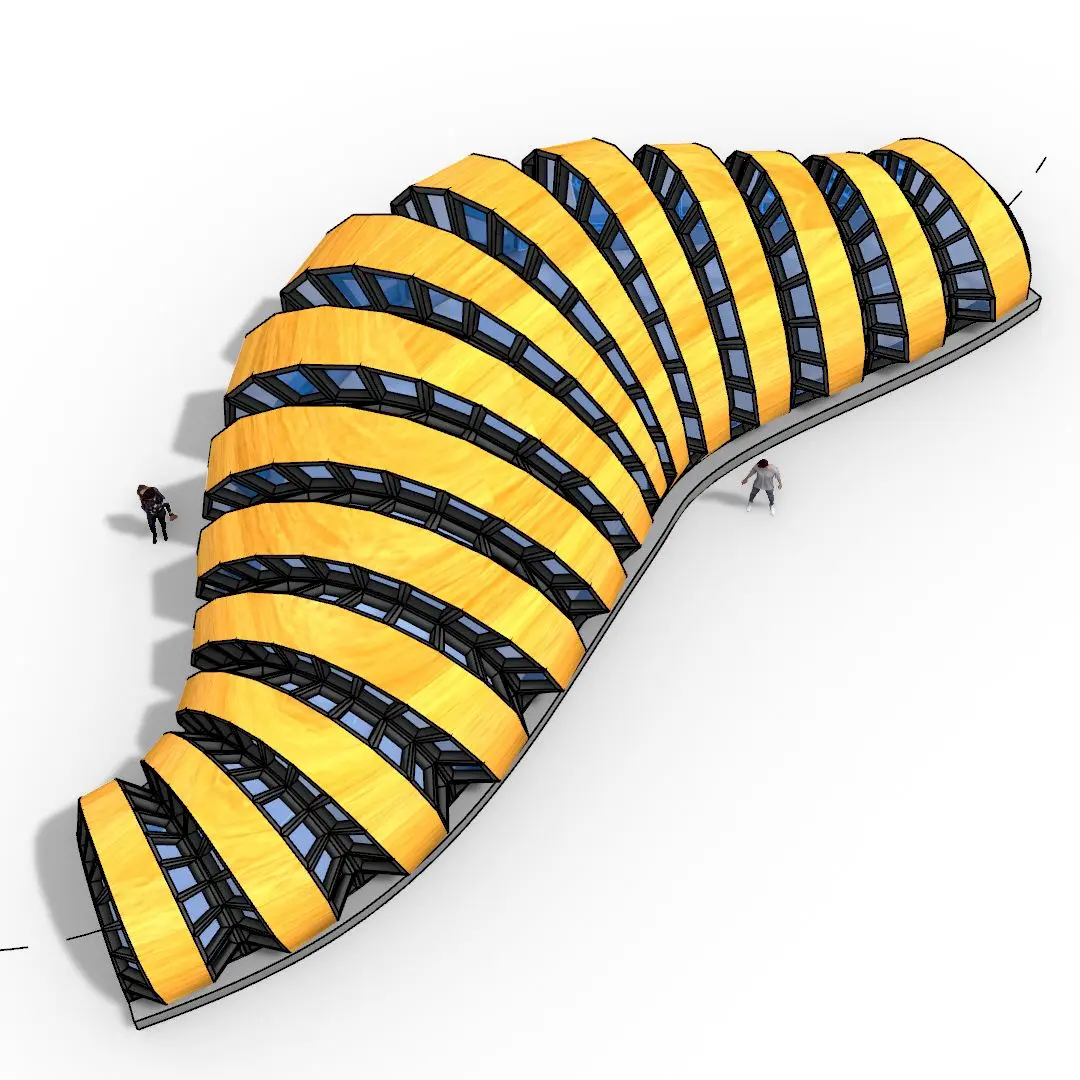
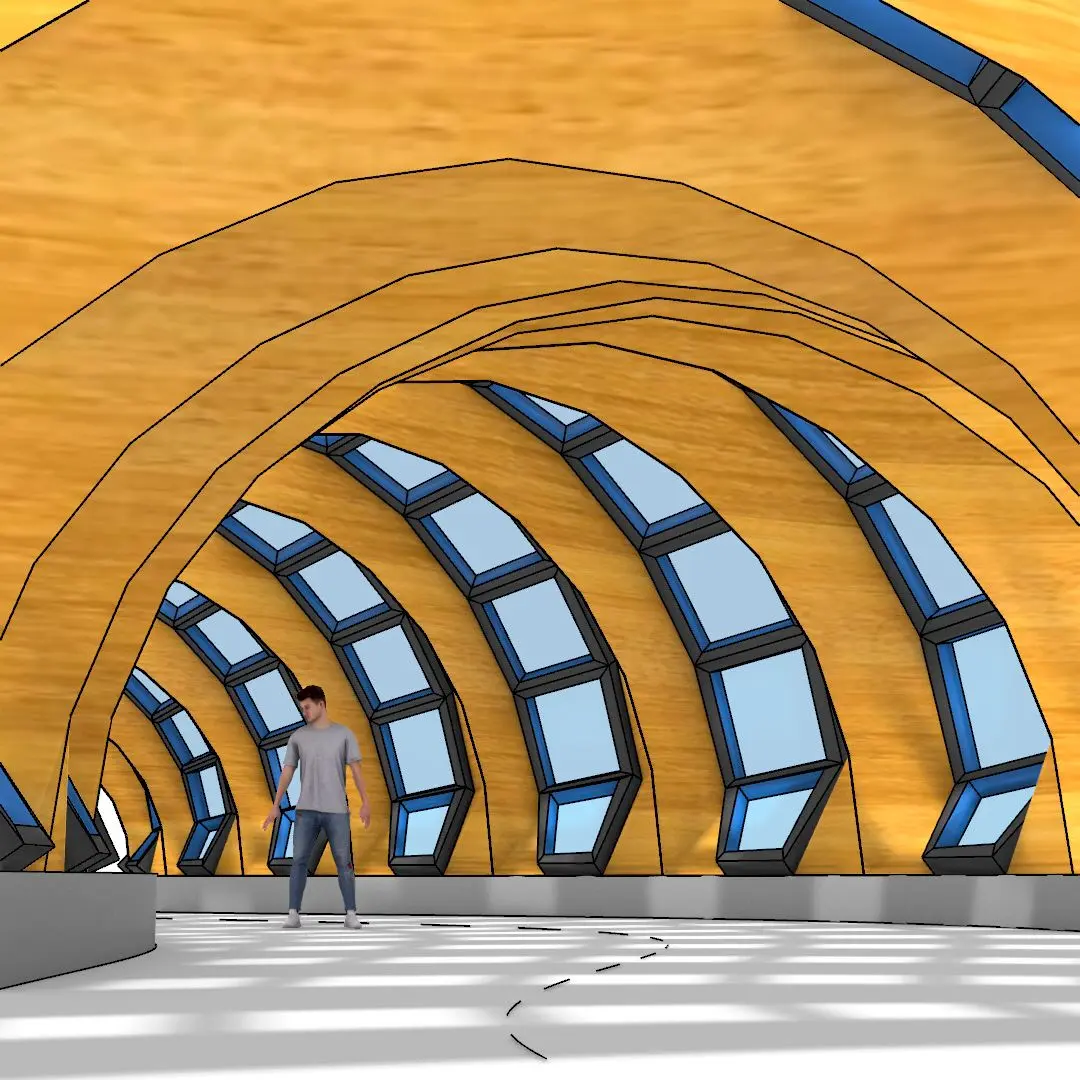
In this Grasshopper example, learn how to create a ribbed architectural form by inflating a NURBS surface using Kangaroo.
Gallery
Video Resources
Preview / Tutorial
PublicYouTube video player
PublicAbout this file
Ribbed Corridor (Free)
In this Grasshopper example, learn how to create a ribbed architectural form by inflating a NURBS surface using Kangaroo. Algorithm by Kaveh Khodabakhshi Music: (Touch the Mesh) by: Parametric HouseFix/Free Cluster (Premium)
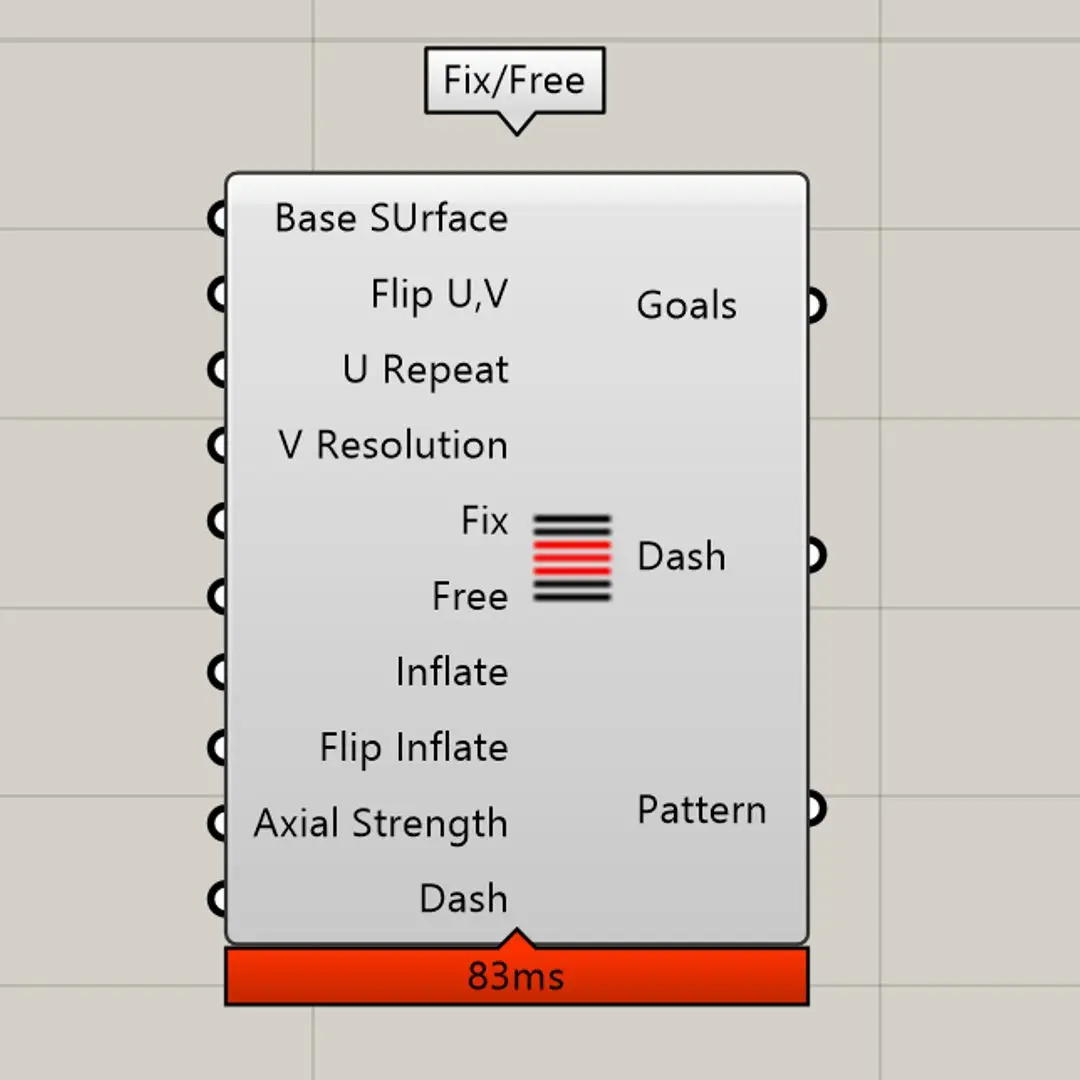
In this Grasshopper tutorial, you will learn how to create a cluster that inflates a U,V mesh along ribbed directions, with full control over how many edges are fixed and how many are free.Inputs:
-
Base Surface
The NURBS surface on which the ribs will be created. -
Flip U,V
Toggle to switch the direction of U and V. Use it to change the direction of fixed isocurves. -
U Repeat
Sets how many times the Fix/Free pattern repeats along the U direction. -
V Resolution
Controls the number of divisions along each isocurve (for better mesh resolution). -
Fix
Number of fixed isocurves—these will stay anchored during inflation. -
Free
Number of free isocurves—these can inflate and move during simulation. -
Inflate
Pressure value to drive the inflation in Kangaroo. -
Flip Inflate
Reverses the inflation direction if needed. -
Axial Strength
Controls the stiffness of the mesh edges—higher values make it less flexible. -
Dash
Length of the dash/gap pattern for visual representation of fixed lines.
Outputs:
-
Goals
The combined goals (including inflation and stiffness) to feed into Kangaroo. -
Dash
Dashed curve output for visualizing fixed ribs. -
Pattern
Sequence of 0s and 1s representing the fix/free pattern.