Parametric House · Digital File
Change Panel Thickness
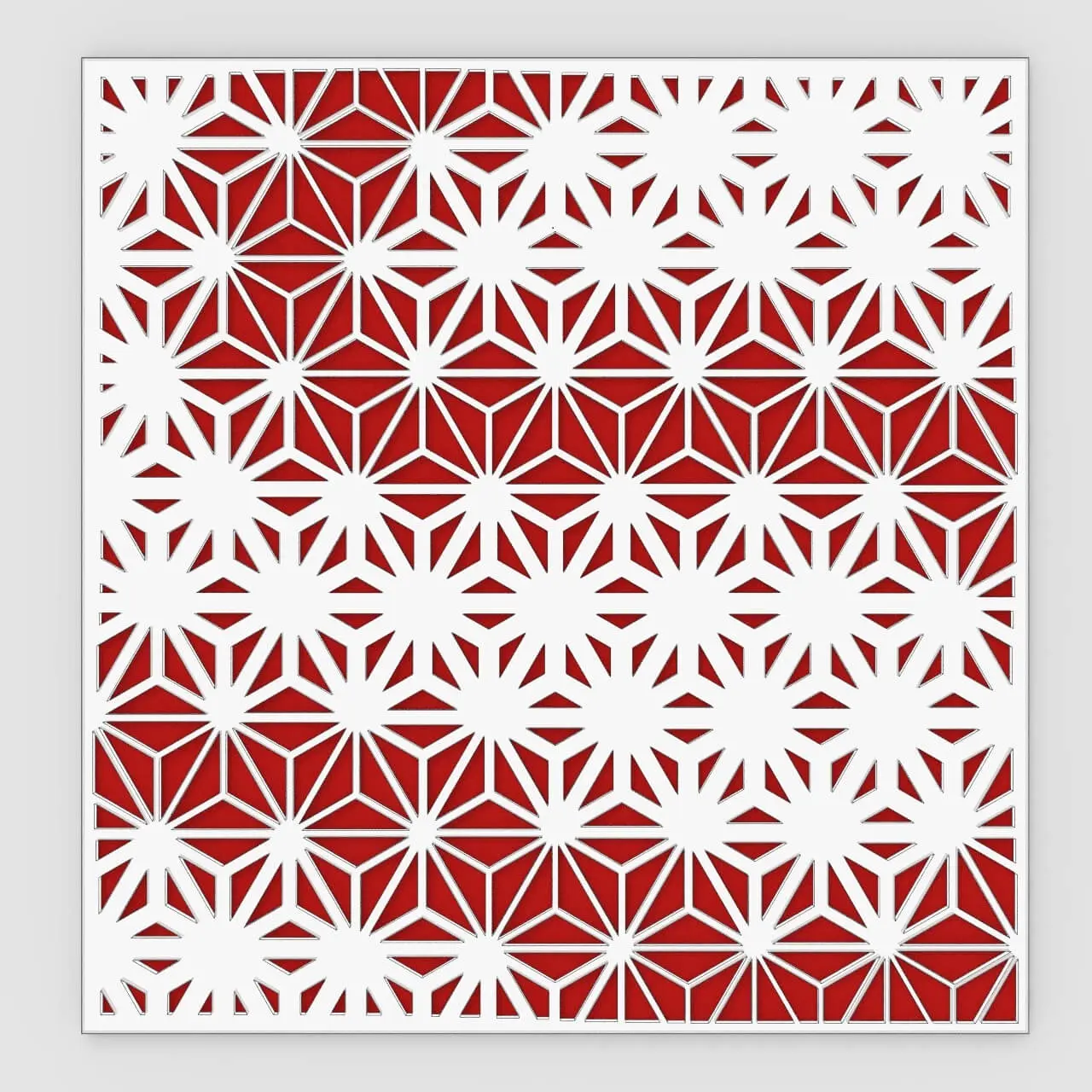
In this Rhino Grasshopper tutorial, we will model a series of triangular panels and change their thickness as their height increases. First, we will define the base pattern by connecting the centroid to the corner of the triangles and then we will use their center's Z component to define the offset pattern.

Gallery

Video Resources
Preview / Tutorial
PublicAbout this file
Part 1
In this Rhino Grasshopper tutorial, we will model a series of triangular panels and change their thickness as their height increases. First, we will define the base pattern by connecting the centroid to the corner of the triangles and then we will use their center’s Z component to define the offset pattern.
Duration : 16 Minutes
Part 2
Point Attractor
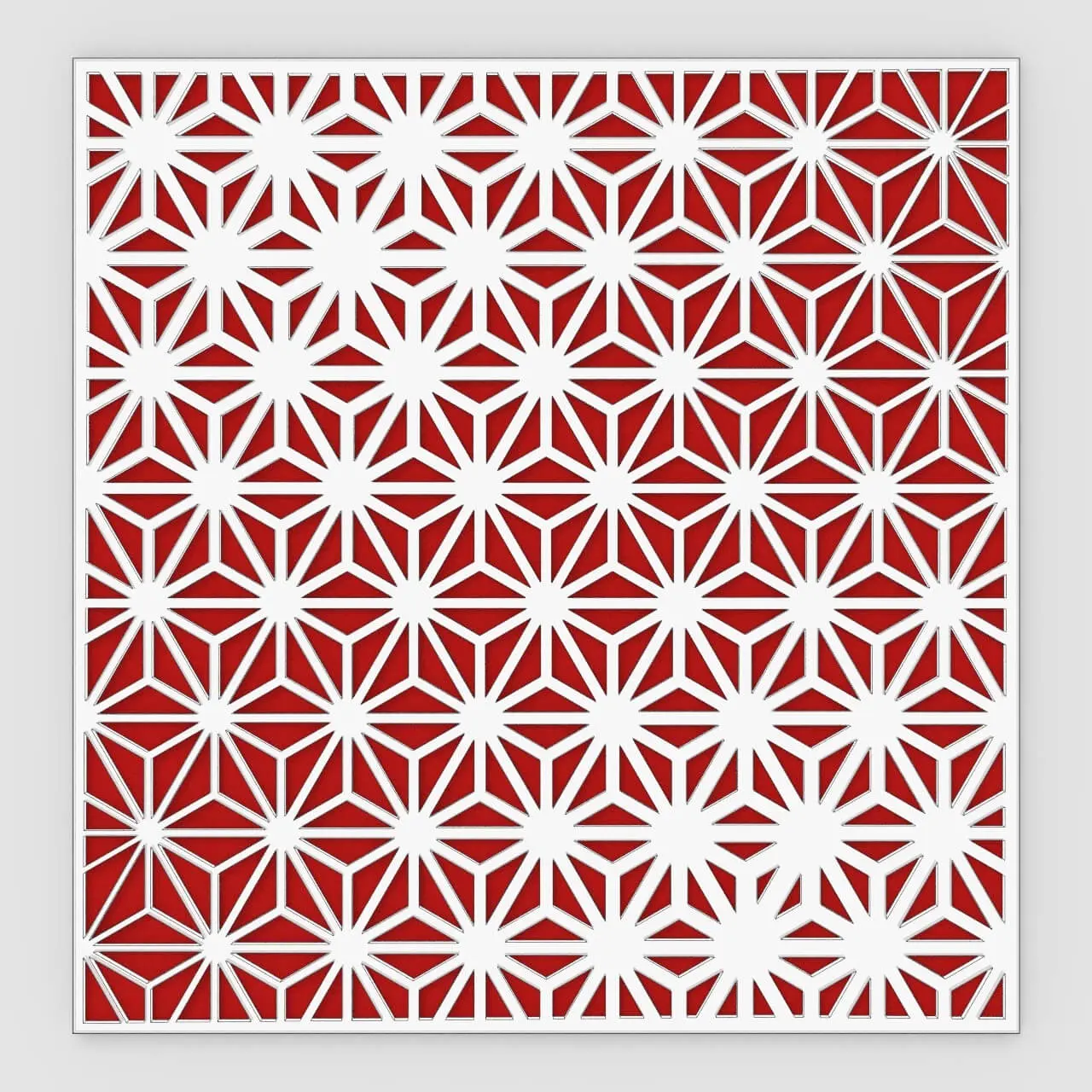
Curve Attractor
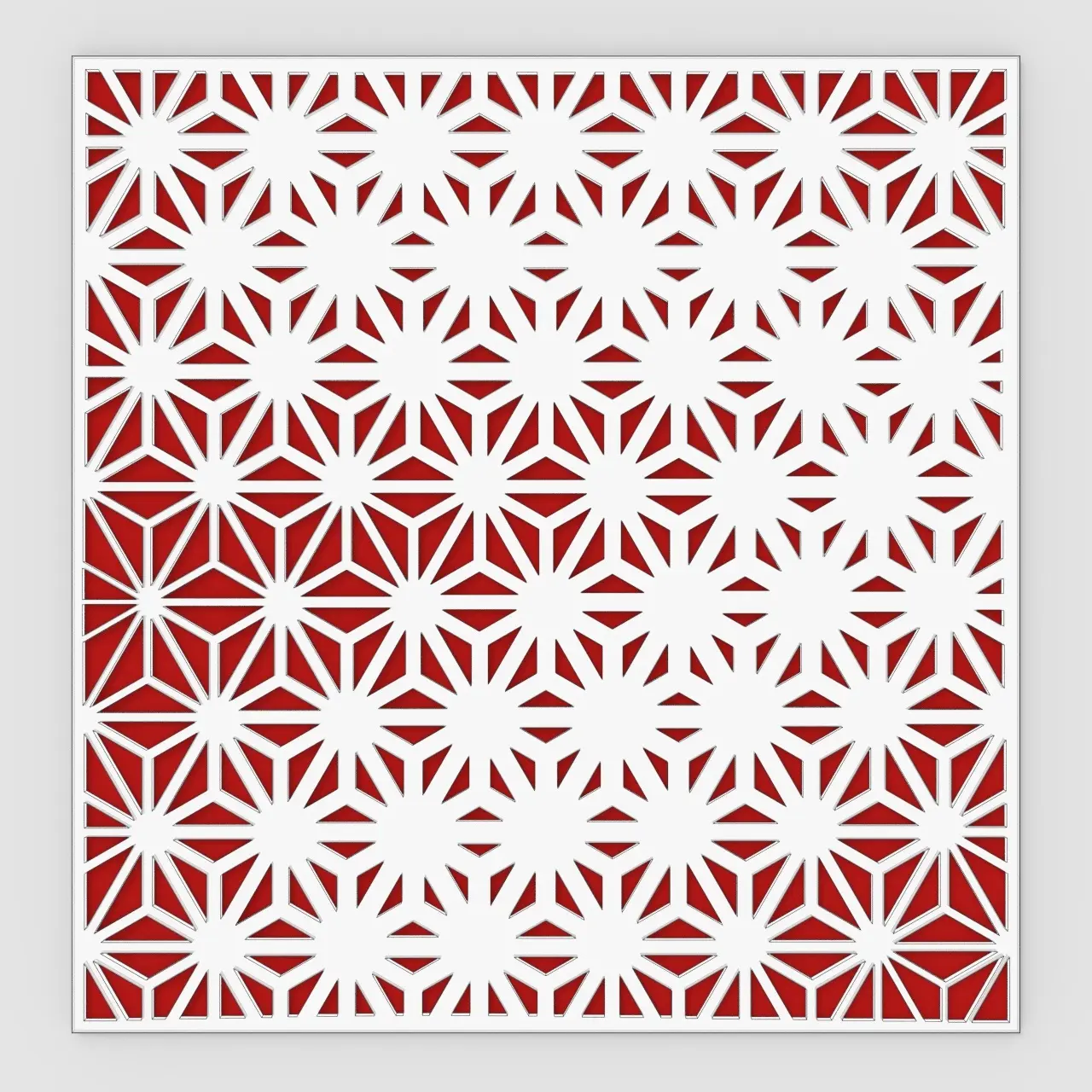
Image Attractor