Advanced
203 published lessons curated by the instructor.
Lessons and example files
Browse all files →
Parakeet Thickened Pattern
In this Grasshopper Tutorial, you can learn how to use the Parakeet plugin to design a parametric pattern and then give it a thickness.
View lesson →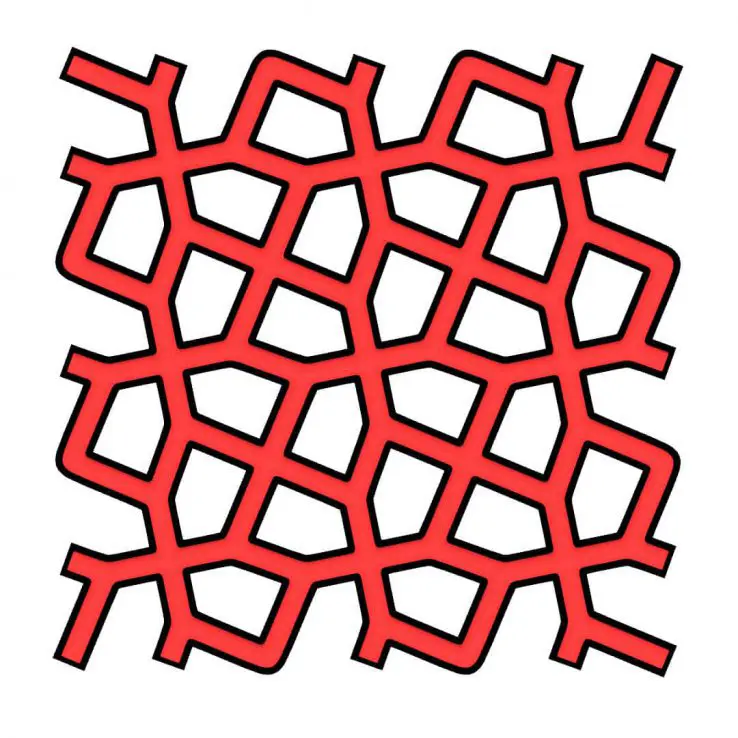
Pattern Genotype
In this short video, you can see how to model a parametric pattern by using the Pattern Genotype L from the Parakeet plugin combined with Multipipe.
View lesson →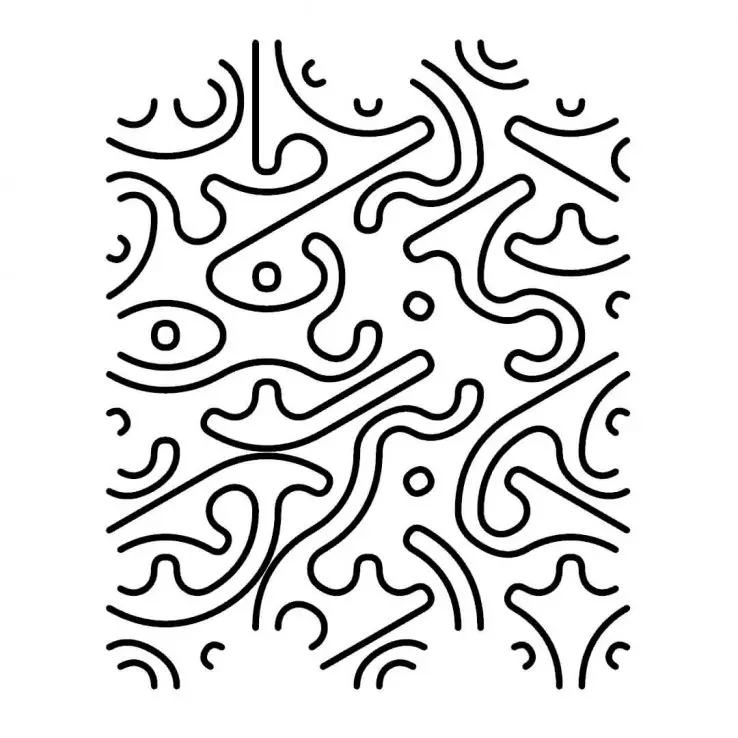
Pattern Genotype O
In this short video, you can see how to model a parametric pattern by using the Pattern Genotype O from the Parakeet plugin.
View lesson →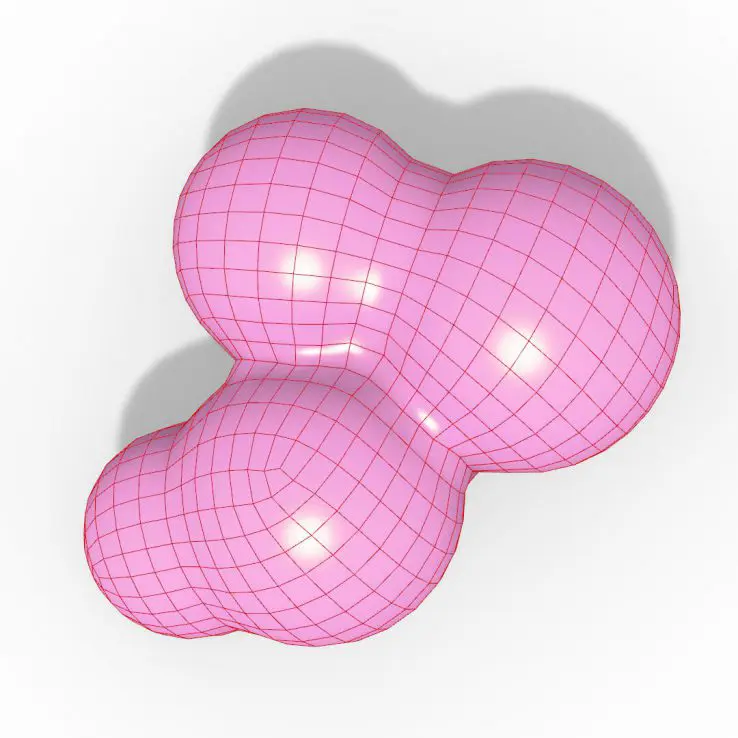
Dendro Point Charge
In this short video, you can see how you can use the points to volume componnt from the dendro plugin to generate a parametric blob shape.
View lesson →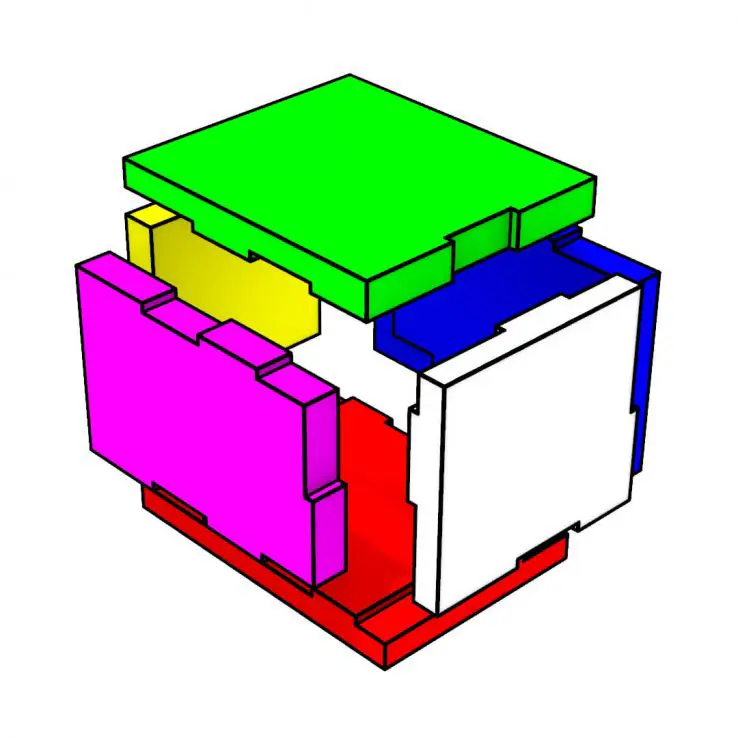
Blind Finger Joint
In this short example file, you can use the Biber plugin to design a parametric Blind Finger Joint for a box.
View lesson →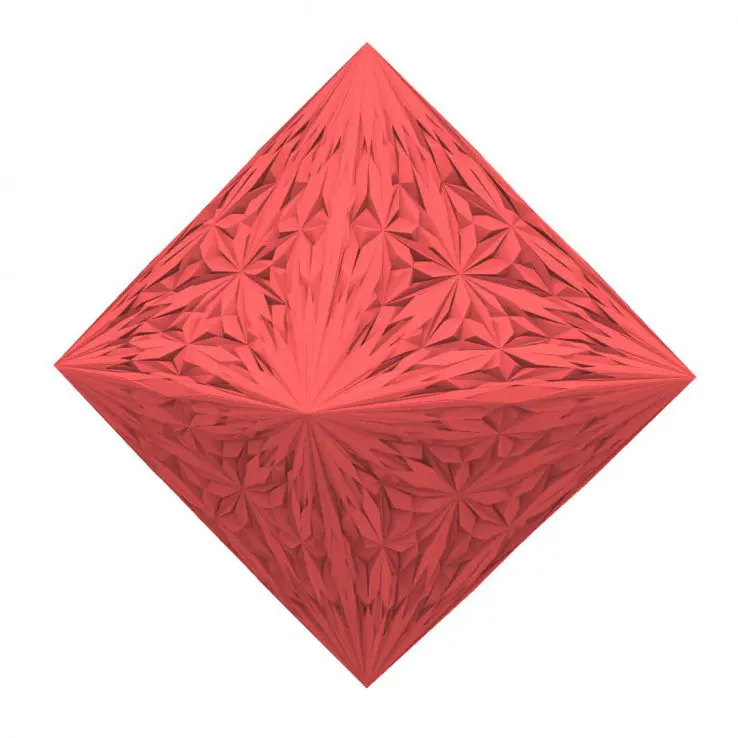
Anemone Loop Extrude
In this example file, you can use the Anemone plugin to make a recursive model of an extrusion on a polyhedra.
View lesson →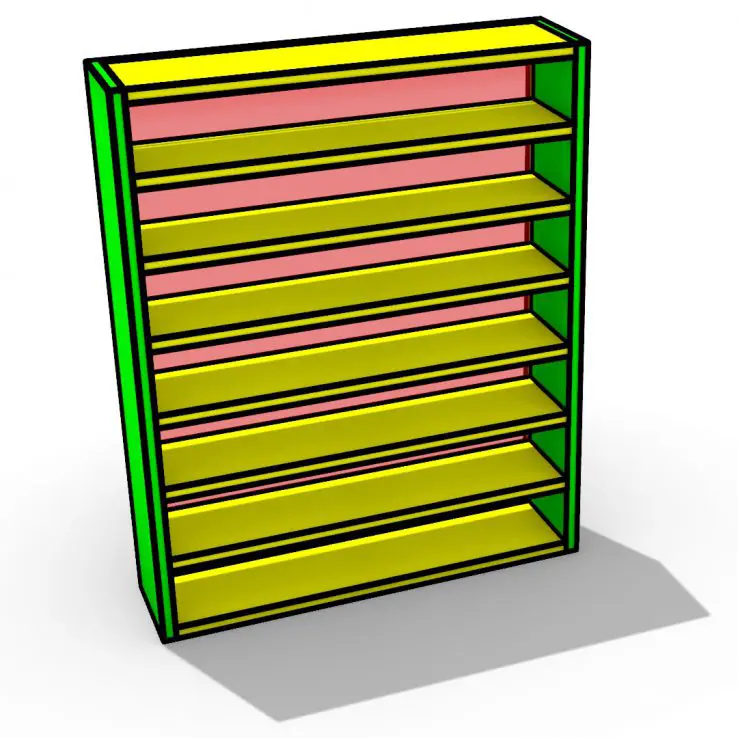
Parametric Shelf
In this Grasshopper tutorial we will take a look at an example file which you can learn how to model a parametric shelf from scratch by defining the height, and the number of shelv
View lesson →
Parametric Tween Wall
In this Grasshopper Tutorial,we will take a look at an example file which you can learn how to model a parametric wall by defining 3 curves and the dimension of the cutting sheet.
View lesson →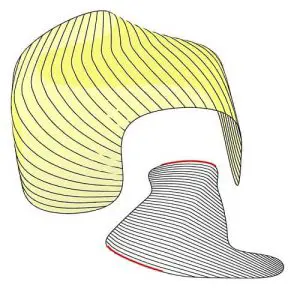
Polysurface Tween
In this Grasshopper Tutorial, you can learn how to use the ShapeMap plugin to generate a tween curve pattern on a polysurface.
View lesson →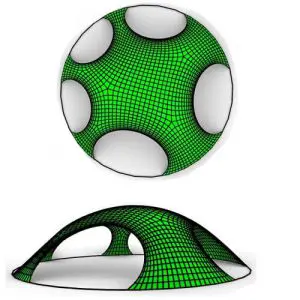
Circular Pavilion
In this Grasshopper tutorial we will take a look at an example file which you can learn how to model a parametric pavilion based on a series of openings and their locations.
View lesson →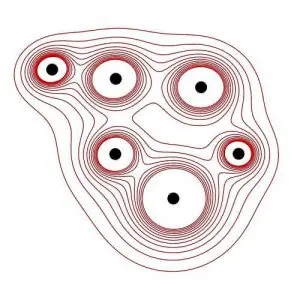
Metaball Range
In this Grasshopper tutorial we will take a look at an example file which you can learn how to make a series of curves between points by using the metaball component.
View lesson →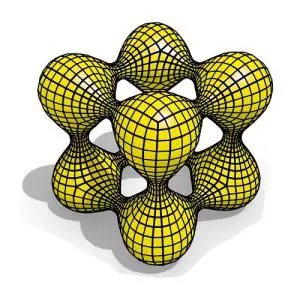
Parametric Isosurface
In this Grasshopper Tutorial,we will take a look at an example file which you can learn how to model a parametric Isosurface in grasshopper. You cna get the ideas by using the K3DS
View lesson →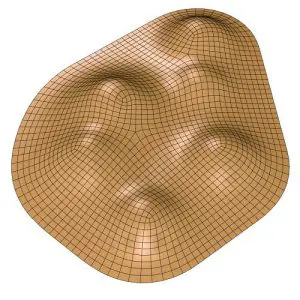
Metaball Mesh
In this Grasshopper Tutorial,we will take a look at an example file which you can learn how to model a parametric smooth mesh by metaball charges.
View lesson →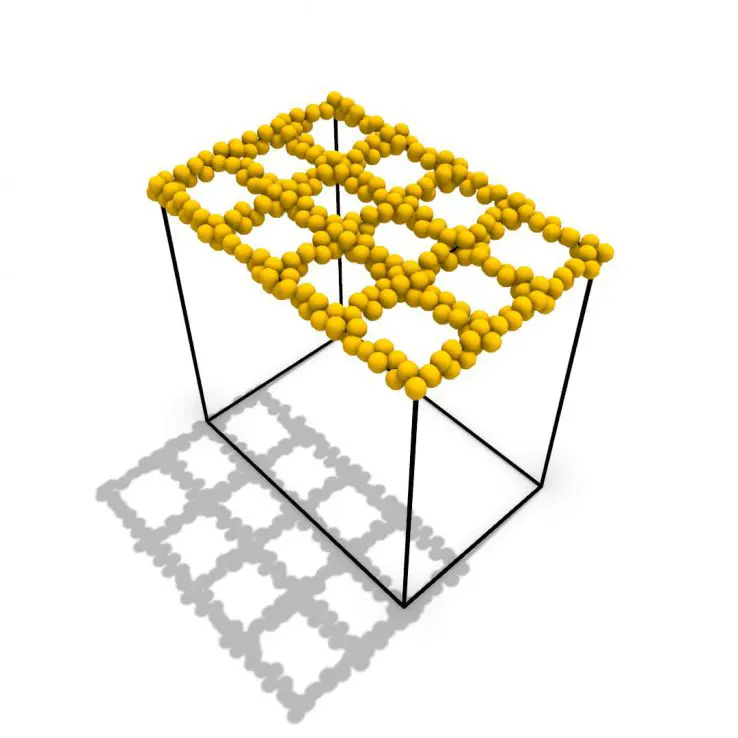
Stella3D Roof2
Now lets take a look at how this example file works with a short video.
View lesson →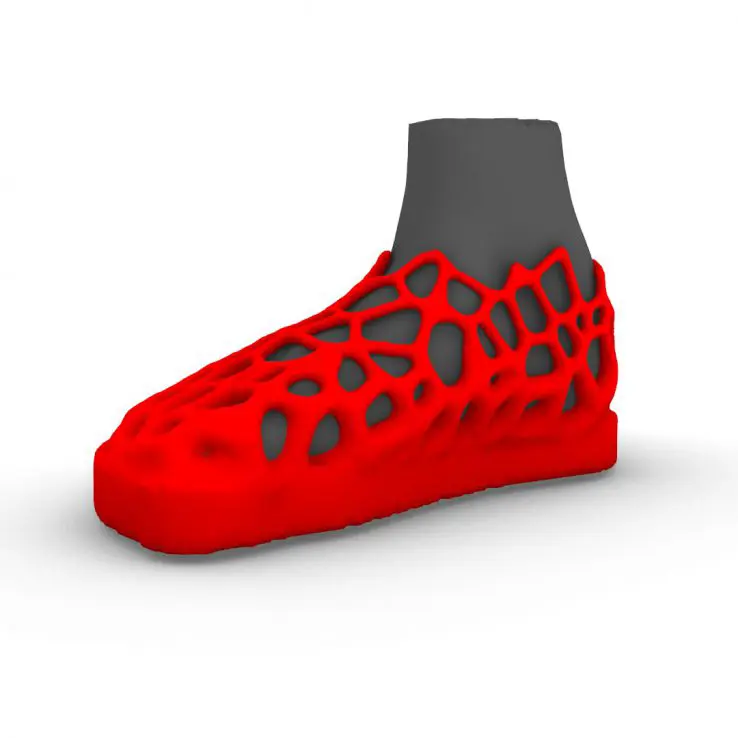
Voronoi Shoe
In this grasshopper example file, you can design a 3D voronoi pattern on a shoe by using the 3D voronoi component.
View lesson →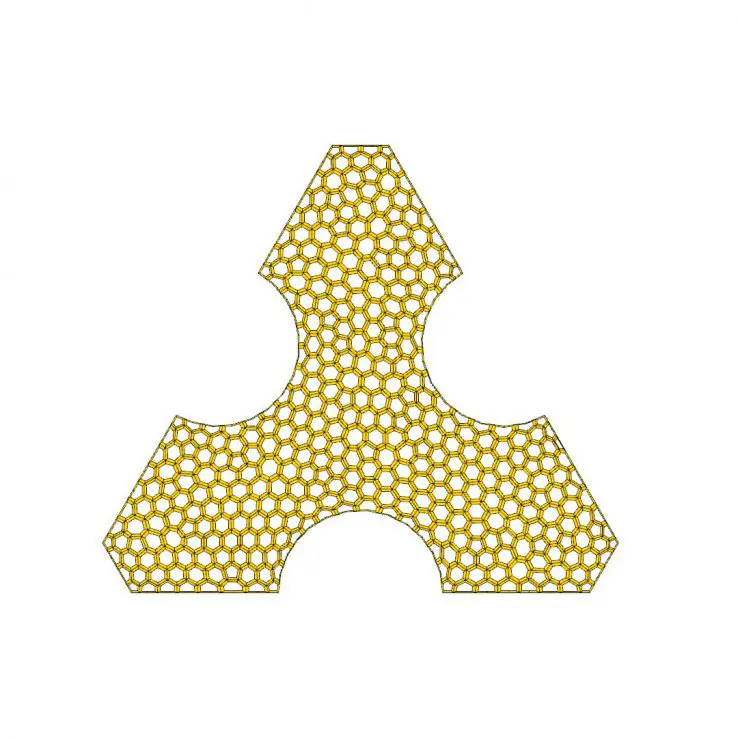
Hexagonal Pavilion
In this grasshopper example file, you can use the Kangaroo2 plugin to create a parametric pavilion with hexagonal patterns.
View lesson →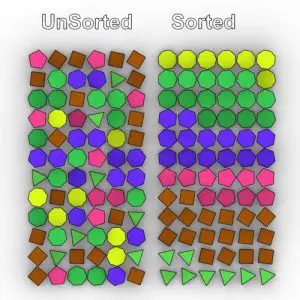
Sort By Geometry1
In this grasshopper example file, you can sort a list of 2D and 3D polygons by segments and heights using the sort component in grasshopper.
View lesson →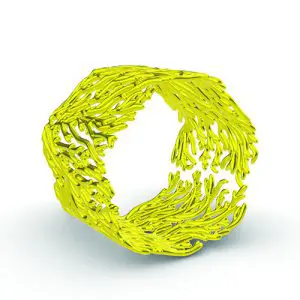
Venation Ring
Now lets take a look at how the simplified version of this example file works.
View lesson →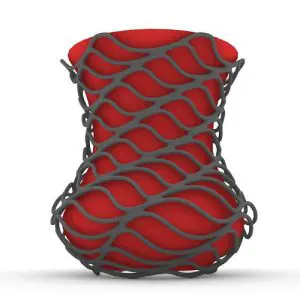
Parametric Vase
In this grasshopper example file, you can design a parametric pattern on a vase by using the Bezier Span component.
View lesson →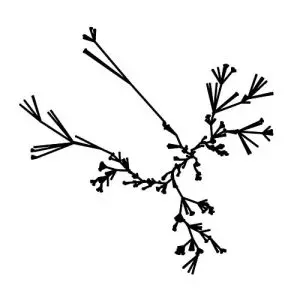
Random Fractal
In this grasshopper example file, you can use the anemone plugin to design a parametric fractal with random growth pattern.
View lesson →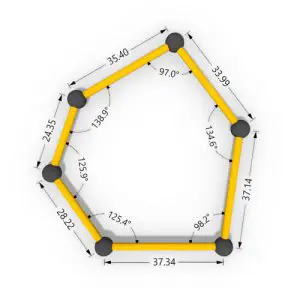
Polyline Simple Dimensions
You can use this grasshopper script to convert a series of points to a polyline and visualize their segmental length and corners angular dimensions.
View lesson →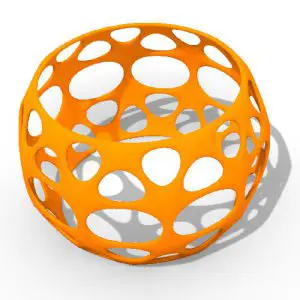
Elongated Triangle
In this Grasshopper short lesson we will learn how to convert a Nurbs surface into a parametric pattern using Mesh+ and Fatten.
View lesson →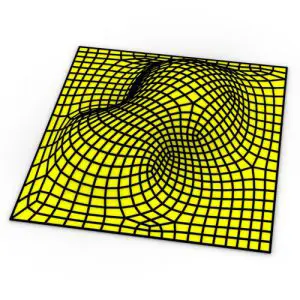
Mesh Edge
In this Grasshopper Kangaroo tutorial you will lean how to select a series of a mesh edges and then give different goals to make a smooth pressurized mesh.
View lesson →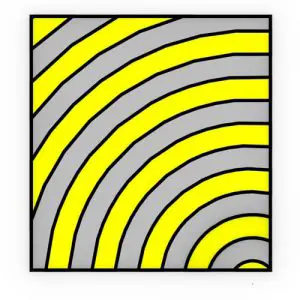
Circualr Pattern
In this Grsshopper tutorial you will learn how to design a circualr pattern and extract the curves inside a rectangle by dispatching it into two groups.
View lesson →