File Library
Explore Grasshopper definitions, example files, tutorials and reusable computational design files.
2,172 matching files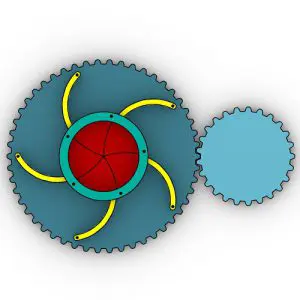
Gear Simulation 03
In this grasshopper example file, you can model an Iris mechanism and simlulate it using the Linketix plugin.
View file →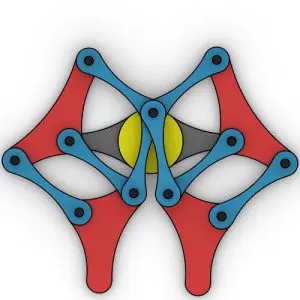
Leg Mechanism
In this grasshopper example file you can use the Kangaroo2 plugin to simulate a parametric Leg Mechanism.
View file →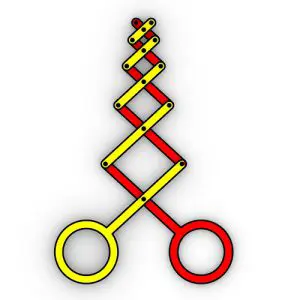
Anemone Scissor Structure
In this grasshopper example, you can model a deployable scissor structure with variable elements parametrically.
View file →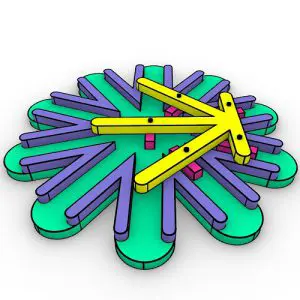
Kangaroo Mechanism
In this grasshopper example, you can model an Archimedes Machine parametrically by using the Kangaroo plugin.
View file →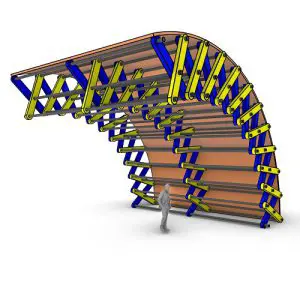
Deployable Membrane Structure
In this grasshopper example, you can model a deployable membrane structure parametrically using the Anemone , LunchBox & Pufferfish plugin.
View file →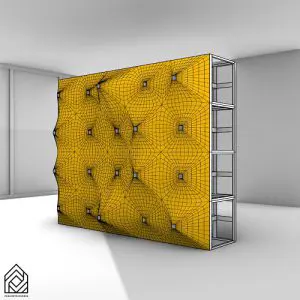
Kinetic Wall
n this example file you can design a kinetic wall by creating a mesh and moving the anchors attached to the structure in the kangaroo 2 plugin.
View file →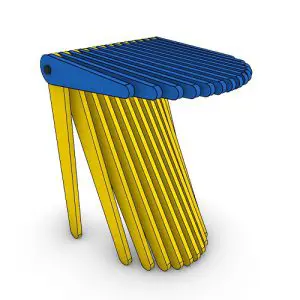
Parametric Stool
In this grasshopper example, you can model a parametric wooden stool with interlocking pieces.
View file →
Circle Packing Dome
In this Grasshopper Example File, you can model a circle packing dome using the Kangaroo Plugin.
View file →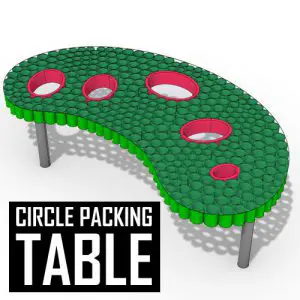
Circle Packing Table
In this Grasshopper Example File, you can model a parametric table using the circle packing technique and by using the Kangaroo Plugin.
View file →
Circle Packing Attractor
In this Grasshopper Example File, you can generate a series of spheres by defining an initial curve and point attractors and also a boundary curve. The radius of the spheres will be increased until they hit the boundary and collide together
View file →
Circle Packing Image
In this Grasshopper Example File, you can control a series of circles by using a parametric colored mesh and using the Kangaroo Plugin.
View file →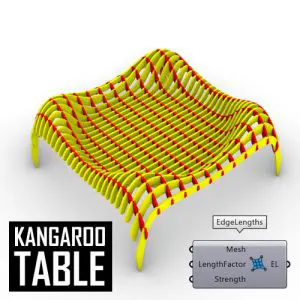
Kangaroo Waffle Table
In this Grasshopper Example File, you can model a parametric table by defining two curves and using the Kangaroo plugin to generate a relaxing mesh form.
View file →
Circle Packing Boundary
In this grasshopper example, you can generate a series of circles with variable radius inside a planar boundary.
View file →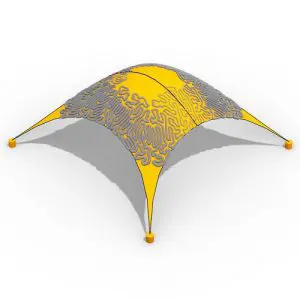
Differential Growth Pavilion
In this grasshopper example, you can generate a Differential Growth Pattern on a base mesh using the Kangaroo Plugin
View file →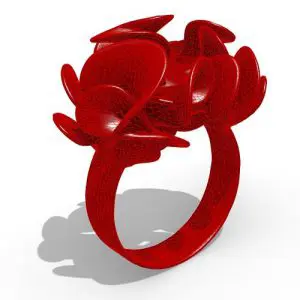
Growing Ring
In this grasshopper example, you can model a ring inspired by the differential growth algorithm.
View file →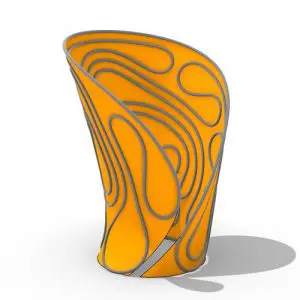
Differential Growth Surface
In this grasshopper example, you can model a parametric Differential Growth pattern inspired by the Thallus Installation by Zaha Hadid Architects.
View file →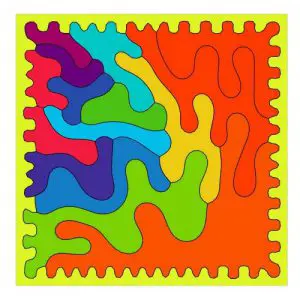
Differential Growth Puzzle
In this Grasshopper Example File, you can model a Differential Growth Puzzle using the Kangaroo Plugin.
View file →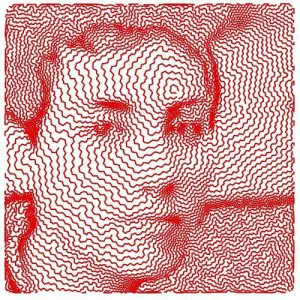
Mesh Pattern
In this grasshopper example, you can generate a parametric curve pattern from a colored mesh.
View file →
Differential Growth Shoe
In this grasshopper example, you can model a Differential Growth Shoe using the SD Platform plugin.
View file →
Differential Growth Necklace
In this grasshopper example, you can model a Differential Growth Necklace using the SD Platform plugin.
View file →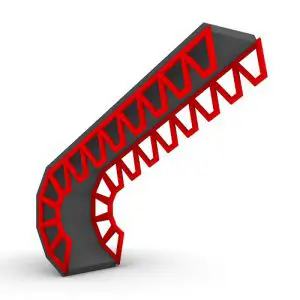
Deployable Bridge
In this Grasshopper Example File, you can design a parametric deployable Bridge By using the Anemone Plugin
View file →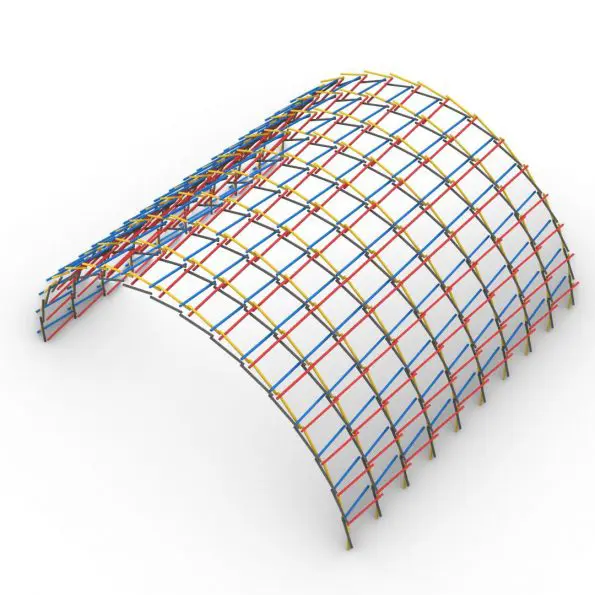
3D Scissor Structure
In this grasshopper example you can create a 3D scissor structure based on an arc.
View file →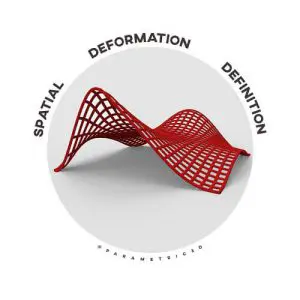
Spatial Deform
By using the “Spatial Deform (Custom)” component you can deform a freeform surface. You have to define a space syntax of points and forces. First, give the moving points and related forces to the space syntax and then define some points whi
View file →
Offset Variable
by using the Peacock plugin (Offset variable component) you can simply offset a curve with variable numbers and define if you want it to offset from both sides, how to connect at the end and control the Bulge.
View file →