File Library
Explore Grasshopper definitions, example files, tutorials and reusable computational design files.
1,012 matching files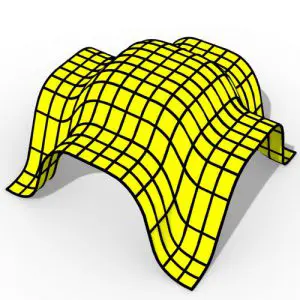
Graph Mapper
In this grasshopper tutorial for beginners we are going to take a look at graph mapper and how to use it to deform a simple square surface.
View file →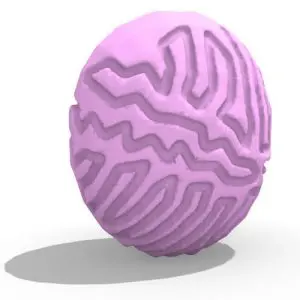
Differntial Growth
In this grasshopper tutorial for beginners we are going to take a look at Differntial Growth and how you can generate it on a mesh.
View file →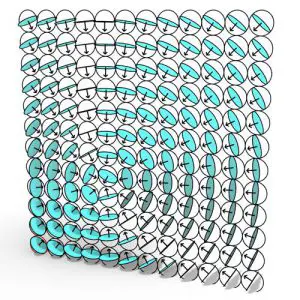
Circle CNR
In this grasshopper tutorial for beginners we are going to take a look at the Circle CNR component and how to use it to design a series of circles rotating towards a point attractor.
View file →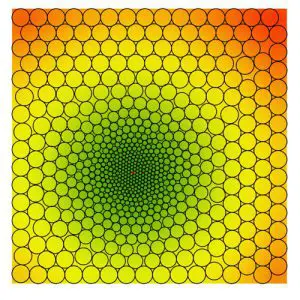
Circle Packing
In this grasshopper tutorial for beginners we are going to take a look at the “Image Circles” component from the Kangarro plugin and how you can colour a mesh and convert it into a circle packing pattern.
View file →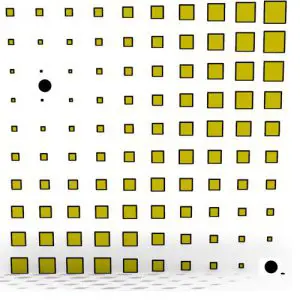
Scale NU + Value List
In this grasshopper tutorial for beginners we are going to take a look at Scale NU and how to use it to scale a series of surfaces in different directions.
View file →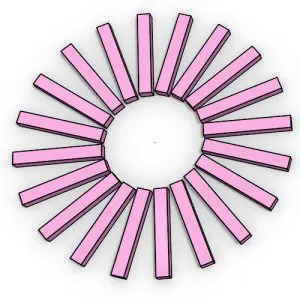
Box Plane
In this Grasshopper tutorial for beginners, you can learn how to model a series of boxes on a parametric curve.
View file →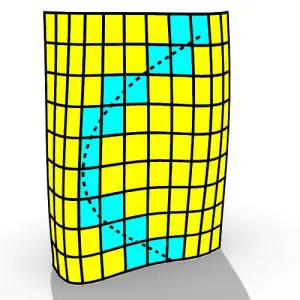
Select by Curve
In this grasshopper tutorial for beginners we are going to take a look at how we can divide a surface and then select them by a curve located on that surface.
View file →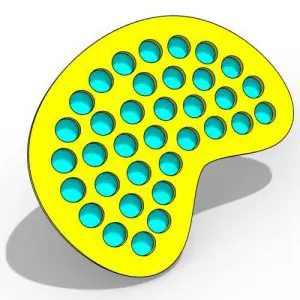
Circle in Curves
In this Rhino Grasshopper tutorial for beginners, we are going to learn how to generate a series of circles inside a closed planar curve and convert it into a solid.
View file →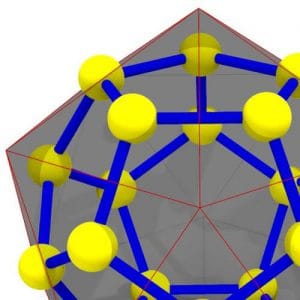
Mesh Connection
In this Grasshopper tutorial for beginners, we’re going to explore how to connect the neighbours for the center point of meshes and then model a parametric connection with it.
View file →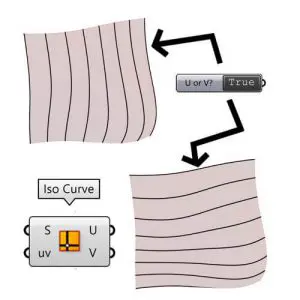
U,V Toggle
In this Grasshopper tutorial for beginners we’ll explore how to extract the U or V curves of a surface or polyline by defining a simple toggle.
View file →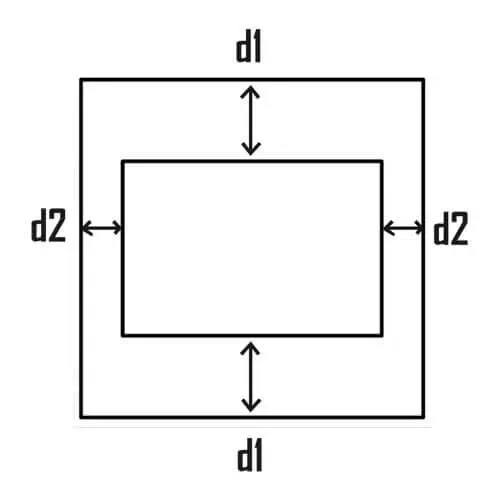
Two Way Offset
In this Grasshopper tutorial for beginners we’ll explore how to offset a quadrilateral in two distinct directions.
View file →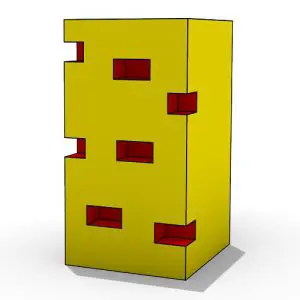
Solid Difference Dispatch
In this Grasshopper tutorial for beginners you can learn how to find the solid difference between two sets of breps and then dispatch them into two set of surfaces.
View file →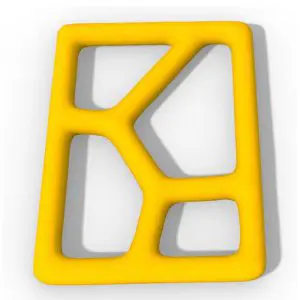
Voronoi Mesh
In this Grasshopper tutorial for beginners you will learn how to give a radius to a series of voronoi cells and convert them into a mesh.
View file →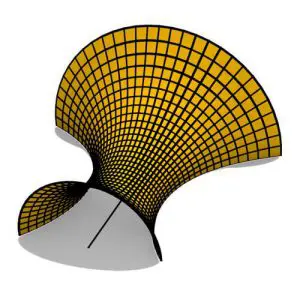
Minimal 2 Arc
In this Grasshopper tutorial for beginners you will learn how to generate a minimal surface between two arcs using the kangaroo plugin.
View file →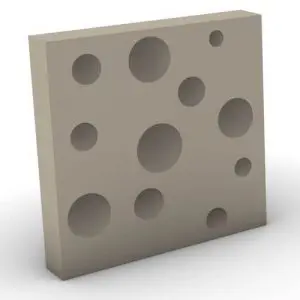
Random Sphere Panel
In this Grasshopper Tutorial for beginners you can learn how to make parametric panel with random spheres.
View file →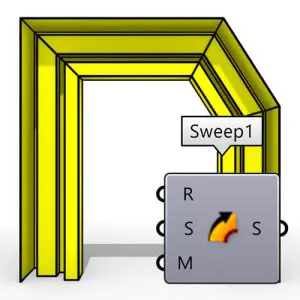
Advanced Sweep
In this Grasshopper tutorial, we are going to explore the logic of an algorithm for creating an advanced sweep, allowing us to have more control over the rail and section.
View file →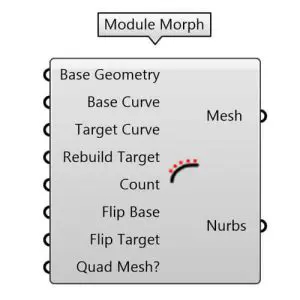
Module Morph
In this Grasshopper tutorial, we will learn how to create the ‘Module Morph’ component in Grasshopper and understand how it can assist us in designing using a module and a target curve.
View file →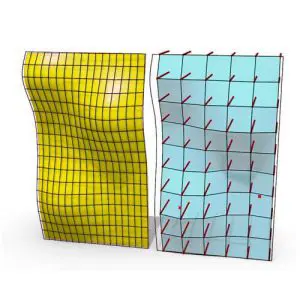
Paneling Pipes
In this Grasshopper tutorial, we are going to convert a NURBS surface into a series of panels and connecting pipes.
View file →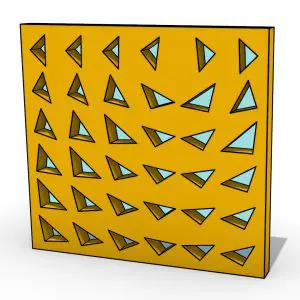
Triangular Field
In this Grasshopper tutorial for beginners, we will model a series of rotating triangles inside a boundary by using the field component.
View file →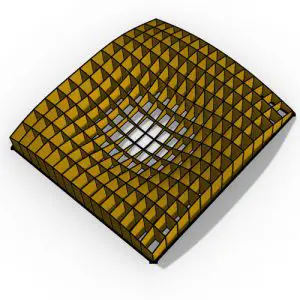
Point Attractor Mesh
In this Grasshopper tutorial for beginners, we will model a parametric mesh using a series of point attractors and by utilizing graph mappers.
View file →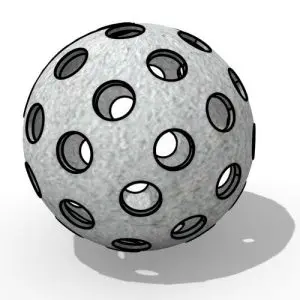
Sphere Collide
In this Grasshopper Tutorial for beginners you will learn how to use the Sphere collide component to generate evenly distributed holes on a NURBS surface.
View file →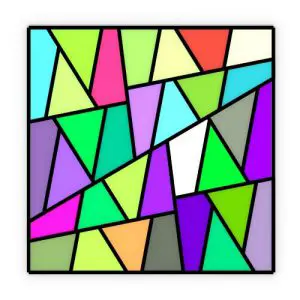
Recrusive Split
In this Rhino Grasshopper tutorial for beginners, you will learn how to model a recursive splitting algorithm inside any closed boundary using the Anemone plugin.
View file →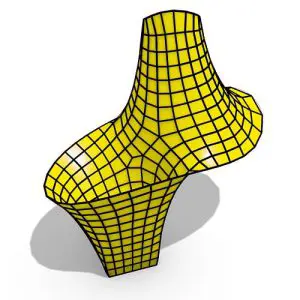
Minimal Surface
In this Grasshopper tutorial for beginners, you can design a parametric minimal surface by simply defining a series of curves using the Kangaroo plugin.
View file →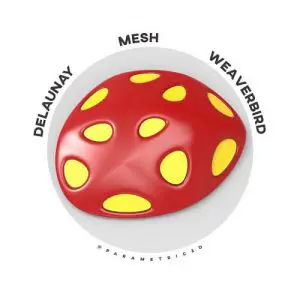
Delaunay Mesh
By combining a Delaunay mesh with weaverbird’s components you can simply make a smooth mesh! First, you can define the points, connect them by the Delaunay mesh and change the base mesh by changing the point’s location. Then use the frame c
View file →