File Library
Explore Grasshopper definitions, example files, tutorials and reusable computational design files.
160 matching files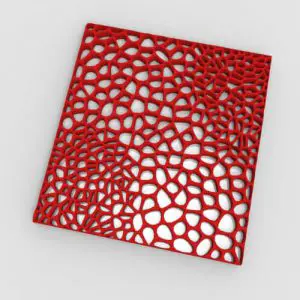
Voronoi Basics
In this Tutorial, I will show you how you can use the Voronoi command in Grasshopper and how you can use it to produce the Voronoi cells. First we will talk about the random nature of voronoi cells and then we will use populate…
View file →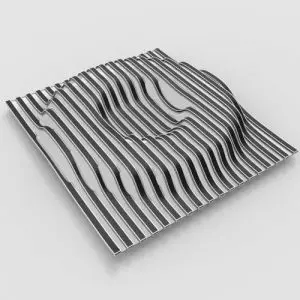
5-Partition
In this lesson, I will talk about flipping a matrix for data management and how partition can handle data into groups. First, we will take a look at grids and how they are in groups of data and why we need to flatten, flip matrix and partit
View file →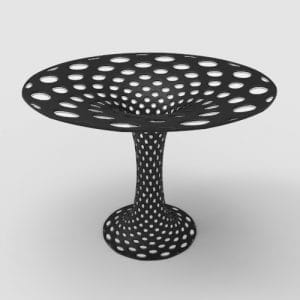
3-Sorting Data
In this Grasshopper tutorial, I will teach you how to use sorting data to produce a spiral based surface and then convert it to smooth Mesh. First I will produce a surface by revolving a profile curve and then we will divide the surface wit
View file →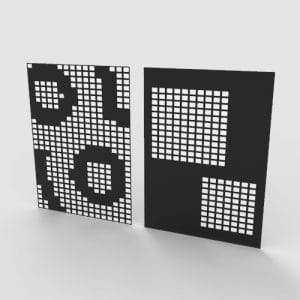
1-Logics & Dispatch
In this grasshopper tutorial, I will talk about dispatching in Grasshopper. First, we will use simple true/false boolean patterns to understand the dispatch tool and then we will go on more advanced examples like point attractors, combining
View file →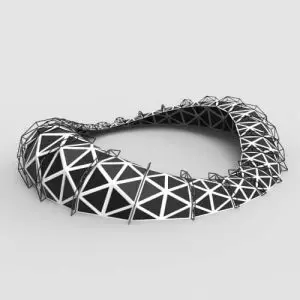
4-Rail Modification
In this Grasshopper Lesson, I will show you some techniques which you can use to modify the rail curve. By modifying the rail curve you can also design new parametric models. First, you will learn how to model the surface and then we will c
View file →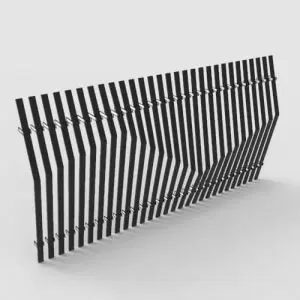
3-Intersection Sectioning
In this Grasshopper Lesson, I will show you how you can use intersections to design the sections of a parametric model. You can use this technique to control your sections. First, we will make a series of lines and then by using the interse
View file →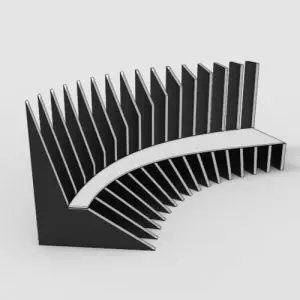
2- Multiple Sections
In this lesson, you will learn how to use multiple sections and a curved path to produce a parametric model. First I will explain how we can orient the section into the perpendicular planes and then we will model the rest
View file →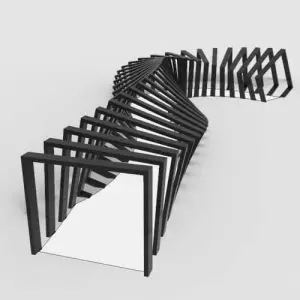
1- One section,One path
In this lesson, you will learn how to use a single section and a curved path to produce a parametric model. First I will explain how we can orient the section into the curve and then we will model the rest.
View file →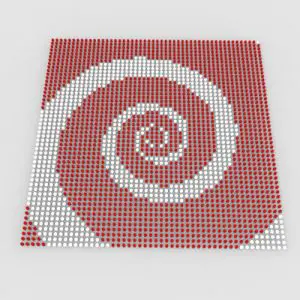
7- Image Attractor
In this video tutorial, I will explain how to use image sampler to produce a complex form based on an image in grasshopper. The image sampler tool will use u,v point mapping to extract the brightness and we can use it to manipulate geometry
View file →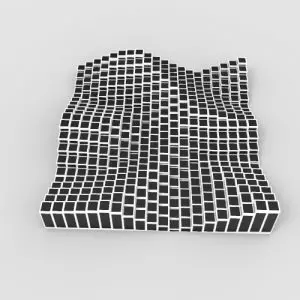
6-Multiple Curves
In this grasshopper lesson, we will learn how to use a set of curves for attraction. You will learn how to use advanced grasshopper techniques to analyze the distance between the point grids and the attractors.
View file →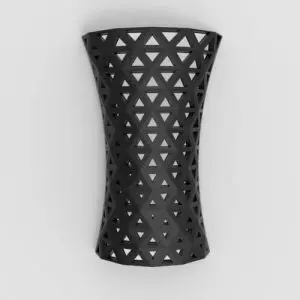
5- Parametric Curve Attractor
In this video tutorial, I will explain how you can use u,v coordinate system to produce a parametric curve on a surface and use it as an attractor to affect the frames of triangular panels.
View file →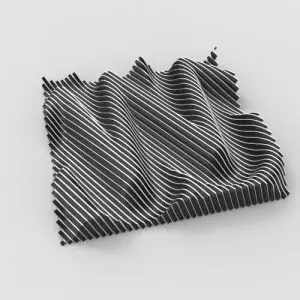
4-Single Curve Attractor
In this grasshopper tutorial i will use a curve as an attractor and use it to deform a surface. You will learn how to define the distance between a set of point and a single curve.
View file →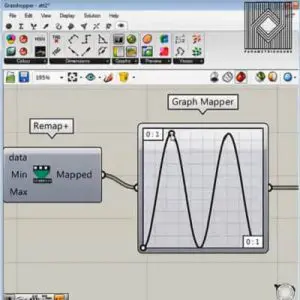
2-Multiple Attractor Points
In this Grasshopper tutorial, we will understand what happens when we use two or more points as an attractor and how it affects our grid of points.
View file →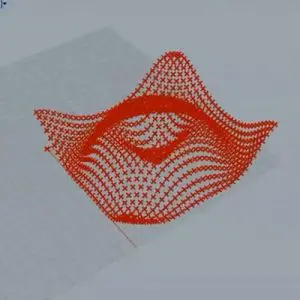
1- Single Point Attractor
In this Video tutorial, you will learn how to use a single point attractor in your design. By understanding the concepts you can get ready for more complicated attractors and how to control them in the next tutorials.
View file →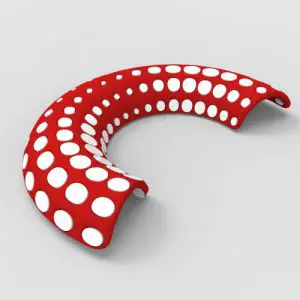
New to Grasshopper?
In this Grasshopper tutorial, I will teach you the grasshopper basics for beginners to advanced. First I will talk about the Grasshopper canvas and basically how Grasshopper works and then I will teach you how you can use the grasshopper to
View file →
1- What is Grasshopper 3D?
In this video we will talk about Grasshopper and the history of scripting vs visual programming language and why should we choose Grasshopper! First, we will take a look at the “Record History” in Rhino, Rhinoscript, macros and at the end,
View file →