File Library
Explore Grasshopper definitions, example files, tutorials and reusable computational design files.
160 matching files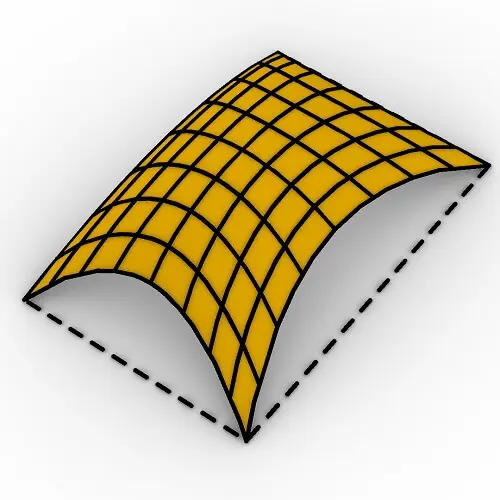
Rectangle to Surface
In this Grasshopper Script, You can convert a rectangle (or any 4-sided polygon) to a Nurbs surface and then extract the U, V Curves.
View file →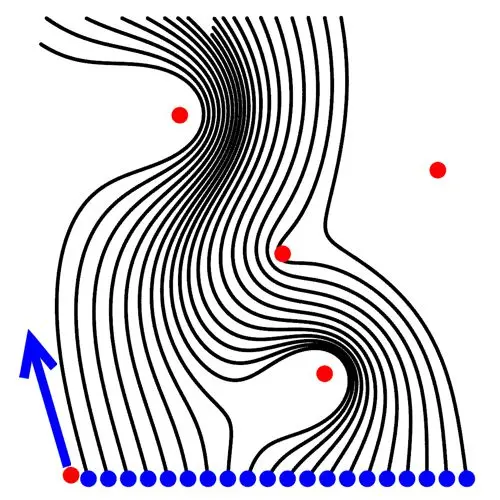
Fields
In this grasshopper tutorial for beginners we are going to take a look at Fields and how to use it to generate a series of parametric curves.
View file →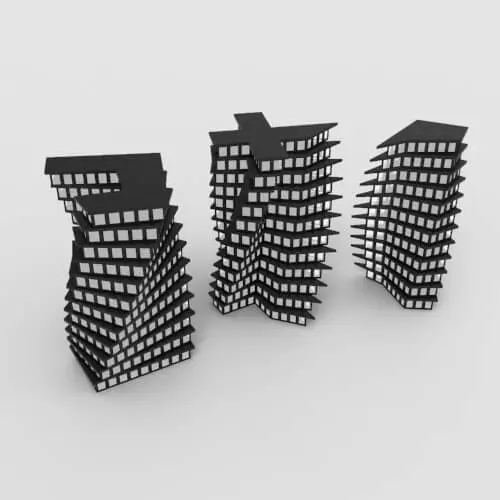
2-Manage output
In this Grasshopper lesson, I will talk about managing output data with a turning tower example. First I,m going to model the tower and then I will talk about data management and the different components you can use to extract or delete dat
View file →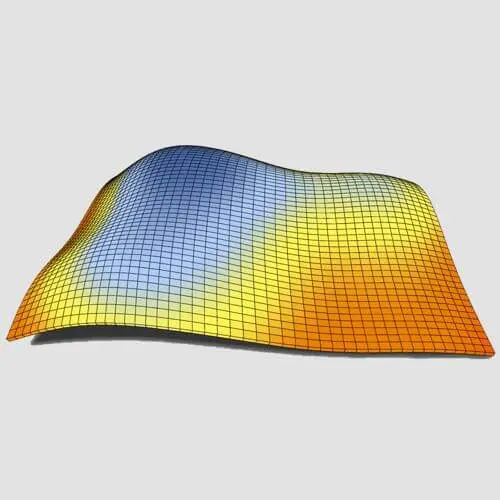
Gradient
In this tutorial, I will explain how you can use Gradient to color a set of panels based on their height.
View file →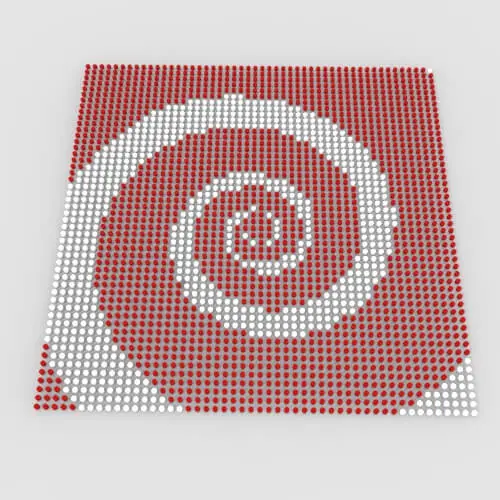
Image Sampler
Parametrichouse : In this video tutorial, I will explain how to use image sampler to produce a complex form based on an image.
View file →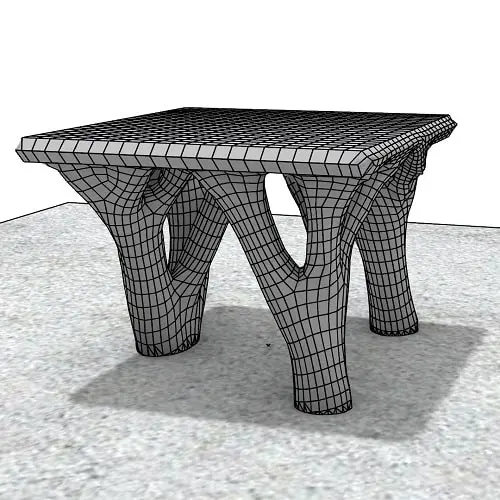
Topos Basics
In this Grasshopper tutorial, you will learn the basics of how the Topos plugin works for 3D topology optimization.
View file →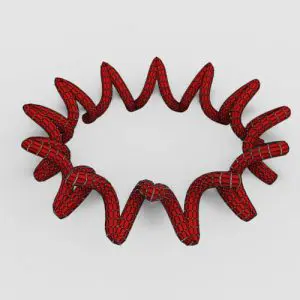
Per Frames
In this video tutorial I will use the Per frames tool to produce a parametric pattern on a curve in Grasshopper . You will learn how to use the frames by deconstructing them and using their main vectors to move the origing of the planes.
View file →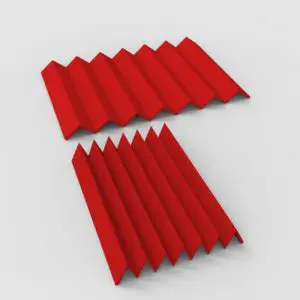
Rotate Axis
In this video tutorial, I will explain how to use Rotate Axis tool to produce a linear kinetic origami surface.
View file →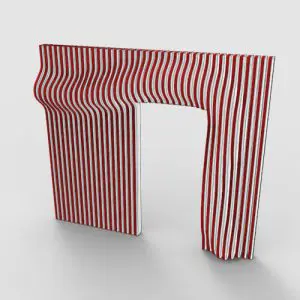
Contour
In this video tutorial, I will explain how to use Contour component in Grasshopper 3D.
View file →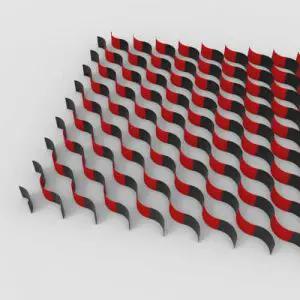
Box Morph
In this Grasshopper tutorial we will use the Box Morph tool to morph a 3d module from the xy plane into a surface. By using the box morph technique you can design any complicated module and then morph with into your desired NURBS surface.
View file →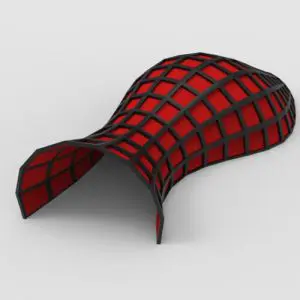
Mirror Curve
In this Grasshopper Tutorial I will show you how you can produce a parametric surface by using the Mirror curve tool and arc sections. We will use the sweep2 tool to make the surface and the Lunchbox pluging to produce the panels.
View file →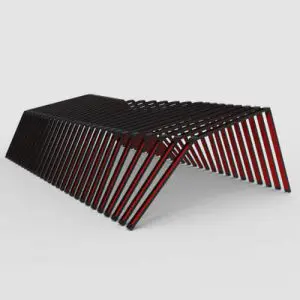
Intersect Crv/Crv
In this Grasshopper Tutorial I will use the Intersect Crv/Crv tool to produce a parametric structure. First I will linear Array a line and then intersect it with two set of parametric polylines. Then I will move the intersection to produce
View file →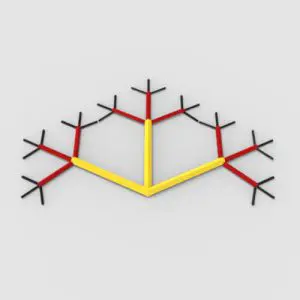
What are these icons?
In this grasshopper tutorial, I will talk about one of our subscriber’s question. Emilio asked about the little icons you see when you right click on the component’s input or output. I will explain about them in this video.
View file →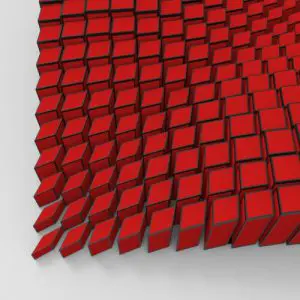
Scale Nu
In this grasshopper tutorial , I will talk about the Scale NU tool and how you can use it to scale a set of rectangles non uniformly. First, we will array a square and then define a rotated plane to scale the squares diagonally. We will use
View file →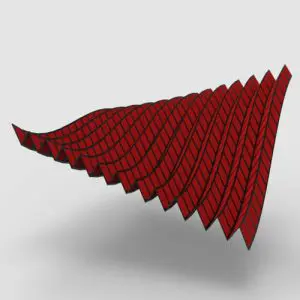
Tween Curve
In this grasshopper tutorial , we will make a parametric surface by using the tween curve tool and a repeating pattern. First, we learn how to make a series of curves between two curves and then we move them by a repeating pattern to make a
View file →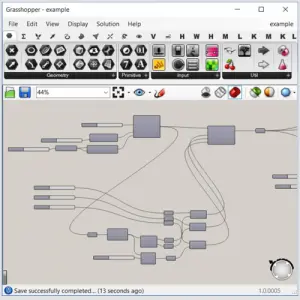
Tutorials Intro
Welcome to the Grasshopper tutorials introduction tutorial. I will be talking about tips which will help you learn grasshopper faster and easier. Okay for the first tip we go to the right up here for the menu and the tip is about the interf
View file →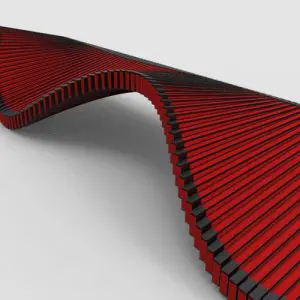
Graph Mapper
In this grasshopper tutorial , I will explain about the Graph Mapper tool and how you can implement it in your design. First, we will learn how the Range tool can make data for Graph mapper and then we will use the graph mapper to change th
View file →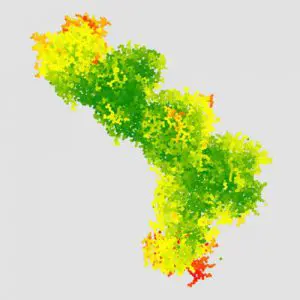
Import PDB
In this grasshopper tutorial , I will talk about the Import PDB tool and how you can use it to visualize a protein file. First, we download the PDB file from the www.rcsb.org website. After that, you can import the PDB file in grasshopper a
View file →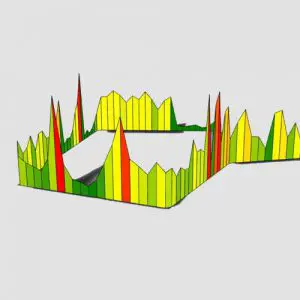
Firefly tutorial
In this firefly grasshopper tutorial , I will answer one of our user’s questions. The tutorial is in two sections. First I will explain how you can make animations in grasshopper and second we will talk about how to visualize sound in grass
View file →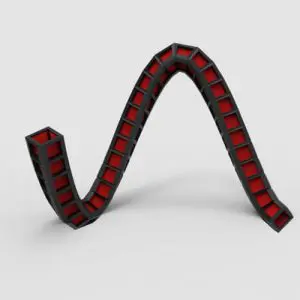
Series
You can find Series in Sets> Sequence section of the tools. It’s located under Range and Similar tools are Random, Fibonacci and Sequence. This tutorial is about how series can help you produce parametric geometry.first of all, you can e
View file →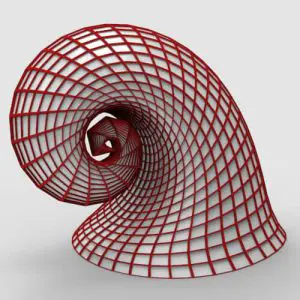
Evaluate Curve
In this tutorial, I will be using evaluate curve to produce a seashell geometry. Understanding the curve’s tangent and producing different controllable data with “range” is taught in is this tutorial.
View file →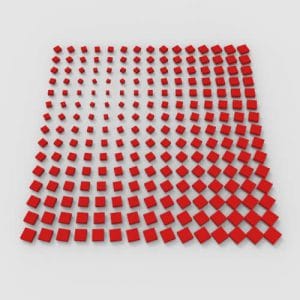
Orient Direction
Orient Direction is a tool which can perform 3 different transformations on geometry. You can Move, Rotate and Scale. In this example, I will be showing how you can do this by a point and a set of rectangles.
View file →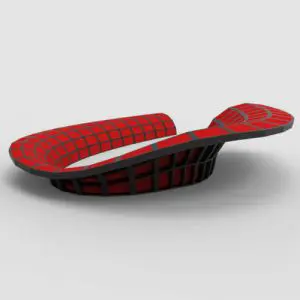
Pipe Variable
In this video tutorial, I will explain how you can use Pipe variable and isotrim to produce a parametric surface .
View file →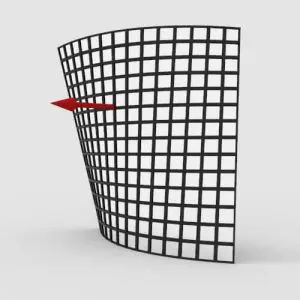
Evaluate Surface
In this video tutorial, I will explain how you can extract a parametric point from a surface by using “Evaluate Surface”. Evaluate Surface can be used to extract a point from a NURBS surface.
View file →