File Library
Explore Grasshopper definitions, example files, tutorials and reusable computational design files.
552 matching files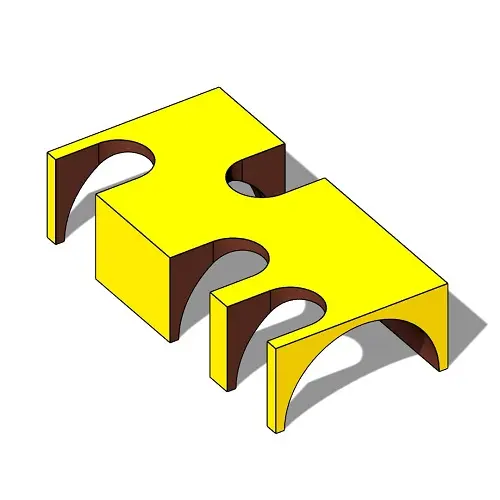
Module Generator
In this Grasshopper tutorial, you will generate a series of modules arranged side by side to create more complex shapes for a conceptual architectural model.
View file →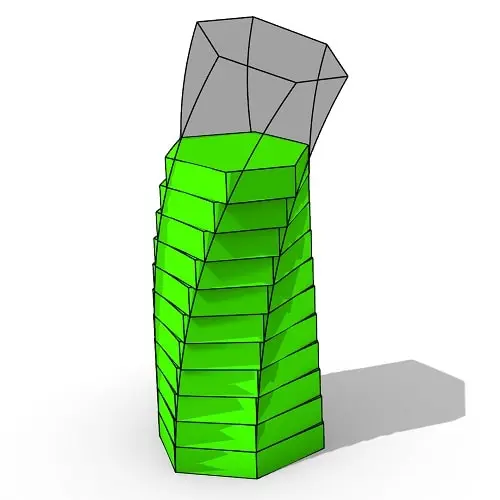
Anemone Tower
In this Grasshopper Tutorial, you will design a recursive building using the Anemone plugin, with control over the plan curve, deformation, and twisting of the tower.
View file →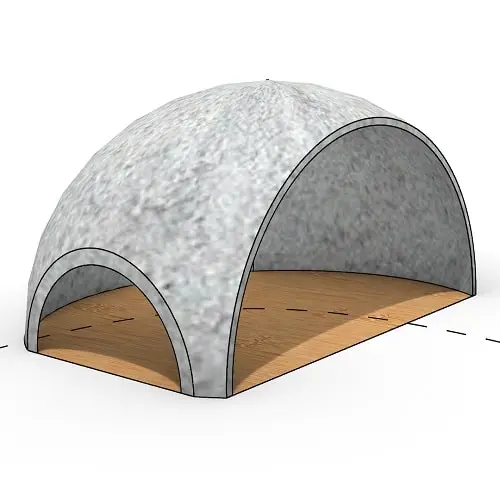
Cutting Solids
In this Grasshopper tutorial, you will learn how to conceptualize an architectural form by slicing it with a series of planes perpendicular to a curve.
View file →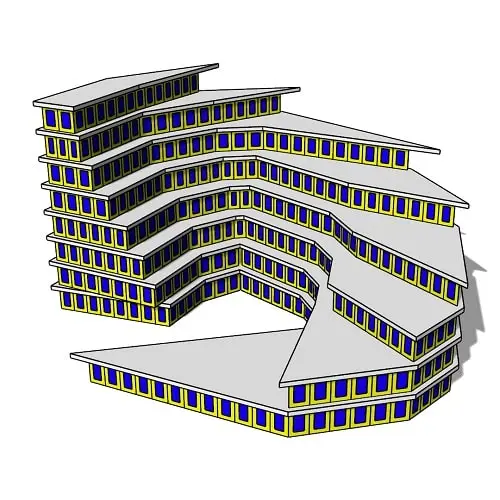
Recursive Building
In this Grasshopper example file, you will design a recursive building using the Anemone plugin, with control over the floor height and roof offset.
View file →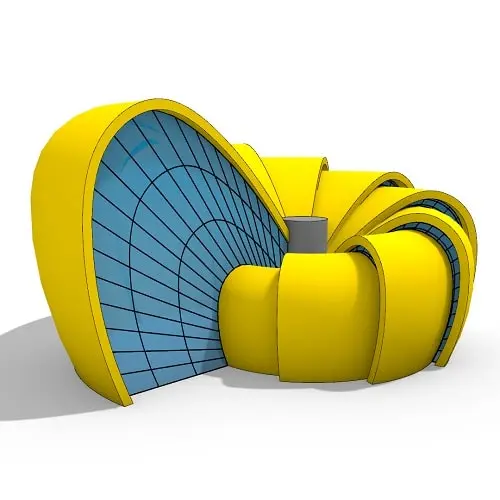
Revolving Building
In this Grasshopper example file, you will design a parametric building by revolving a curve around an axis.
View file →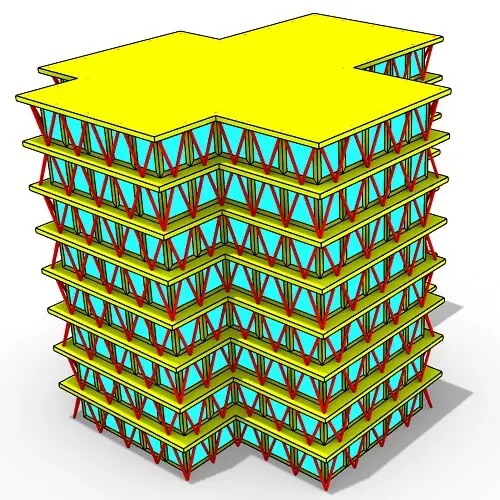
Polyline to Diagrid
In this Grasshopper tutorial, you will learn how to design a parametric building with an exterior diagrid façade.
View file →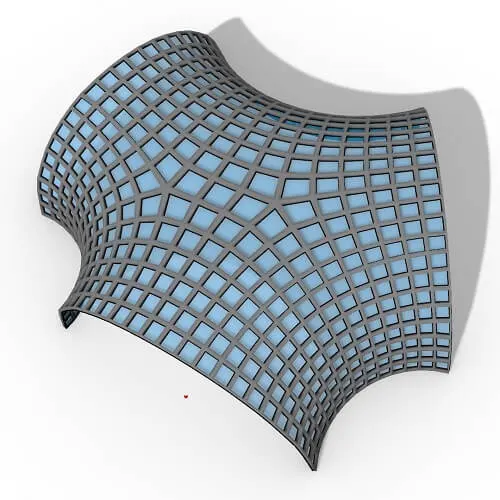
Pipe Pavilion
In this Grasshopper tutorial, you will learn how to design a parametric pavilion using the Kangaroo plugin by defining a series of interconnected lines.
View file →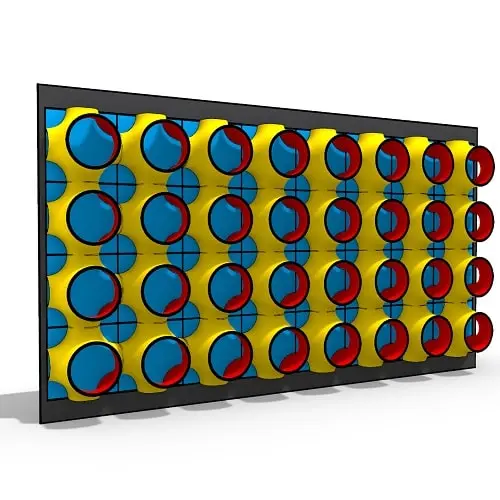
3d Pattern Facade
In this Grasshopper example file, you can design a parametric facade with a series of controllable panels that tessellate in the X and Y directions.
View file →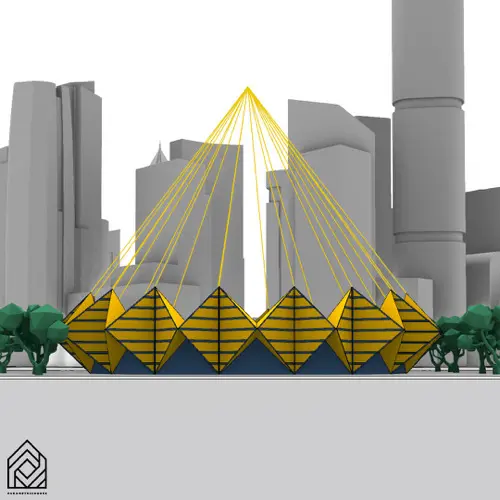
Parametric Stadium
In this grasshopper example file you can design a parametric stadium inspired by the Baku Crystal Hall Stadium.
View file →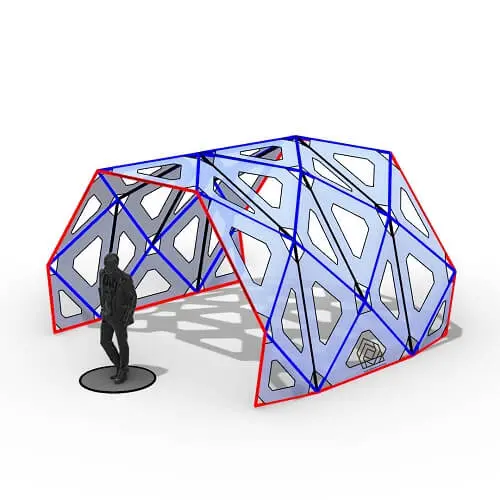
Crane Diamond Paneling
In this example file you can you can design a parametric folding origami covered with Diamond panels using the Parakeet, LunchBox, Crane & Meshplus plugins.
View file →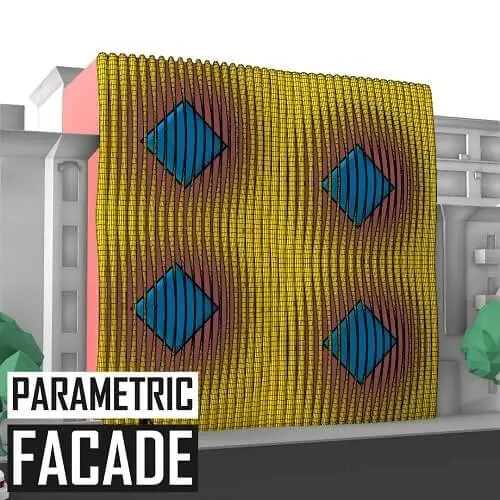
Parametric Facade
In this Grasshopper example file, you can use the native Grasshopper components to model a parametric facade.
View file →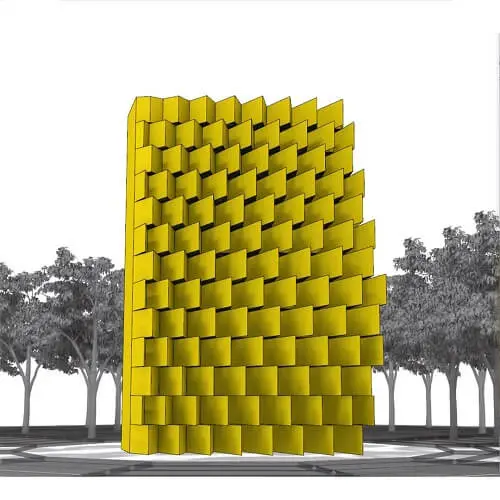
Lunchbox Parametric Facade
In this grasshopper example file you can create a 3D triangular parametric facade using the Lunchbox plugin.
View file →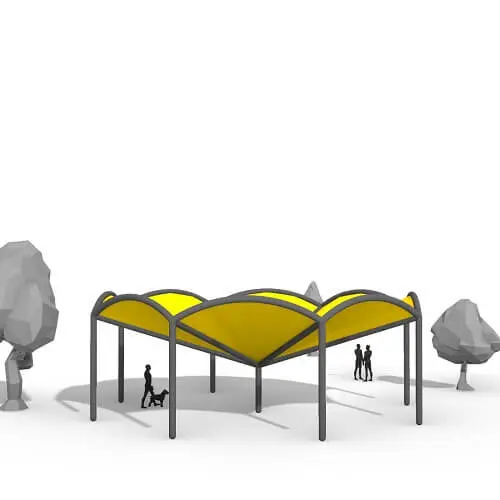
Polar Arc Roof
In this Grasshopper example file you can use model a parametric roof made from polar arc-based surfaces without using any plugins.
View file →
Voxelized Building
In this Grasshopper example file, you will design a parametric voxelized building by defining closed brep boundaries to subtract from the overall form.
View file →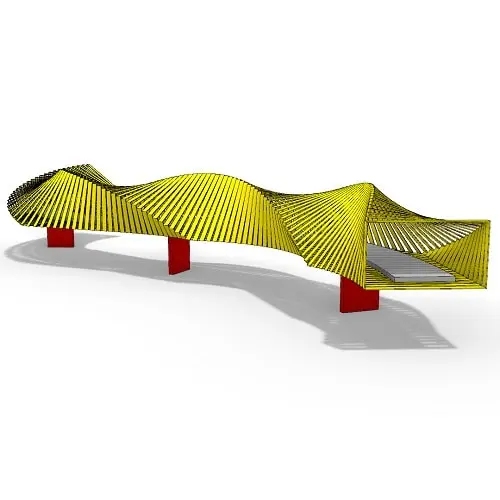
Twisting Bridge
In this Grasshopper example file, you can design a twisting bridge around any curve and define the column point locations.
View file →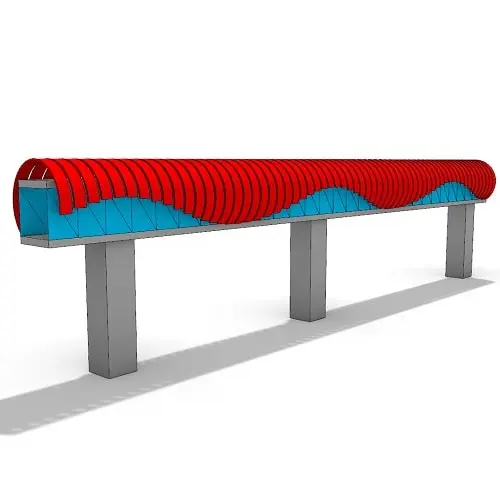
Bridge Facade
In this Grasshopper example file, you will use the 'Arc SED' component to design a series of arcs around a bridge and control them with graph mappers.
View file →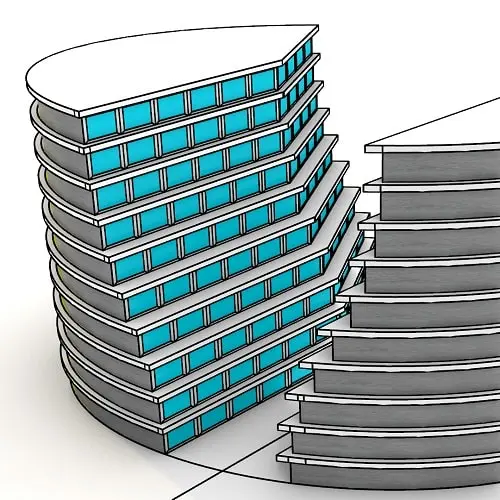
Curve Cutting Building
In this Grasshopper tutorial, you will learn how to design a parametric building using a curve boundary and a cutting curve.
View file →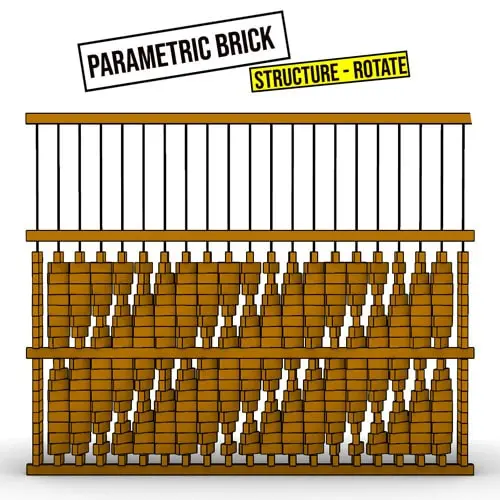
Rotating Bricks
In this grasshopper example file You can design a parametric rotating brick wall by using an image sampler component.
View file →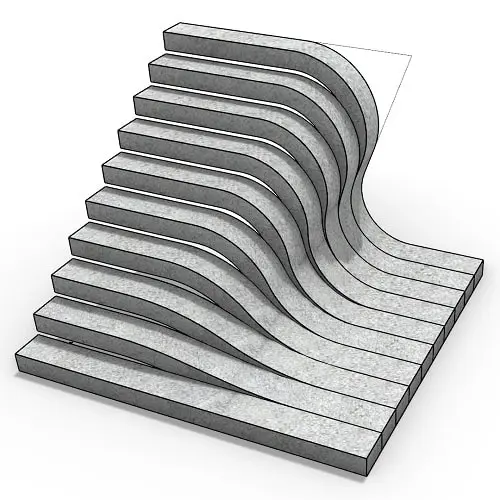
Tween Stair
In this Grasshopper tutorial, you will learn how to design a parametric stair from a polyline using the Tween component.
View file →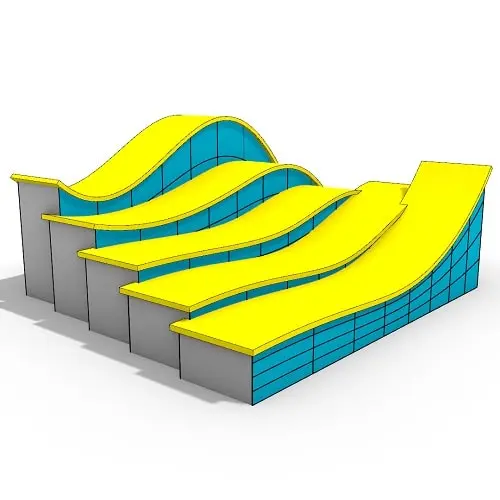
Contour Roof
In this Grasshopper example file, you will learn how to model a parametric building using the contour technique and create roof strips from a series of curves.
View file →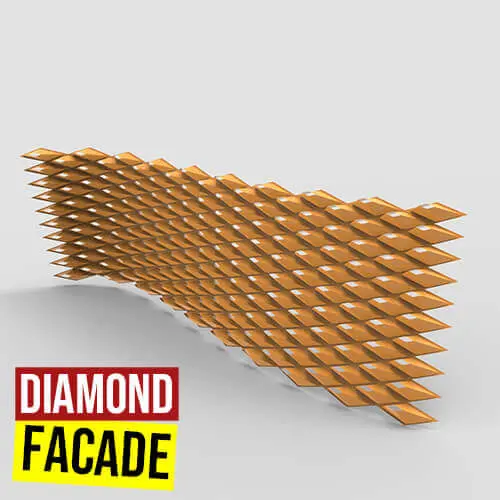
Diamond Facade
In this grasshopper example file by panelizing a surface you can morph any given module inside it by using the "morph to twistedbox" component from pufferfish.
View file →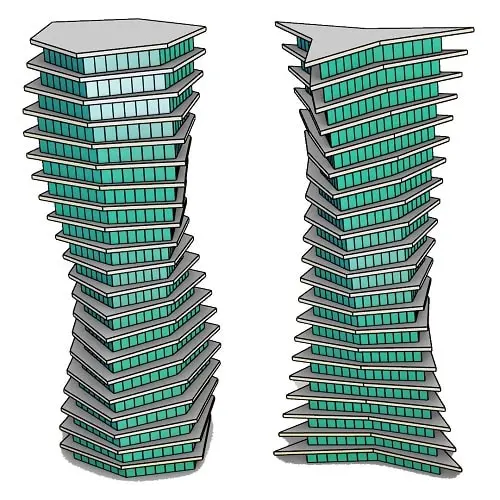
Graph Mapper Tower
In this Grasshopper tutorial, you will learn how to design a parametric tower using the Graph Mapper component and orientation techniques.
View file →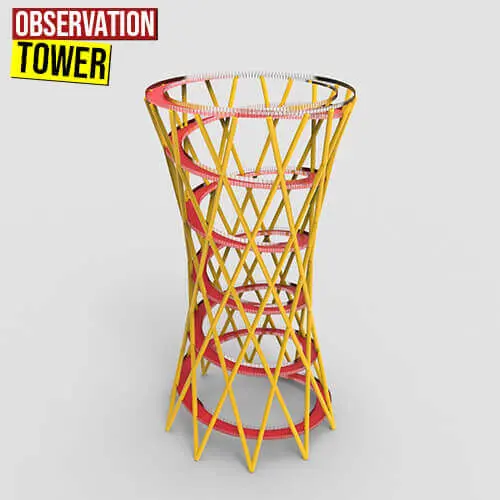
Observation Tower
In this Grasshopper definition you can model something similar to the spiraling observation tower by EFFEKT.
View file →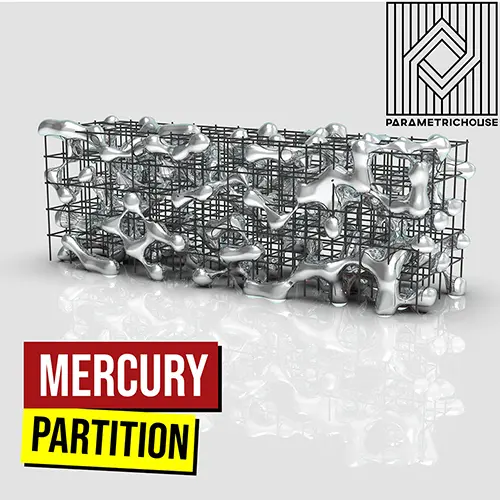
Mercury partition
In this grasshopper definition, you can model a structural frame in grasshopper and then use the nodes to generate a random voxelized volume using the Cocoon plugin.
View file →