File Library
Explore Grasshopper definitions, example files, tutorials and reusable computational design files.
648 matching files
Pinch & Spread Torus
In this grasshopper definition by using the Pinch&Spread component you can add bubble-like form to a mesh and change the form of a torus.
View file →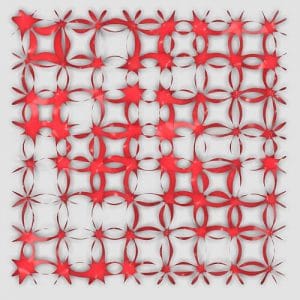
Noisy Weave
In this grasshopper definition, you can generate a Perlin noise on a pattern and use it for weaving the parameters. you can also use weaverbird to smooth the result.
View file →
Rigid Body Collision
This grasshopper definition, inspired by Daniel Piker, simulates the collision between solids by using the “Kangaroo2” plugin.
View file →
Voxelized Twist
In this grasshopper definition by generating a series of rotating planes based on Perlin Noise you can model parametric twisting curves and finally voxelize them by the dendro plugin.
View file →
Animated Mesh Stellation
In this grasshopper example file you can use the Weaverbird’s Stellate component to model an animated mesh.
View file →
Weaved Cloth Collision
In this grasshopper example file you can simulate the collision between a weaved cloth and an icosahedron using the Kangaroo 2 plugin.
View file →
Coiled Curves
In this grasshopper example file, you can create a series of parametric curves by using a Curl noise effect.
View file →
Wavy Mesh
In this grasshopper example file, you can model a parametric mesh by creating a series of moving points around a circle.
View file →
Twisted Ribbons
In this grasshopper example file you can create a series of animated twisted ribbons on any periodic Nurbs surface.
View file →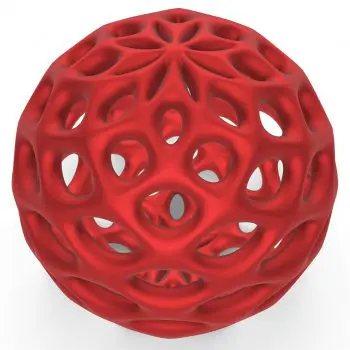
Diamond Cell
In this grasshopper example file you can create a Diamond/Hexagonal Pattern by generating the cells with timer.
View file →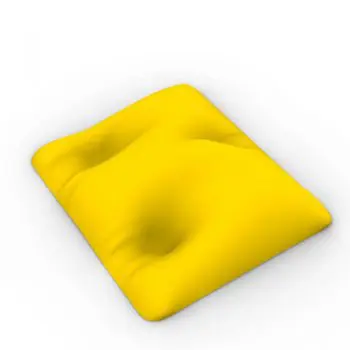
Inflated Kangaroo Mesh
In this Grasshopper example file you use the Kangaroo2 plugin to simulate a parametric inflated mesh .
View file →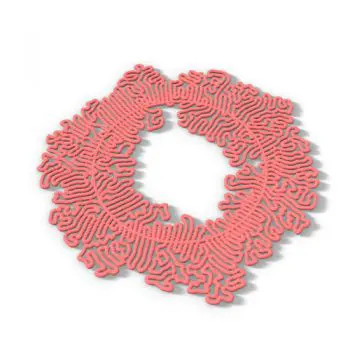
Sphere Collide
In this Grasshopper example file, you can simulate a differential growth pattern on a curve by using the sphere collide component from the Kangaroo plugin .
View file →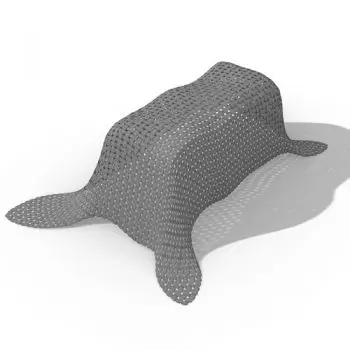
Cloth Simulation
In this Grasshopper example file, you can simulate a piece of Cloth behaviour in collision with a solid object using the Kangaroo plugin.
View file →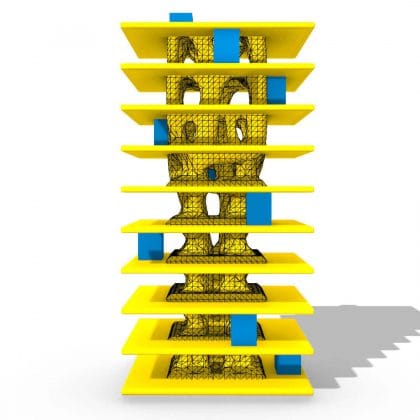
tOpos Building Slabs
In this Grasshopper example file you can use the tOpos plugin to generate an optimized central structure for a series of slabs.
View file →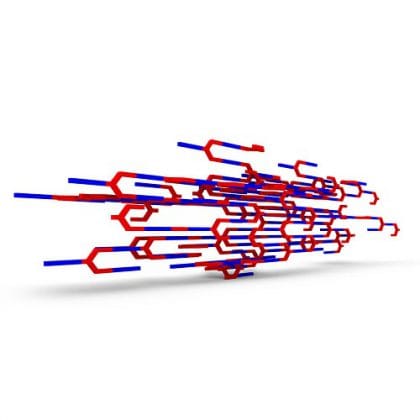
Discrete Design
In this grasshopper example file, you can design parametric 3d patterns based on a Discrete method.
View file →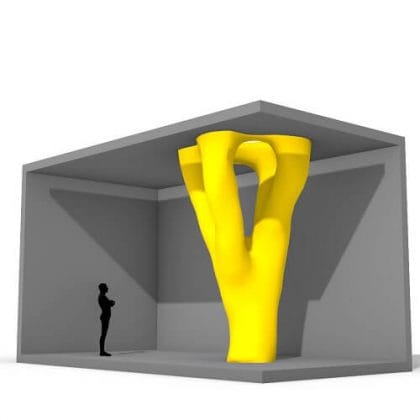
tOpos Parametric Column
In this Grasshopper example file you can use the tOpos plugin to optimize a parametric column.
View file →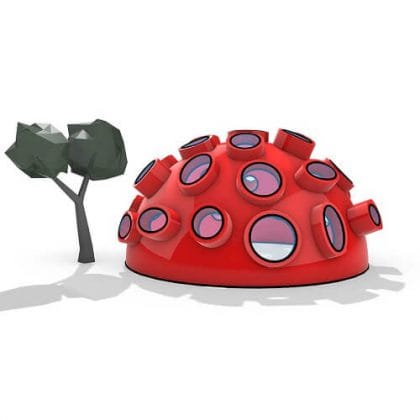
Circle Packing Dome
In this grasshopper example file, you can Use the Kangaroo 2 Plugin to model a parametric dome uding the circle packing technique.
View file →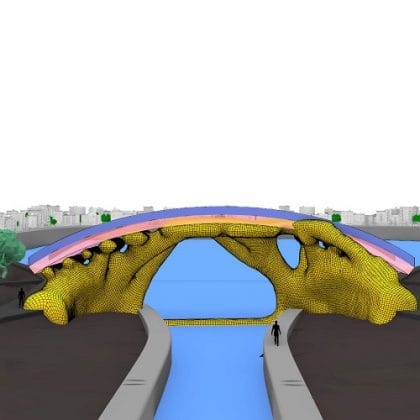
tOpos Footbridge
In this Grasshopper example file you can use the tOpos plugin to optimize a parametric bridge for pedestrians.
View file →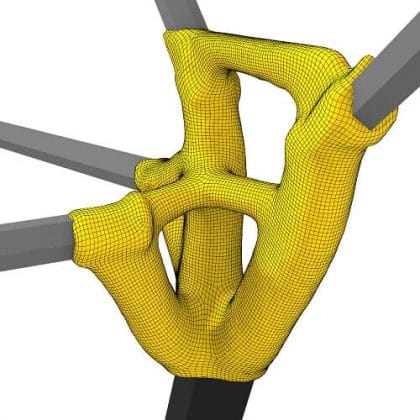
tOpos Joint
In this Grasshopper example file you can use the tOpos plugin to design a parametric joint for a set of rods using the topology optimization method.
View file →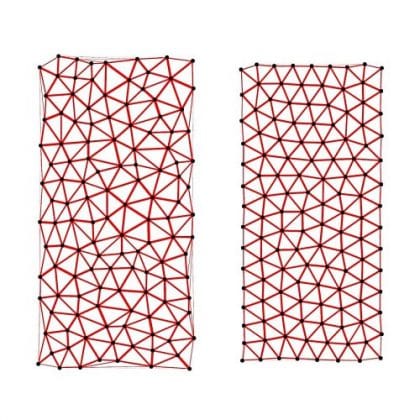
Lloyds Relaxation
In this grasshopper example you can refine a mesh by using the Lloyds algorithm and the Stella3d plugin.
View file →
Flexhopper
In this Paracourse Lesson, you will learn how to simulate the collision of a series of random particles with spheres by using the Flexhopper plugin.
View file →
Rigid Body
In this Paracourse Lesson, we are going to use the kangaroo’s Rigid body component to simulate a series of boxes connected together. Then we are going to transform them by defining a point attractor.
View file →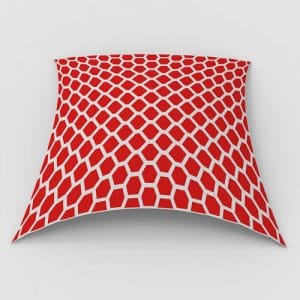
Planarize Polygons
In this Paracourse Lesson, we will use the Kangaroo plugin to show you how to planarize a series of panels. First, we will use Lunchbox to model the panels and then we will use Kangaroo’s goals to planarize.
View file →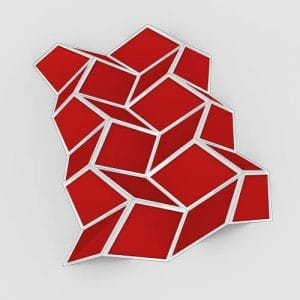
Origami Basics
In this Paracourse lesson, we will study how to model origami in Grasshopper by using the Kangaroo plugin. First, we will study a simple hinge simulation in Grasshopper and then take it to the logic behind negative/positive bending hinges i
View file →