File Library
Explore Grasshopper definitions, example files, tutorials and reusable computational design files.
124 matching files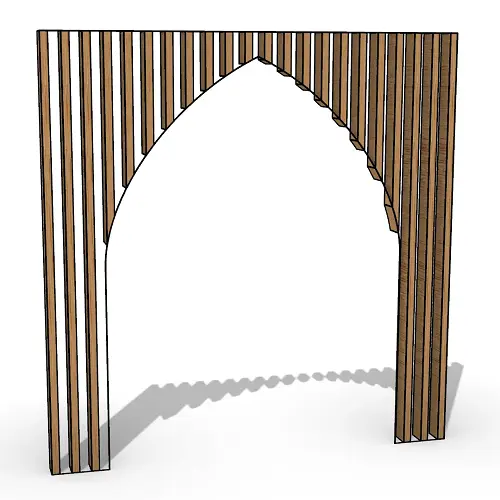
Vertical Boxes
In this Rhino Grasshopper tutorial for beginners, you will learn how to generate a series of vertical boxes inside a closed curve boundary.
View file →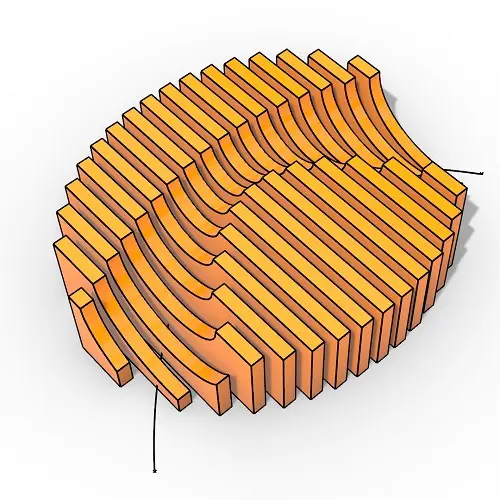
Contour Control
In this Rhino Grasshopper tutorial, you will learn how to generate parametric contour sections created from a closed boundary curve and a series of points.
View file →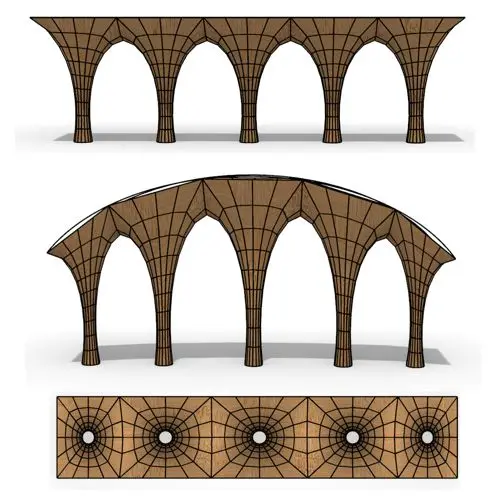
Columns on Curves
In this Grasshopper tutorial, you’ll learn how to generate tensile-based parametric columns along any curve using the Kangaroo plugin.
View file →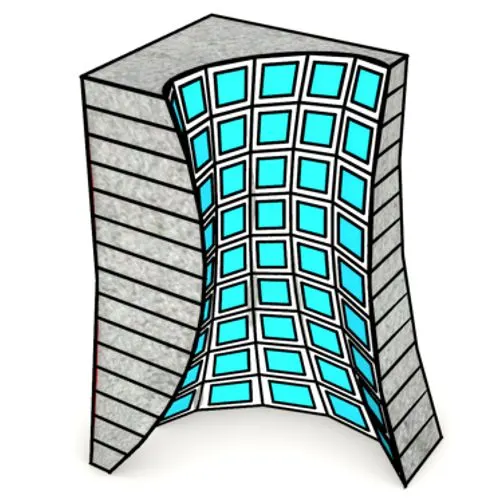
Parametric Tower
In this Grasshopper tutorial for beginners, you’ll learn how to design a parametric tower with a customizable central void using Nurbs curves.
View file →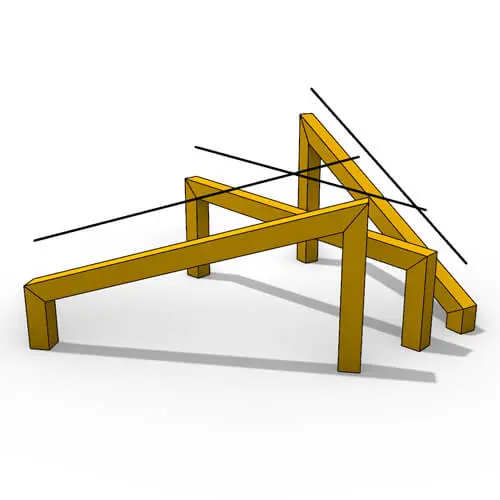
Frames on Curve
In this Grasshopper tutorial because we know how to convert a series of lines to a frame now we can also learn how to generate parametric lines from a curve so we can design more complicated frames from a single curve.
View file →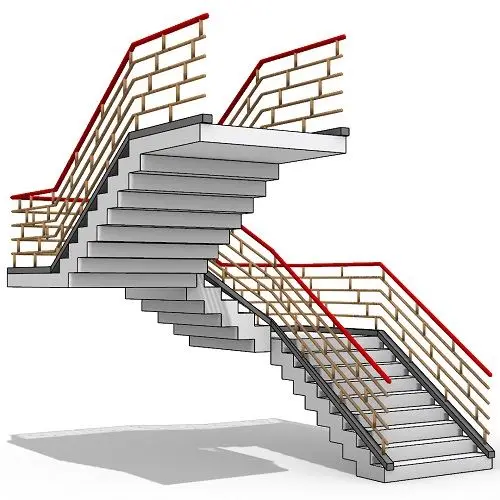
Parametric Handrail
In this Grasshopper tutorial, you'll learn how to create a parametric handrail by defining a base curve and selecting 2D patterns for the balusters.
View file →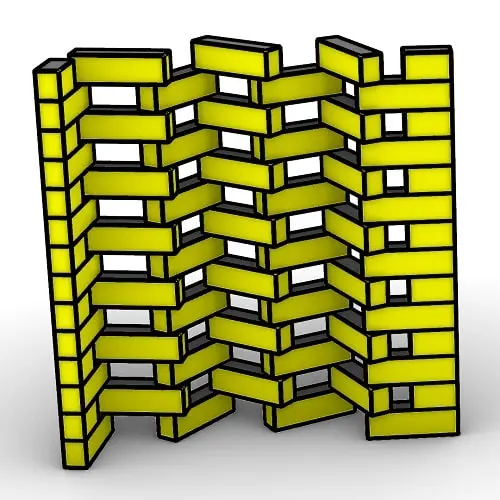
Brick Wall
In this Rhino Grasshopper Script, you can model a parametric brick wall by defining a base curve
View file →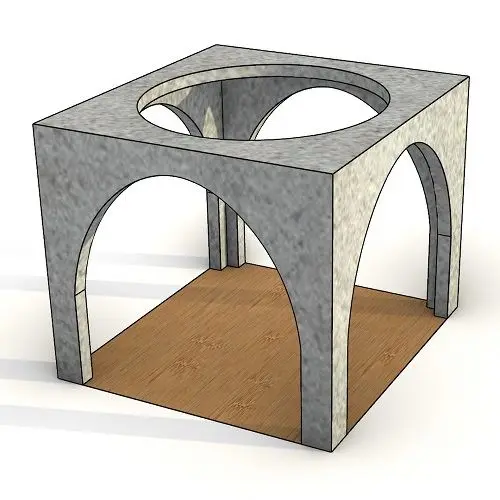
Parametric Architecture
In this Rhino Grasshopper script, you can design a parametric architectural structure using a series of planar curves while controlling the arc profile for the openings.
View file →
Discontinuity
Easily detect kinks and sharp transitions in curves with the Discontinuity component in Grasshopper! Identify and split curves precisely where needed for clean geometry processing.
View file →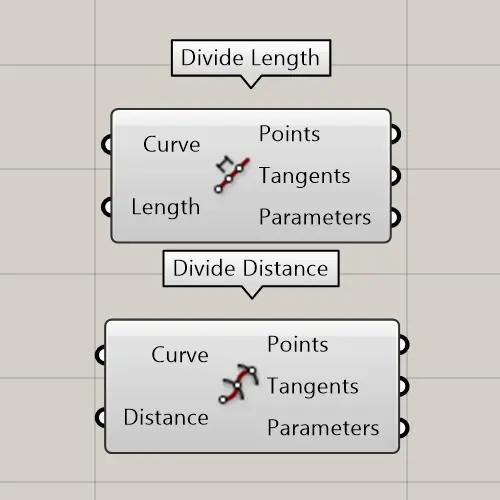
Divide Length/Distance
Discover the key differences between Divide Length and Divide Distance in Grasshopper. Learn how these components handle straight and non-linear curves for precise point placement and curve segmentation.
View file →
Curve Seam
In Rhino, a closed curve forms a complete loop, but mathematically, it still has a specific point where it begins and ends. This point is called the seam.The Seam component in Grasshopper lets you move this ...
View file →
Extend to point
Have you ever needed to extend a curve in Grasshopper but struggled to control the direction?Instead of relying on trial and error, there's an easier and more efficient method.
View file →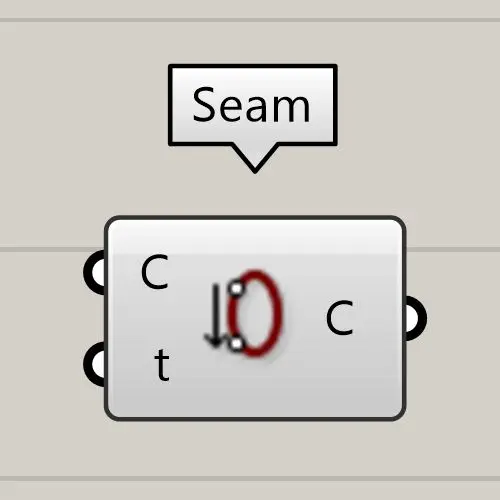
Curve Seam
You can adjust the seam of a closed curve using the "Seam" component. As shown in the example, by changing the seam location of two rectangles, the connection of their division points (visualized as lines) also changes.
View file →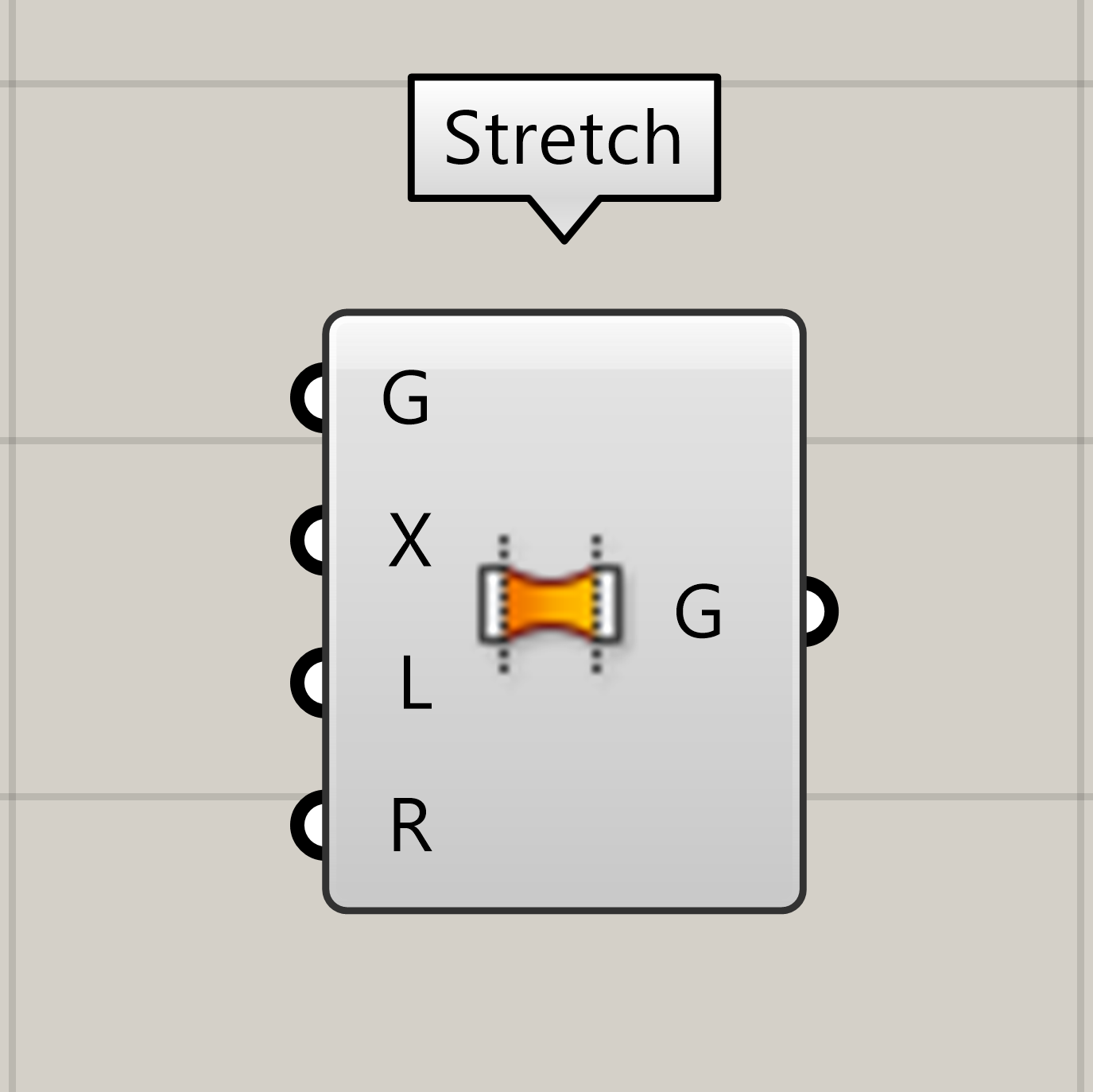
Stretch Component
The Stretch component can be used to extend or move a single-curved surface. This dual functionality makes it easy to create flexible design changes.
View file →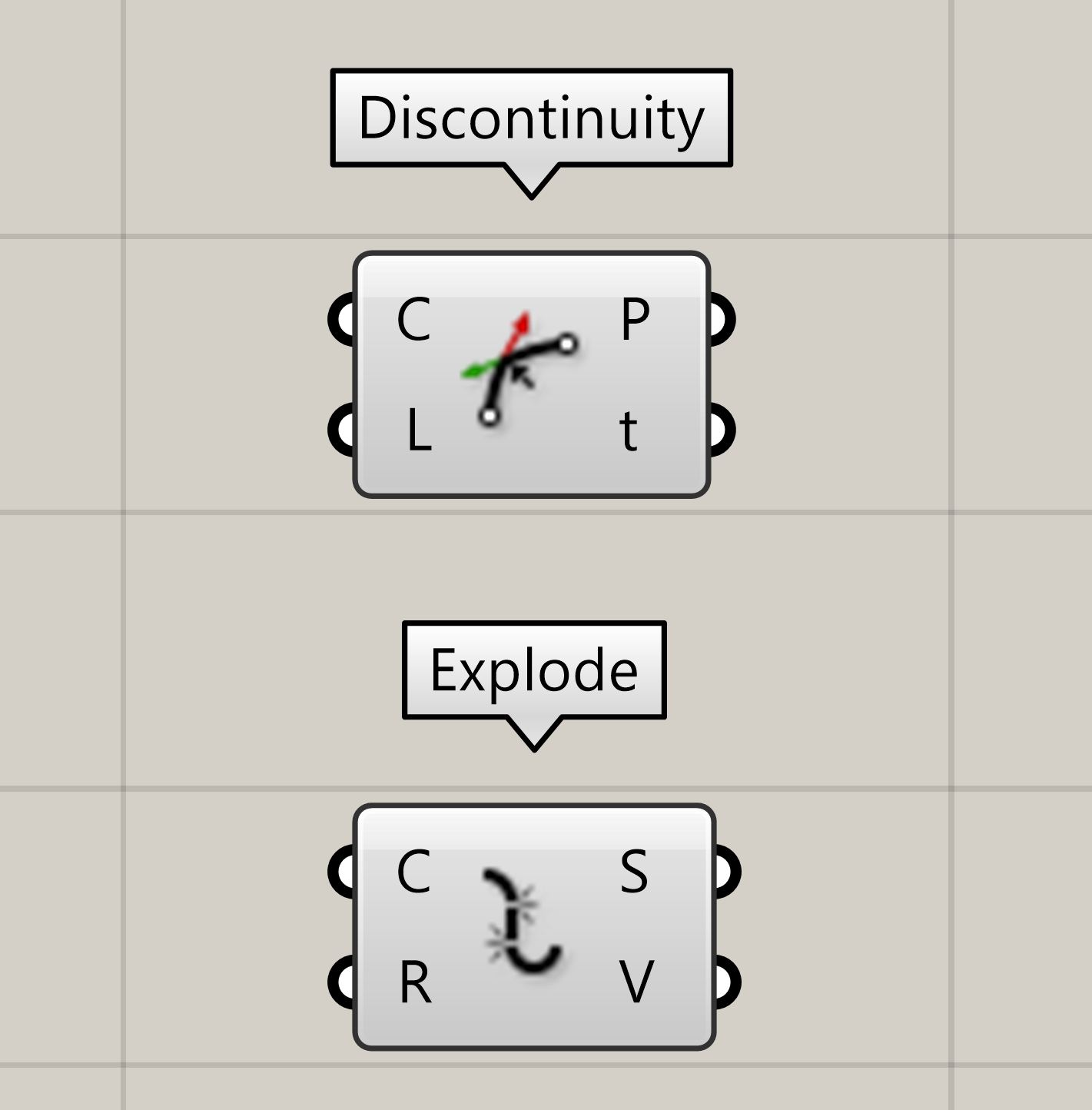
Polyline Vertex
In this Grasshopper example, the Discontinuity and Explode Curve components are compared to demonstrate their differing outputs for a closed polyline.
View file →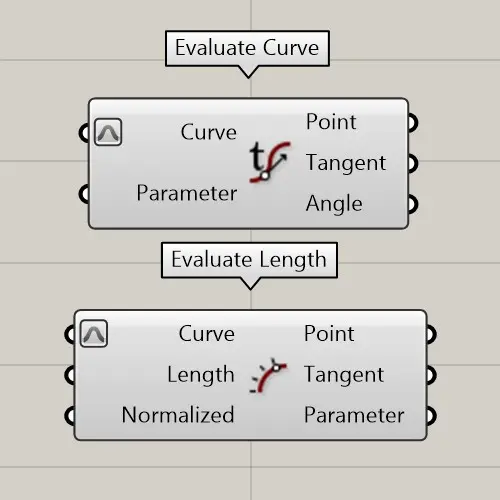
Curve Evaluation
There are several ways to find the midpoint of a curve, but they may not work in exactly the same way. Below are four simple methods to evaluate a curve at a 0.5 ratio.
View file →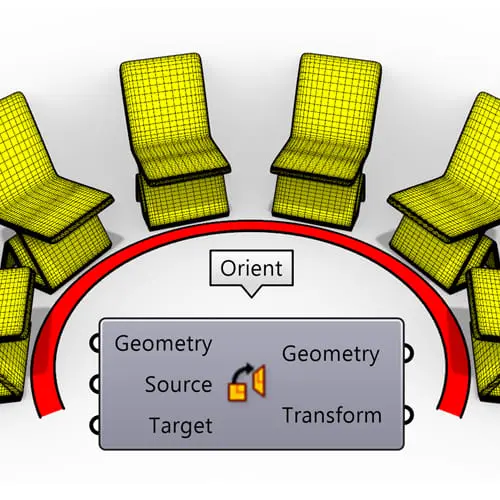
Orient On Curve
In this Grasshopper example file, you can orient a geometry on a curve by defining a base line and a gap distance.
View file →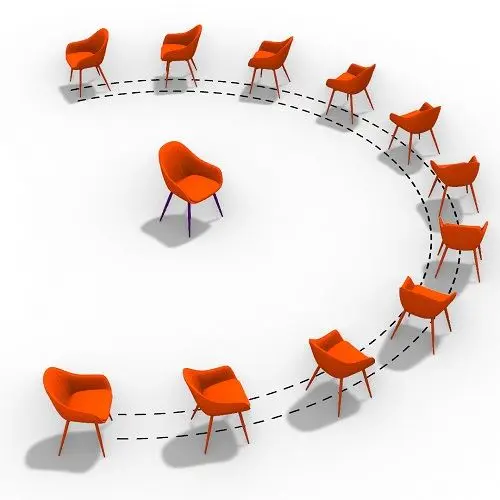
Orient On Curve
In this Grasshopper tutorial for beginners, you will learn how to orient an object on a curve by parametrically selecting a point on the bottom of the object.
View file →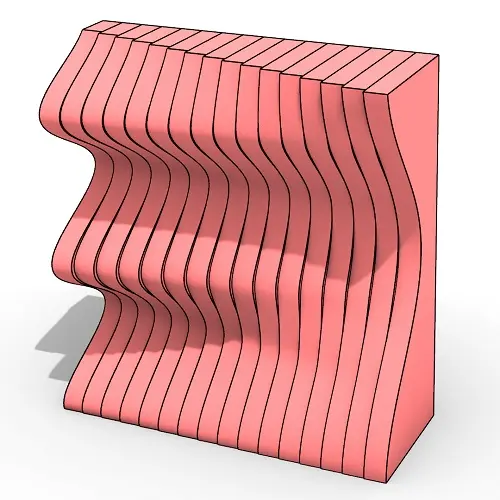
Tween Sections
In this Grasshopper tutorial for beginners, you will learn how to create a parametric wall using graph mappers to control the tween curves.
View file →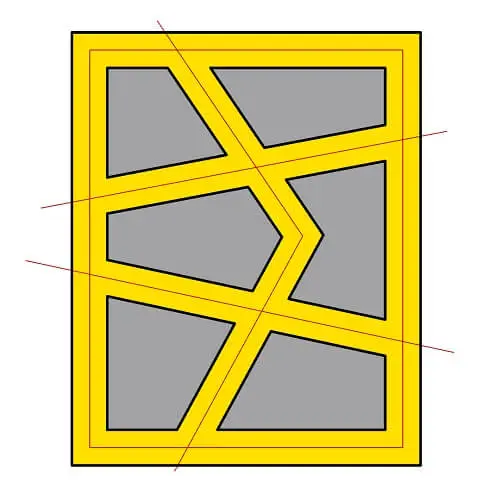
Offset Intersection
The Offset Intersection (Fennec Plugin) enables users to create inner and outer offsets from a given set of curves. Here's how to use it :
View file →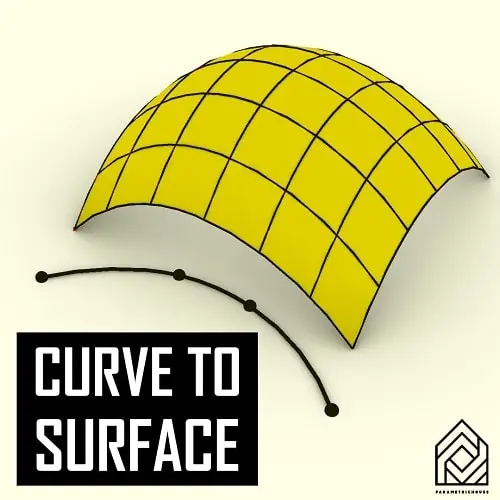
Curve to Surface
In this Paracourse Lesson, we are going to convert a single curve to a network surface by Learning how to use the Orient tool.
View file →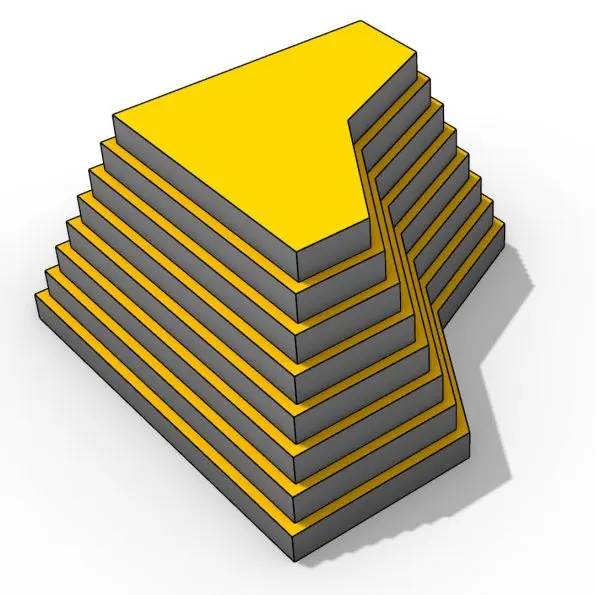
Anemone Building
In this Grasshopper Anemone Tutorial you can learn how to model a parametric building from a polyline or curve.
View file →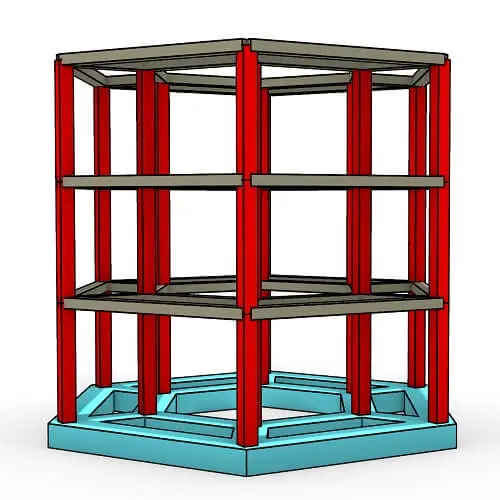
Lines to Building
In this Rhino Grasshopper script, you can effortlessly transform a series of lines representing a building’s plan into a 3D visualization that showcases its foundation, columns, and beams.
View file →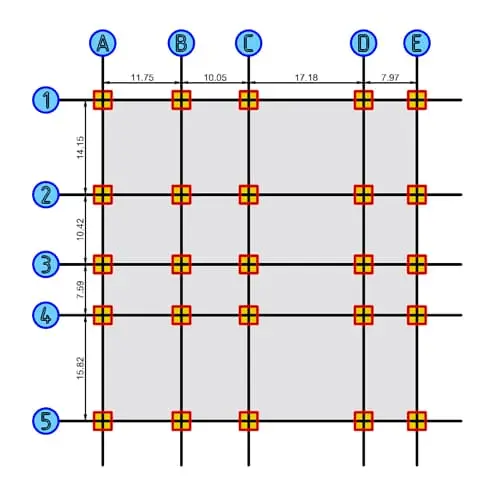
Structure Plan
In this Grasshopper Example File, You can use the fennec plugin to design a parametric structure plan or an architectural grid.
View file →